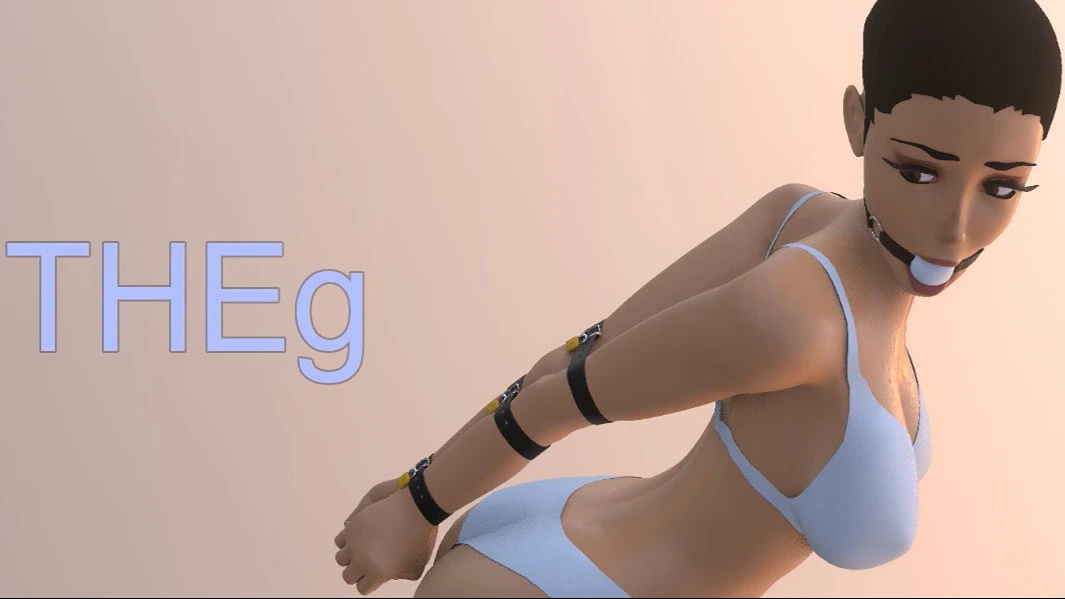
THEg
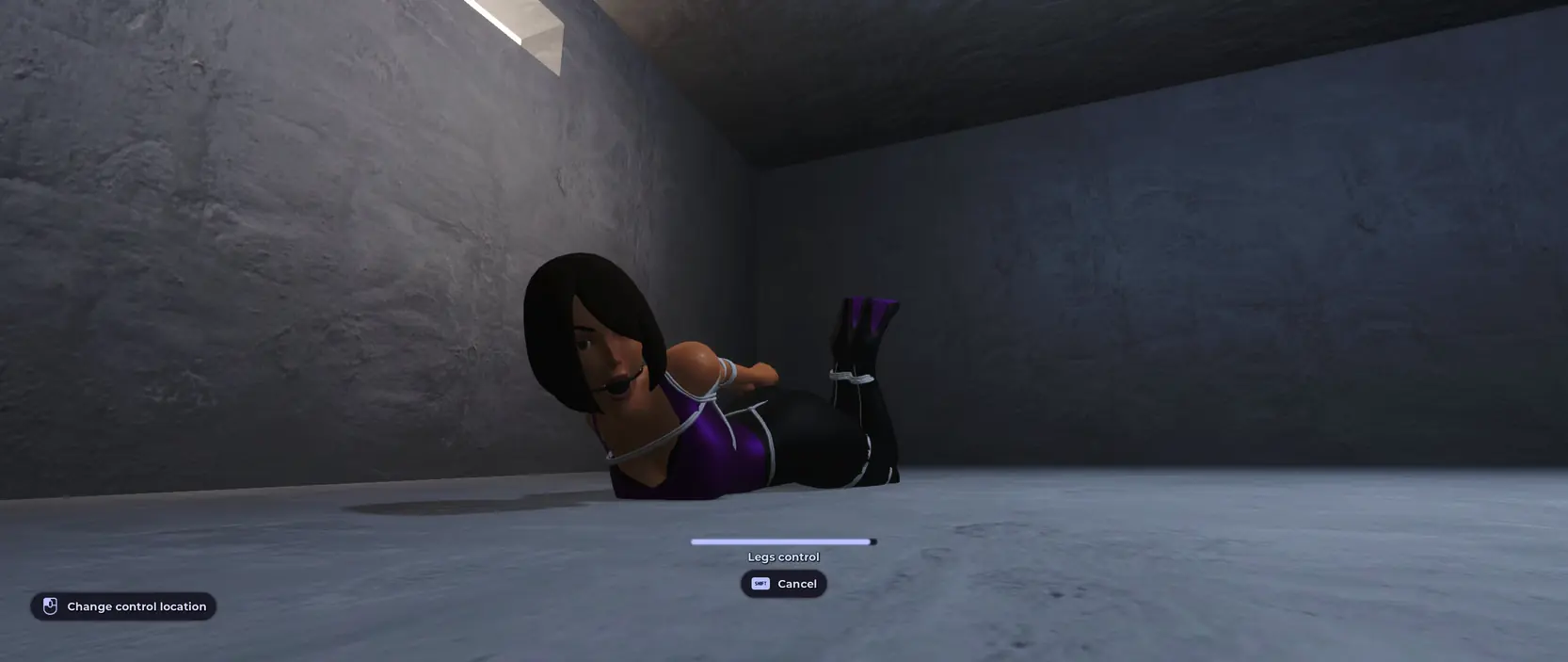
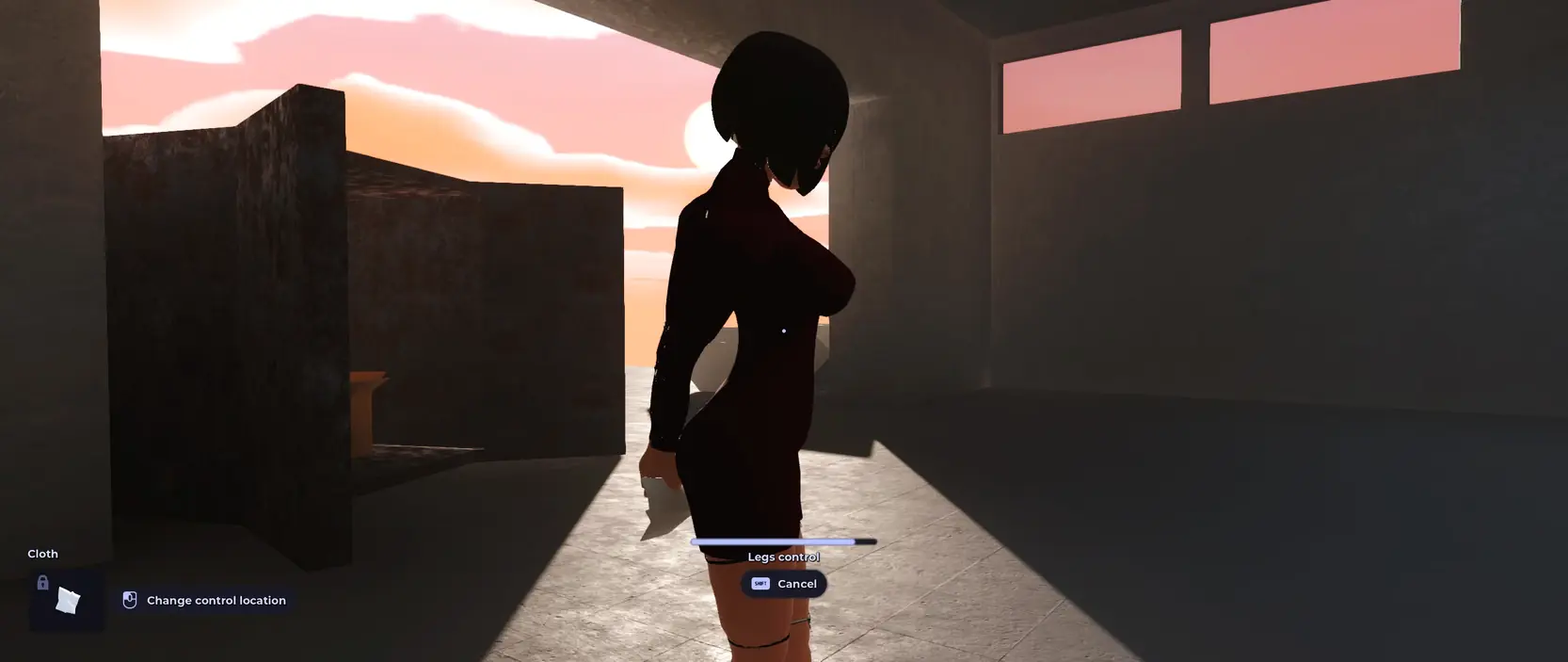
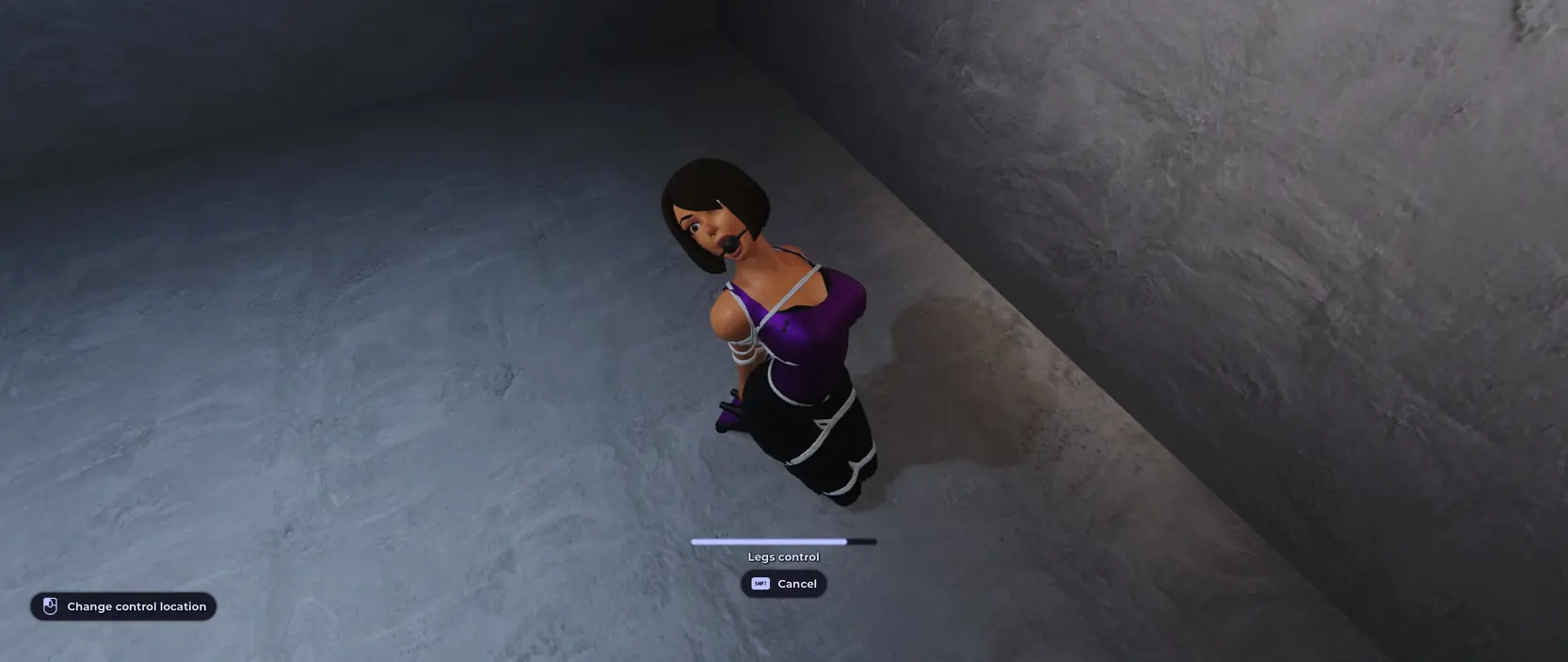
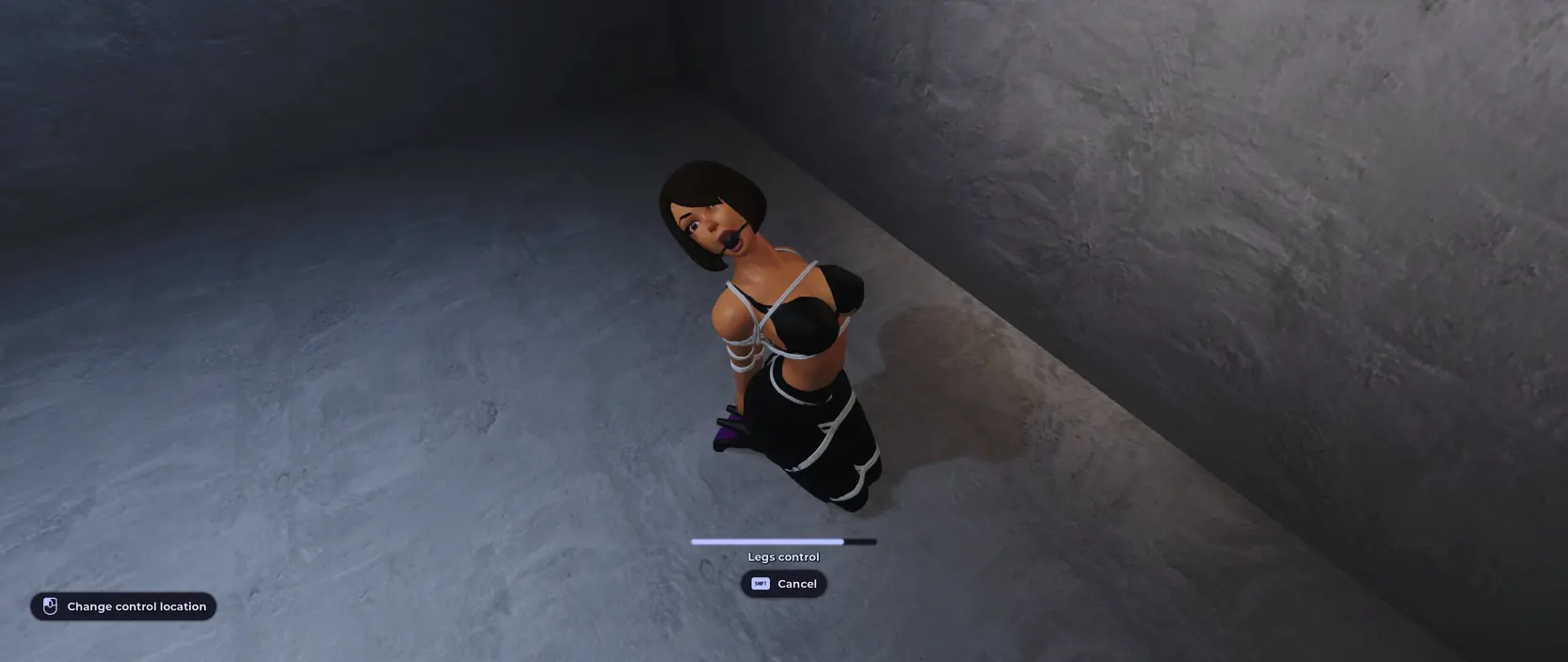
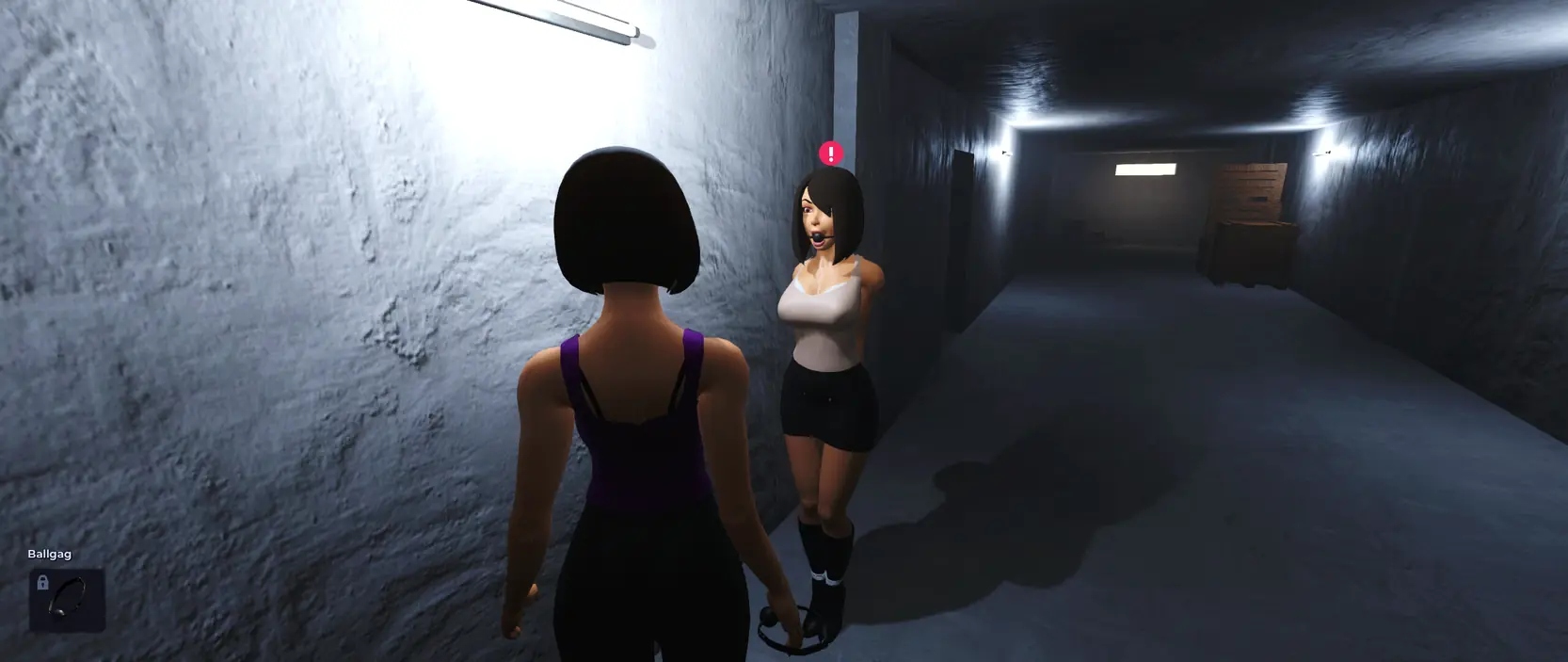
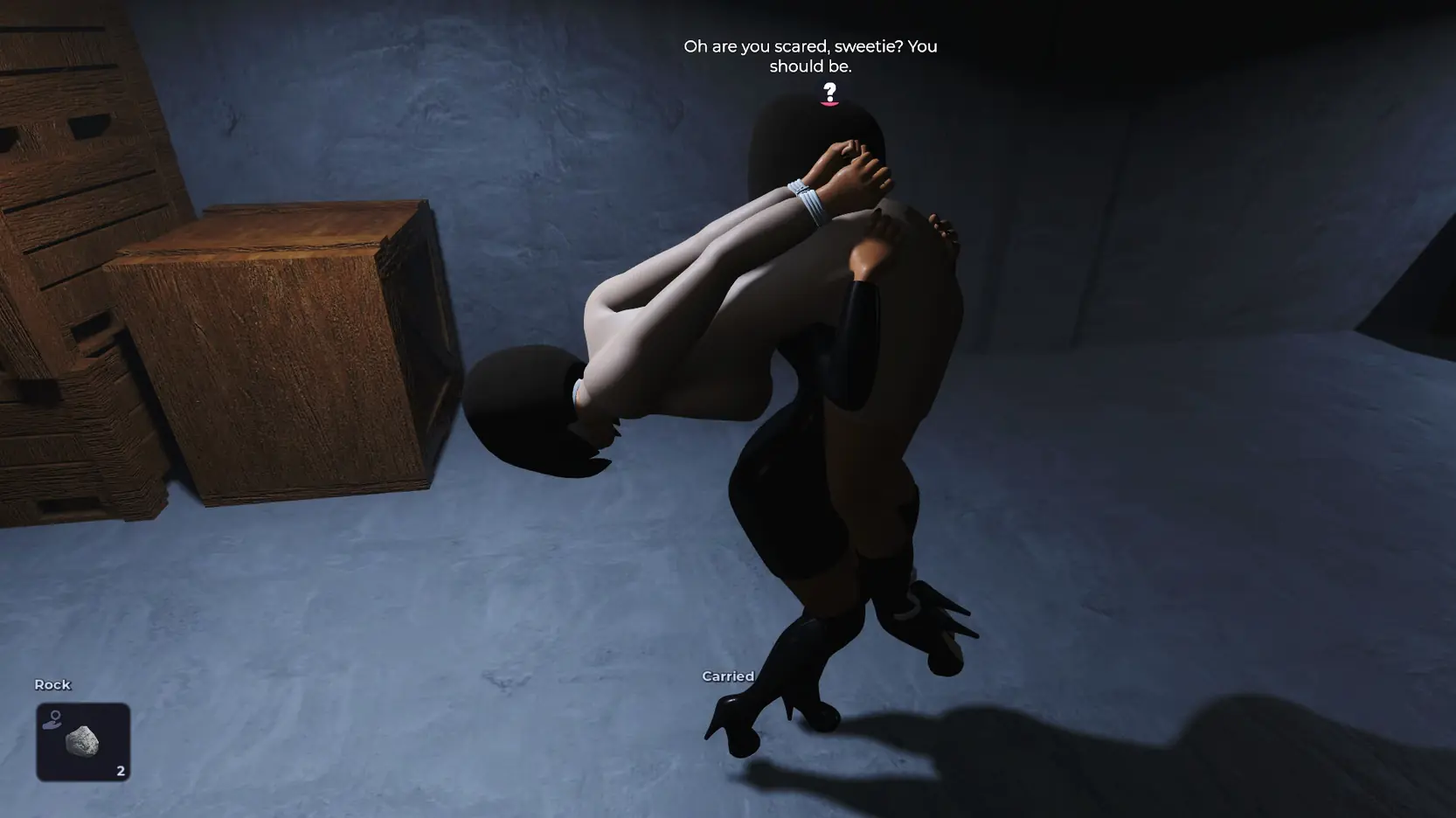
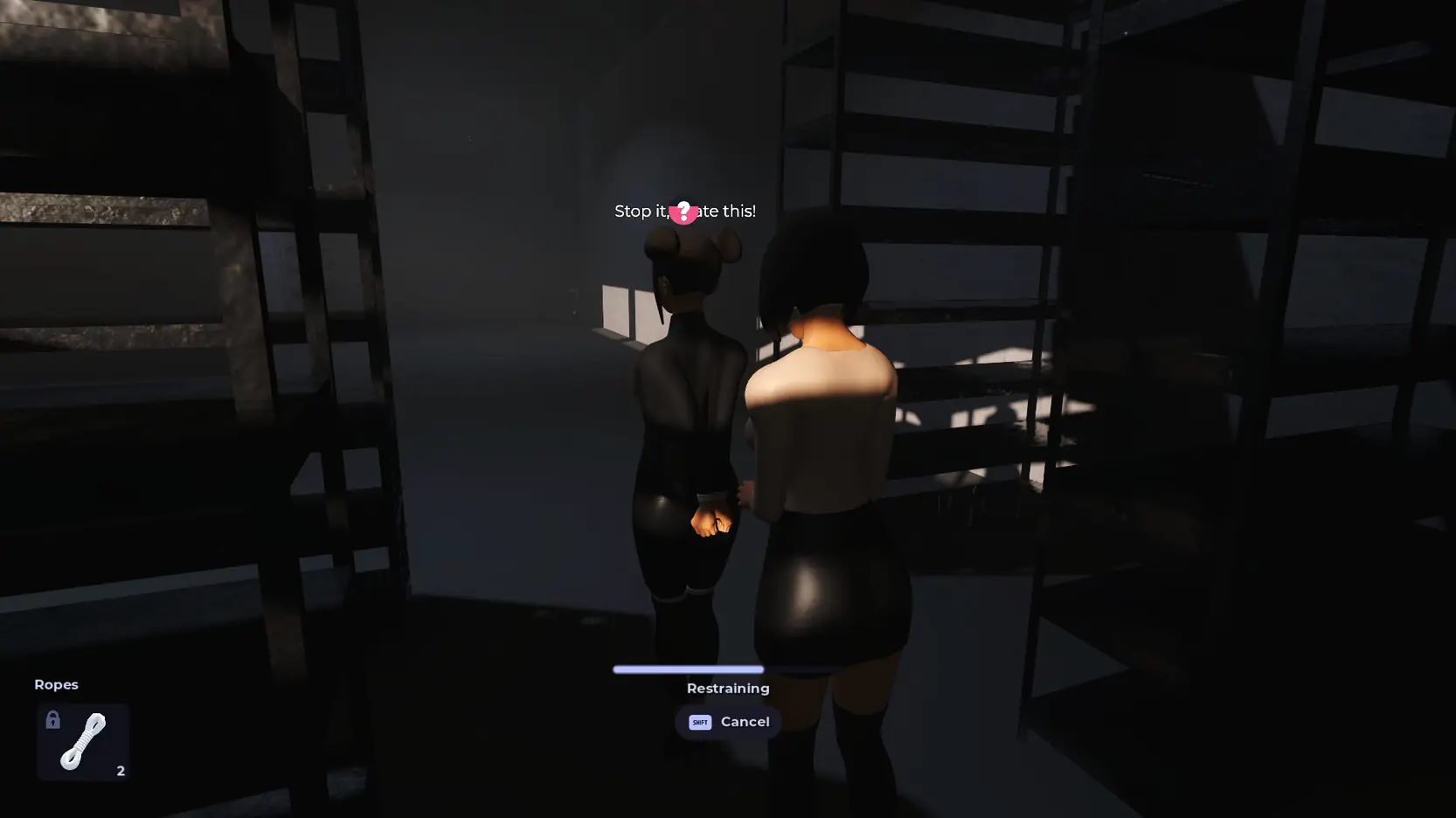
Game Description:
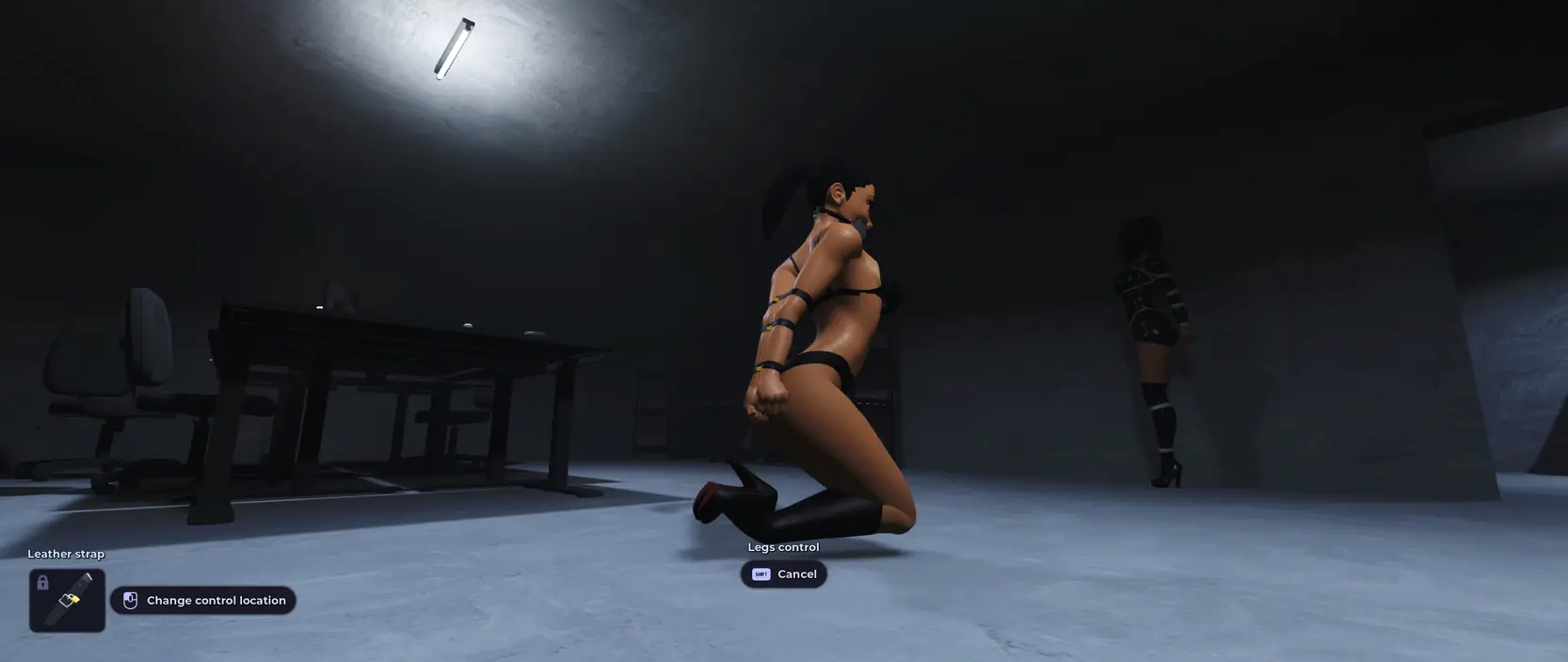
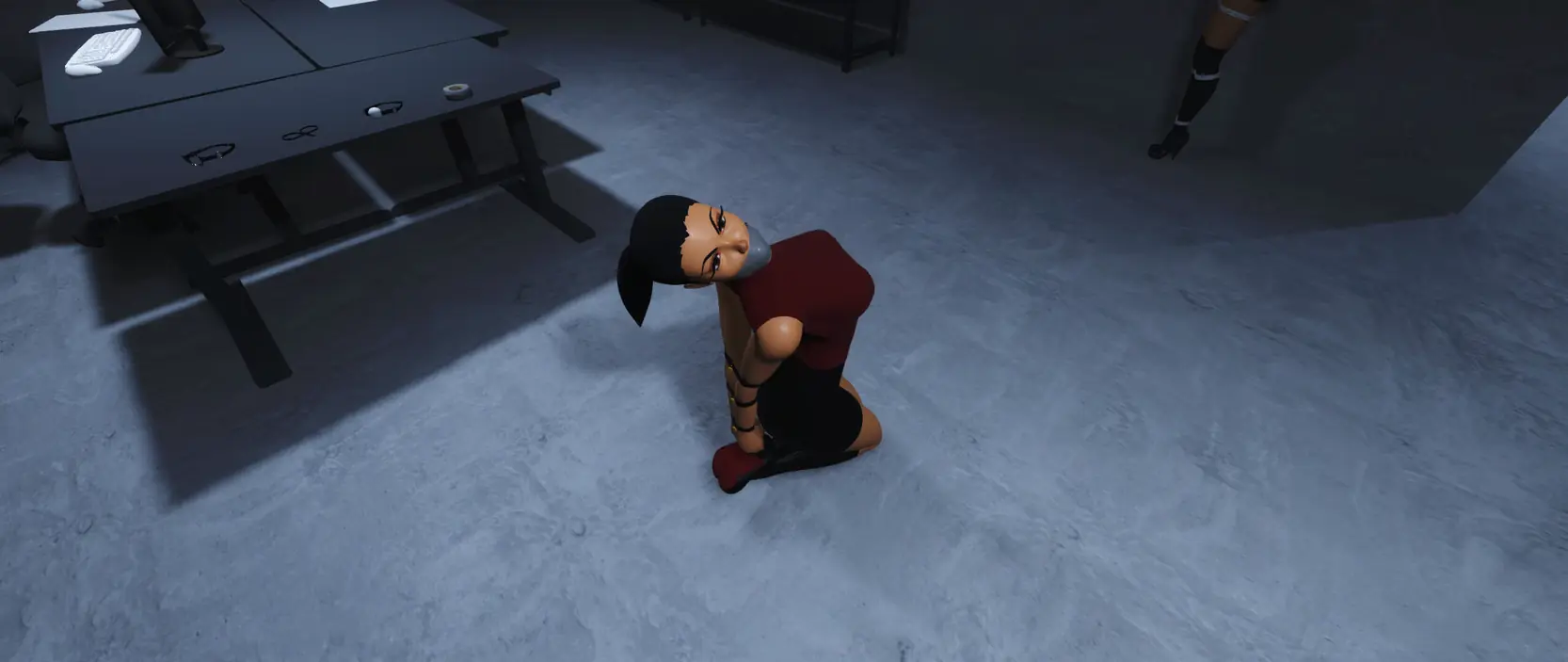
THEg is an third-person action-adventure bondage game taking place in a fictive dystopian world set in the current time in a small city.
An economic crysis will make the biggest companies enforce new laws against public opinion to force people into work to pay their debts.
The government decided to do an experiment in a few small cities to monitor how effective it would be. Naturally your city is one of the first ones.
These laws were blurry enough to allow a new kind of businesses to appear. You start right after the annoucement of these laws
- Extract and run.
- If you have issues running the game:
- Windows
Try to launch the game by running THEg - Compatibility mode.bat instead of THEg.exe. - Linux
Try to launch the game by running in the terminal:
./THEg.x86_64 --rendering-driver opengl3
Additions
- Added new female model
- Added two new hairstyles
- Added skin, nipples, eyes and lips makeup and nails customization
- Added photo mode
- Container occupiables now have See Through Modes to allow the player to set how they want to be able to see characters inside
- Added screenshot feature for photo mode and in-game
- Added ShareCharacterMesh to be able to have multiple mesh sharing the same materials properties
- Added SkinShaderMaterial and TransparentShaderMaterial types
- Added a button tooltip node to easy add tooltips for specific buttons
- Added a reset button for each action in controls settings and reduced the assignment size
- Added a warning popup when loading a save from a different game version
- Added back camisole/tank top model lost from around the 0.1.1 version
- Added blindfolds to different NPCs restraints preferences
- Added camera FOV, Tilt and Depth of Field and Exposure setting for photo mode
- Added camisole item to underground room and added related restraints in NPC’s inventory
- Added popup for the player to confirm that they are an adult (i know, i know…)
- Added popup to let the player confirm when the game is about to open an external link
- Added screenshot render scale option in photo mode settings tab
- Added setting color to give the ability to select a color from the color picker
- Added support for the screenshot function to set a given render scale
- Added “nudity” command to control nudity display of crotch area
- Added “help” command hint message default message when opening the dev console
- Added “leash” parameter to restraints dev command to be able to create a leash from a dev command (i know you wanted to)
- Added “restraint leashable” dev command to list objects that can have a leash
- Improved “position set vec” dev command parameter to allow “~” to keep the current axis value
- Improved ColorPickerUI to only be a color picker popup menu reusable everywhere
- Improved Material Customization Screen readability
- Improved Quick equip screen to handle inputs the same way the controller input are managed in the hope to ensure every item is selectable
- Improved UI uniform look in several screens
- Improved and finally got shared material properties references between in-world character and character previews
- Improved and fixed sweaters, dresses armbinder blend shapes
- Improved button tooltip and added support and social buttons tooltips
- Improved camera vertical movements to allow a slower vertical speed while the horizontal one is faster to improve the general feeling of the game
- Improved character body code
- Improved character meshes to handle their own material properties
- Improved dev console by allowing text selection in the console for easier copy/pasting of IDs
- Improved dialogue character code
- Improved game settings to not save default engine UI keybinds
- Improved how setting indicators are handled and displayed
- Improved how the game referenced it’s version internally
- Improved input type identifier
- Improved item selection in button list and improved hair customization action
- Improved occupiable interactable to have a signal when the character is changed
- Improved screenshot function to handle the render scale and UI visibility
- Improved setting slider to be able to display decimals or not and have a suffix
- Increased walk and run speed
- Removed dev photo mode scene
- Removed old female model files
- Removed prototype warehouse ground floor
- Rename old game settings file to avoid confusions
- Renamed “group” dev command to “groups”
- Replaced branding icons for Discord and SubscribeStar and added pixiv
- Replaced how gags blend shapes were applied on the character by animations instead
- Reworked blindfold effect and replaced blindfold effect setting with blindfold intensity setting (Thanks to @alexofp for the base shader code)
- Support older saves by resetting the body properties with the default one but keep the player saved hair settings
- The active mission title is now shown in the save list
- Upgrade to Godot 4.6.2
- Upgraded every single file of the project to make sure it’s updated for the latest engine version
- Attempt to fix game settings not saving correctly sometimes by waiting before closing the game
- Attempt to fix random ugly/blinding reflection probe issue by setting maximum reflection probes distance
- Better handle character body properties
- Character Mesh and Material Properties overall with massive changes to add be easier to maintain in the future, support multiple meshes per object and support for transparent material properties.
- Disabled autowrap on item button’s amount label
- Disabled bloom
- Experimenting with shader baker for exports
- Fixed LookAtComponent sometimes trying to remove an invalid lookat target
- Fixed UI ordering
- Fixed animation importing wrong rootpath
- Fixed animations blend shapes wrong value and throwing animation and action fixed
- Fixed blend shapes utils functions could crash the game
- Fixed breast animation filter
- Fixed chairs mesh apparently not having their mesh assigned properly
- Fixed customization changes being unsynced and called too many times between previews and in-world
- Fixed customization options being shared between characters sometimes
- Fixed hud action sometimes could crash the game
- Fixed interactions UI random access to a null value when going back to main menu
- Fixed leash not destroying itself properly
- Fixed look at component trying to remove a null reference resulting in a character keeping their head locked in a direction
- Fixed main menu scene reflection probe max distance
- Fixed material customization potential crash
- Fixed reset keybind text
- Fixed setting options not automatically translating when changing language
- Fixed signals connection and removed unused script
- Fixed tie/untie menu appearing even if there’s nothing to do
- Fixed tie/untie menu translations not applied on some tooltips
- Fixed tooltip still being shown when it has no target while it is doing it’s displaying animation
- Fixed upper face expression still playing when blindfolded resulting in skin clipping through the blindfold
- Dual Core Pentium or equivalent Processor.
- Intel HD 2000 or equivalent Graphics.
- 223.35 MB of free disk space (Recommended to have twice as much free disk space than this).
THEg - Ongoing - v.0.1.6.4 Fix Links And Mirrors
About The Game: THEg is a porn game made on Godot game engine. This game is rated M and meant for adults with explicit contents and strong language. It is advised to read the tags to get an idea about the game. The current available version is v.THEg. THe contents of the game is Uncensored. THEg is developed and distributed by nargacu83, Please support nargacu83 if want the development of THEg game going or want to see more new games from them in future. The download links are crawled and gathered from various public sites. We do not host/modify or alter the contents. The uploader is responsible for the DMCA.
THEg's latest build v.0.1.6.4 Fix is available in Windows, Linux platforms and currently Ongoing. We last updated this game in August 18, 2026.
THEg's latest build v.0.1.6.4 Fix is available in Windows, Linux platforms and currently Ongoing. We last updated this game in August 18, 2026.
Walkthrough and Guide
Cheat Table: FILEKNOT