Succubus Reborn

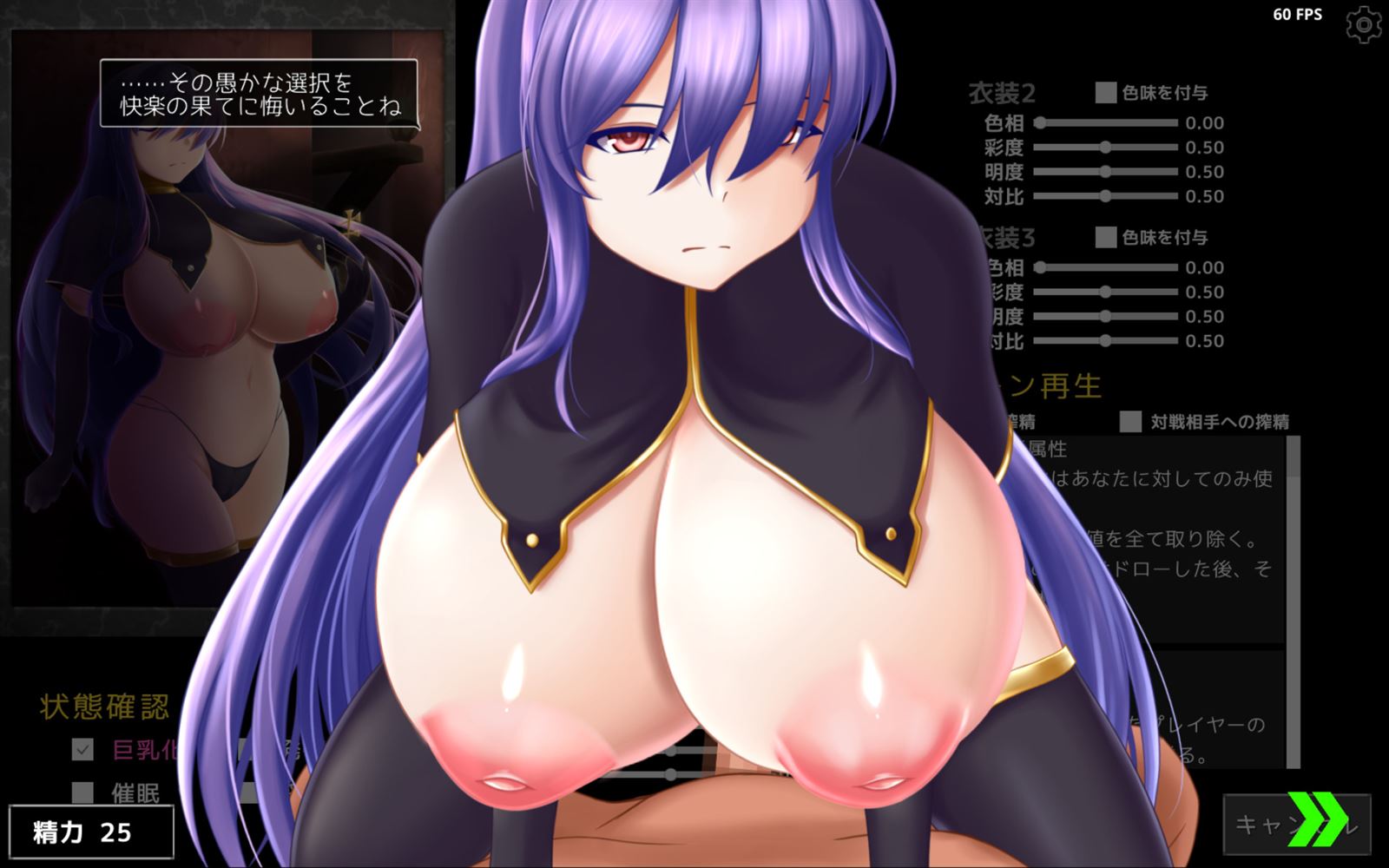
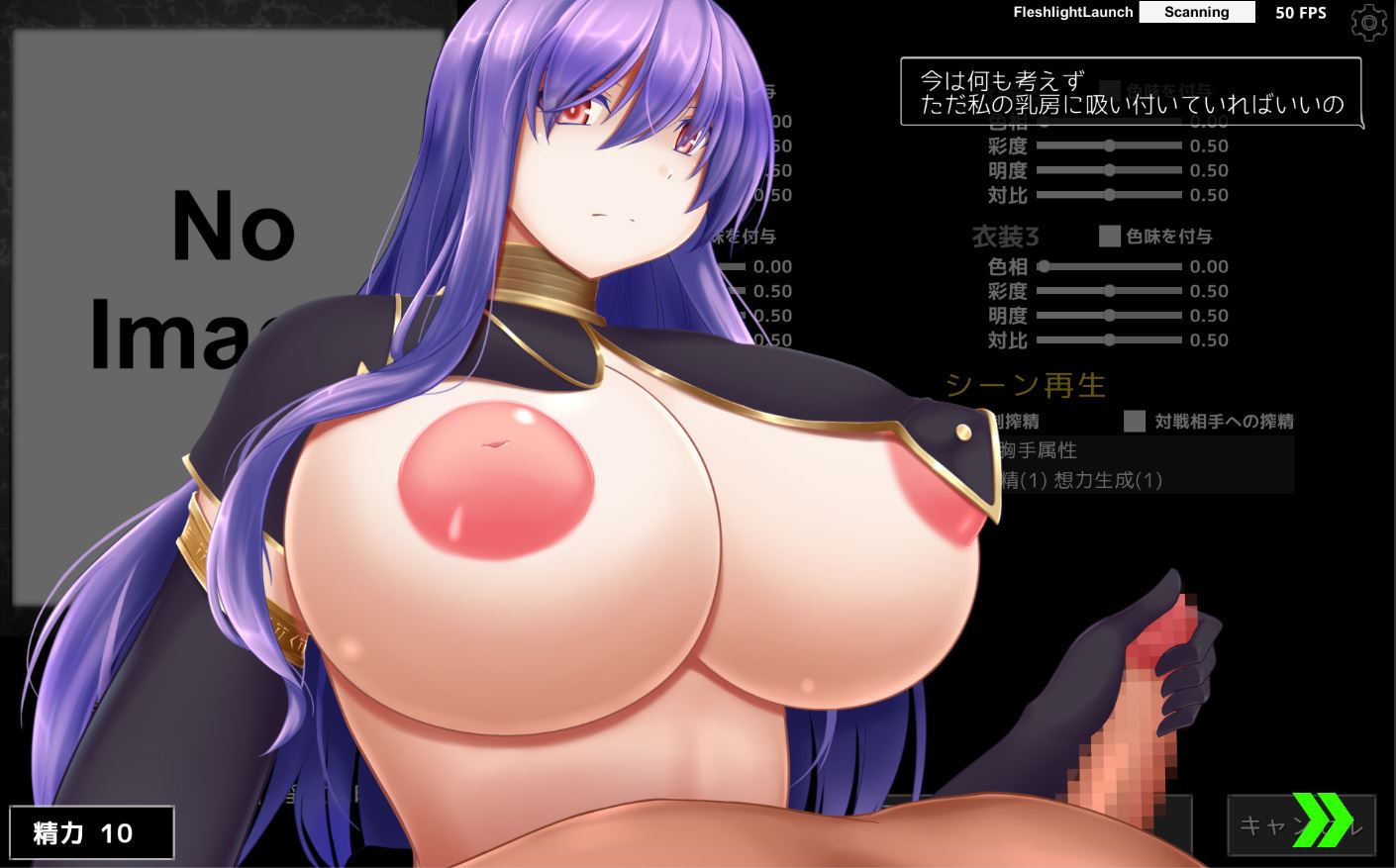
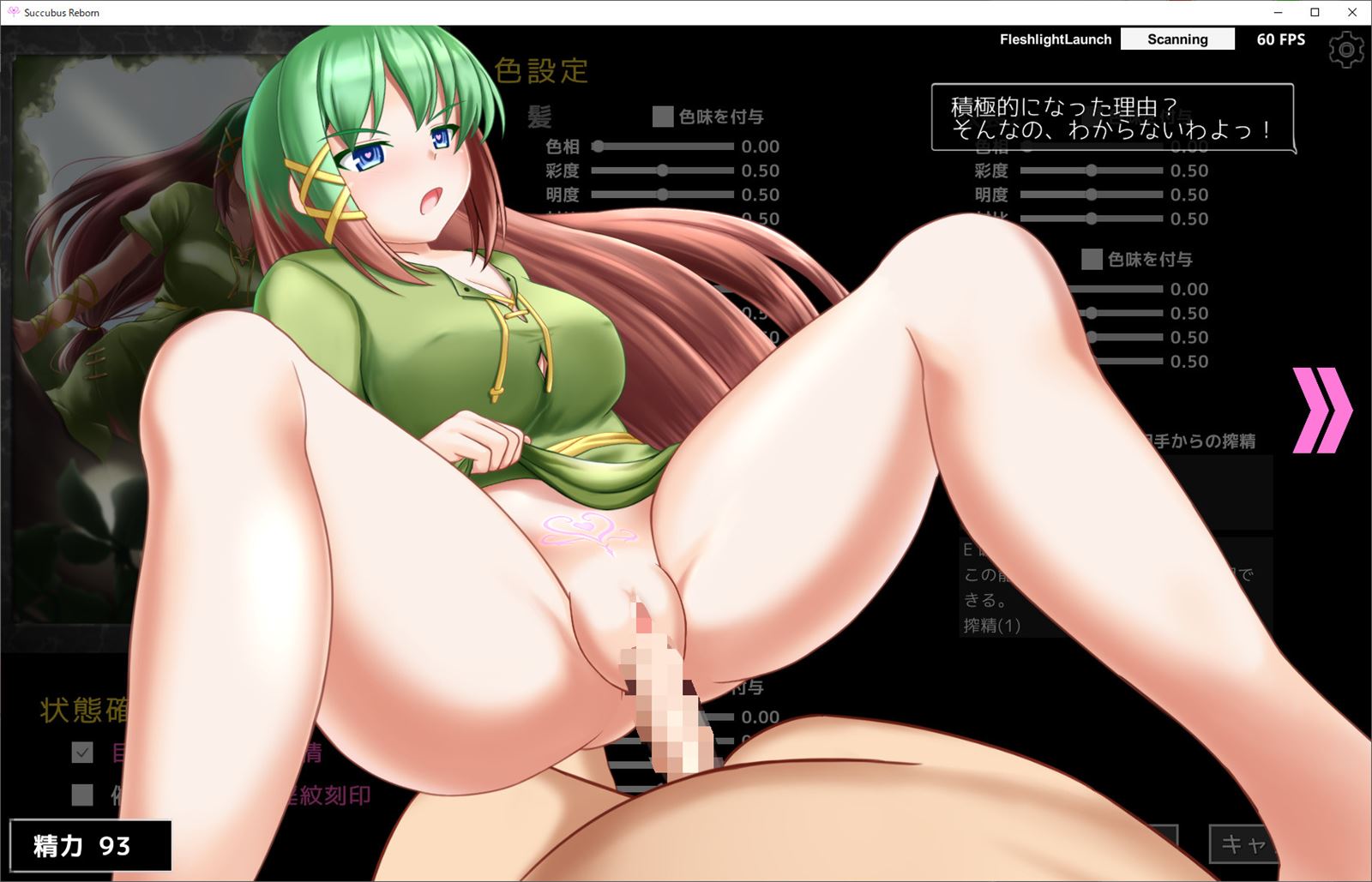
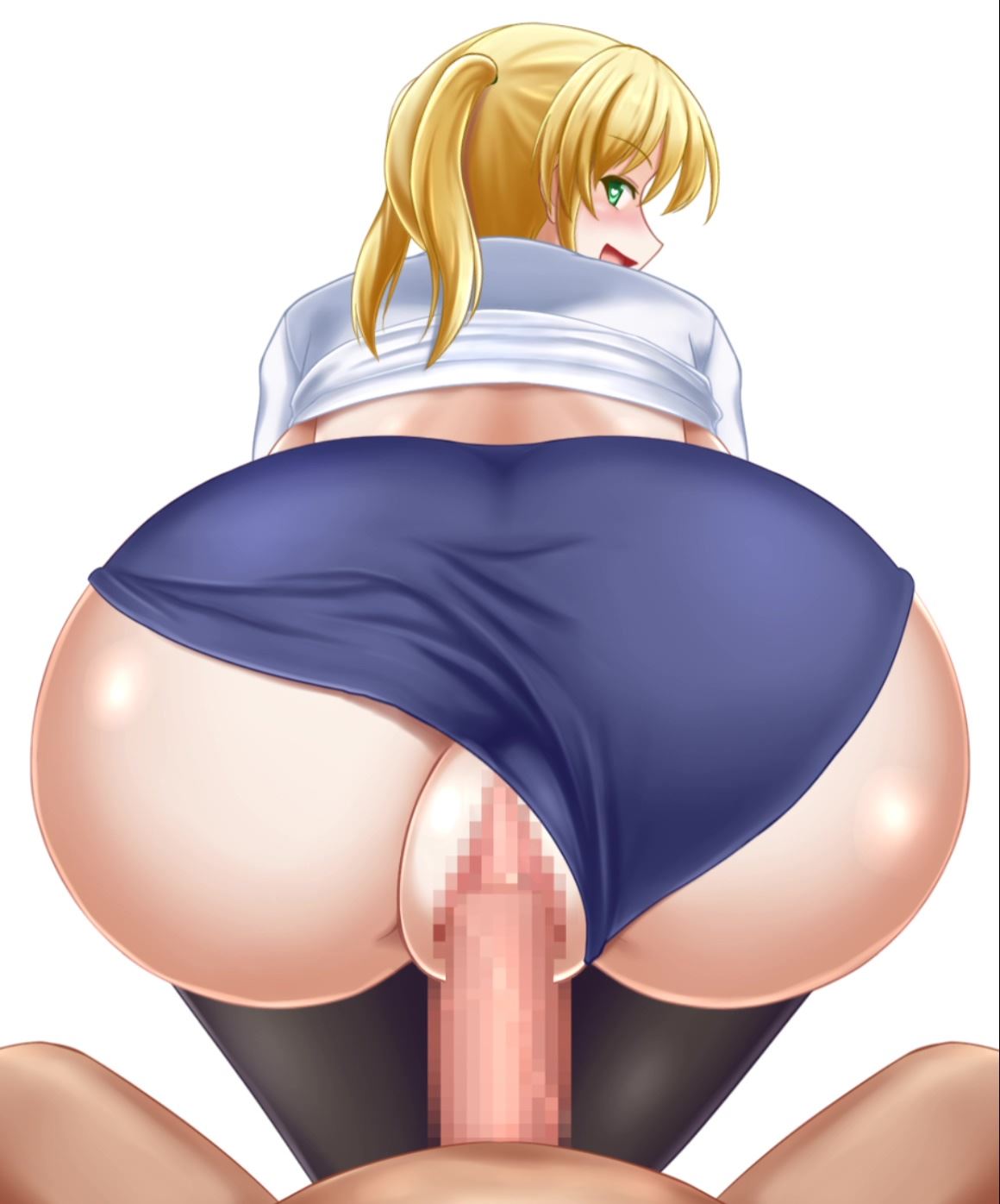
Game Description:
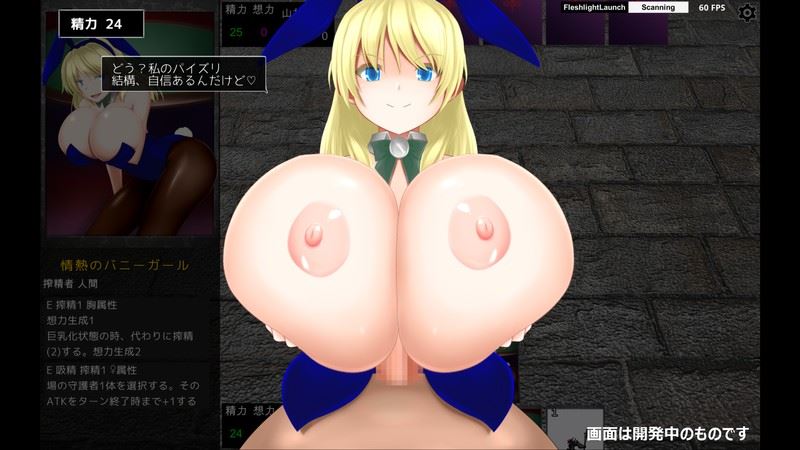
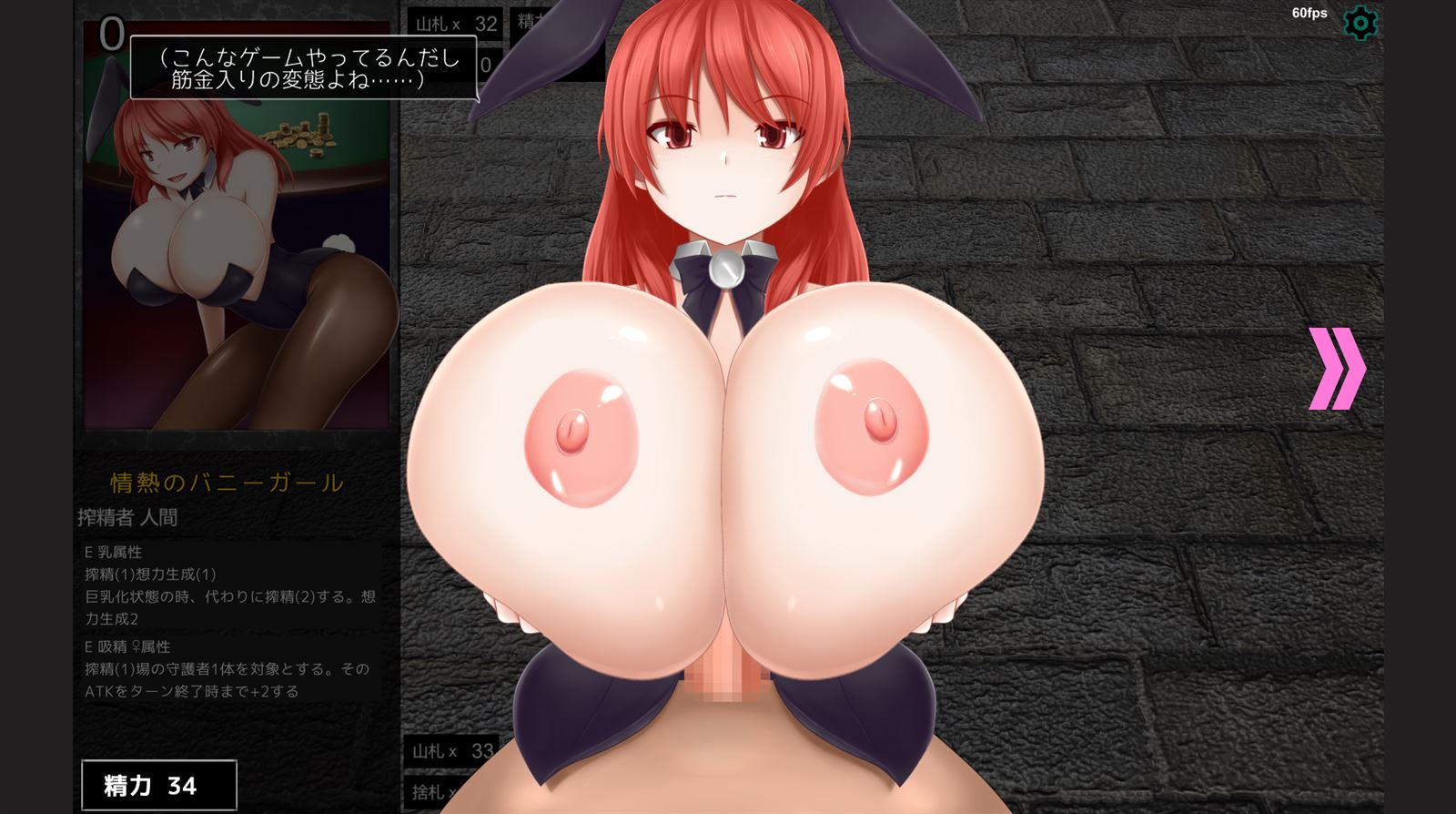
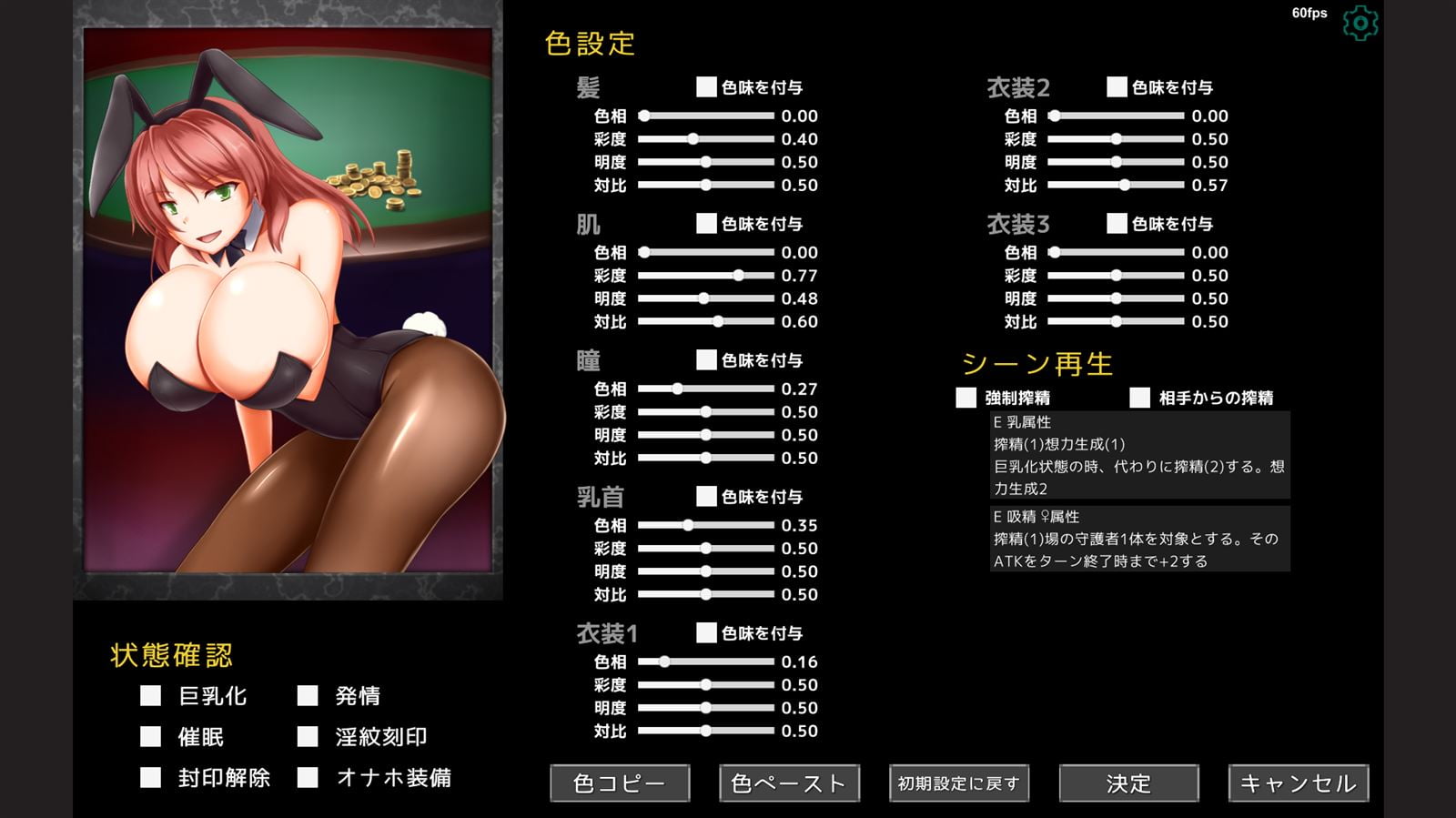
This is a single-player card game with the theme of “squeezing”.
- Extract and run.
Corrections:
Additional corrections to the English and simplified Chinese translations of the conversation.
Fixed an issue where card abilities could not be activated multiple times at the same time.
Hide the end-of-turn button during the seduction cut-in.
The effects during restraint have been temporarily removed.
Other minor issues have been fixed.
- Dual Core Pentium or equivalent Processor.
- Intel HD 2000 or equivalent Graphics.
- 1.46 GB of free disk space (Recommended to have twice as much free disk space than this).
Succubus Reborn - Ongoing - v.20260806a Links And Mirrors
About The Game: Succubus Reborn is a porn game made on Unity game engine. This game is rated M and meant for adults with explicit contents and strong language. It is advised to read the tags to get an idea about the game. The current available version is v.Succubus Reborn. THe contents of the game is Censored. Succubus Reborn is developed and distributed by Sda-lab, Please support Sda-lab if want the development of Succubus Reborn game going or want to see more new games from them in future. The download links are crawled and gathered from various public sites. We do not host/modify or alter the contents. The uploader is responsible for the DMCA.
Succubus Reborn's latest build v.20260806a is available in Windows platforms and currently Ongoing. We last updated this game in August 18, 2026.
Succubus Reborn's latest build v.20260806a is available in Windows platforms and currently Ongoing. We last updated this game in August 18, 2026.
Walkthrough and Guide
Community Modpack: FILEKNOT - GDRIVE
Fan Translation + Uncensor: FILEKNOT - MEGA
About Fan Translation + Uncensor:
These are the instructions. You have to look at them now. People who complain they don't know what to do WILL be subject to light mockery.
If you're new here, go to the Translation Storage Folder and download everything inside it.
Unzip the Autotranslator with WinRar (It's *free* if you keep closing its requests to buy it) and place both the exe and the Autotranslator folder in the game's main folder, next to the Succubus Reborn.exe.
Run the Setup.exe, allow it to finish, then press any key to close the console. It will create a new folder and a new .exe.
Run the game with the new .exe at least once, though I recommend the original one after that, it's faster. The game is now fully-translated and optionally has a full set of card skins.
If you want to uncensor the game, go to the Uncensor Pack Storage and download the folder inside. It'll have the name of the SPECIFIC BUILD it is designed for, if it doesn't match, don't use it.
Overwrite the game's files with the files within, drag-drop style. They're already formatted, don't worry.
If you want my Sprite Pack, go into the Sprite Pack folder and download the folder inside.
Drag-and-Drop in the game's main file. Overwriting recommended, of course.
If you want my Decklist, open it and CTRL+C a deck code inside, then press the 'Create new Deck from Code' button in the deck editing screen in-game.
Fan Translation + Uncensor Istallation:
The default English translation the game comes with is a pretty poorly made MTL. If you want a better translation + uncensored art, and nice looking playing-cards follow this guide:
1. Click on the "Fan Translation + Uncensor" link under Extras.
2. On Gadriel's Post, please read the instructions, then click on the Mega Link at the bottom of the message.
The Installation tutorials below all start inside this Mega-folder
INSTALLING THE TRANSLATION
1. Go to "Translation Storage" and download everything inside.
2. Unzip the Autotranslator with WinRar / 7zip and place both the exe and the Autotranslator folder in the game's main folder, next to the Succubus Reborn.exe.
3. Run the Setup.exe, allow it to finish, then press any key to close the console. It will create a new folder and a new .exe.
Run the game with the new .exe at least once, though I recommend the original one after that, it's faster.
--> The game is now fully-translated
INSTALLING THE UNCENSOR
1. Open the "Uncensor Patch Folder" and look if the folder is empty or not. If its empty that means the patch is not currently ready for the newest version of the game and will be added soon. If it's there, download it.
2. Once extracted, move the contents of the Uncensor into the root folder of the game and replace any files if prompted.
--> The Uncensor is now installed! Note that some older scenes are still censored because the Dev used a different censoring method in the beginnin
INSTALLING THE SPRITE PACK
Want your cards to have nice looking pictures instead of just a description? Then install the Sprite Pack!
1. Go back to the main MEGA Folder and download the Sprite Pack
2. Extract the Sprite Pack somewhere, then move the "UserCustomData" folder straight into the main game directory, and overwrite any files if prompted.
--> You are done
DECK LIST
Since this is a card game, you can build your own custom decks as well!
If you are too lazy or too incompetent to make your own, you can also download the "Deck List.txt".
To import these, do this:
1. Start the Game
2. Copy the whole line of the deck you want to import. Be careful not to accidentally also copy in the description that Gadriel has written above every deck!
3. In the game, click on "Build Deck"
4. On the bottom right, click on "New Deck from deck code (Clipboard)".
5. A window with all the selected cards will pop up. Just press on the "Submit" Button on the bottom right.
6. Repeat for the other decks you want to import
About updating to a new game version: You do not have to re-import all your decks and Settings manually every time the game updates.
To transfer your Settings + Decks, take the "UserCustomData" Folder and the "save" from your old Versions root directory and shove em into the root folder from the new Version.
Fan Translation + Uncensor: FILEKNOT - MEGA
About Fan Translation + Uncensor:
These are the instructions. You have to look at them now. People who complain they don't know what to do WILL be subject to light mockery.
If you're new here, go to the Translation Storage Folder and download everything inside it.
Unzip the Autotranslator with WinRar (It's *free* if you keep closing its requests to buy it) and place both the exe and the Autotranslator folder in the game's main folder, next to the Succubus Reborn.exe.
Run the Setup.exe, allow it to finish, then press any key to close the console. It will create a new folder and a new .exe.
Run the game with the new .exe at least once, though I recommend the original one after that, it's faster. The game is now fully-translated and optionally has a full set of card skins.
If you want to uncensor the game, go to the Uncensor Pack Storage and download the folder inside. It'll have the name of the SPECIFIC BUILD it is designed for, if it doesn't match, don't use it.
Overwrite the game's files with the files within, drag-drop style. They're already formatted, don't worry.
If you want my Sprite Pack, go into the Sprite Pack folder and download the folder inside.
Drag-and-Drop in the game's main file. Overwriting recommended, of course.
If you want my Decklist, open it and CTRL+C a deck code inside, then press the 'Create new Deck from Code' button in the deck editing screen in-game.
Fan Translation + Uncensor Istallation:
The default English translation the game comes with is a pretty poorly made MTL. If you want a better translation + uncensored art, and nice looking playing-cards follow this guide:
1. Click on the "Fan Translation + Uncensor" link under Extras.
2. On Gadriel's Post, please read the instructions, then click on the Mega Link at the bottom of the message.
The Installation tutorials below all start inside this Mega-folder
INSTALLING THE TRANSLATION
1. Go to "Translation Storage" and download everything inside.
2. Unzip the Autotranslator with WinRar / 7zip and place both the exe and the Autotranslator folder in the game's main folder, next to the Succubus Reborn.exe.
3. Run the Setup.exe, allow it to finish, then press any key to close the console. It will create a new folder and a new .exe.
Run the game with the new .exe at least once, though I recommend the original one after that, it's faster.
--> The game is now fully-translated
INSTALLING THE UNCENSOR
1. Open the "Uncensor Patch Folder" and look if the folder is empty or not. If its empty that means the patch is not currently ready for the newest version of the game and will be added soon. If it's there, download it.
2. Once extracted, move the contents of the Uncensor into the root folder of the game and replace any files if prompted.
--> The Uncensor is now installed! Note that some older scenes are still censored because the Dev used a different censoring method in the beginnin
INSTALLING THE SPRITE PACK
Want your cards to have nice looking pictures instead of just a description? Then install the Sprite Pack!
1. Go back to the main MEGA Folder and download the Sprite Pack
2. Extract the Sprite Pack somewhere, then move the "UserCustomData" folder straight into the main game directory, and overwrite any files if prompted.
--> You are done
DECK LIST
Since this is a card game, you can build your own custom decks as well!
If you are too lazy or too incompetent to make your own, you can also download the "Deck List.txt".
To import these, do this:
1. Start the Game
2. Copy the whole line of the deck you want to import. Be careful not to accidentally also copy in the description that Gadriel has written above every deck!
3. In the game, click on "Build Deck"
4. On the bottom right, click on "New Deck from deck code (Clipboard)".
5. A window with all the selected cards will pop up. Just press on the "Submit" Button on the bottom right.
6. Repeat for the other decks you want to import
About updating to a new game version: You do not have to re-import all your decks and Settings manually every time the game updates.
To transfer your Settings + Decks, take the "UserCustomData" Folder and the "save" from your old Versions root directory and shove em into the root folder from the new Version.