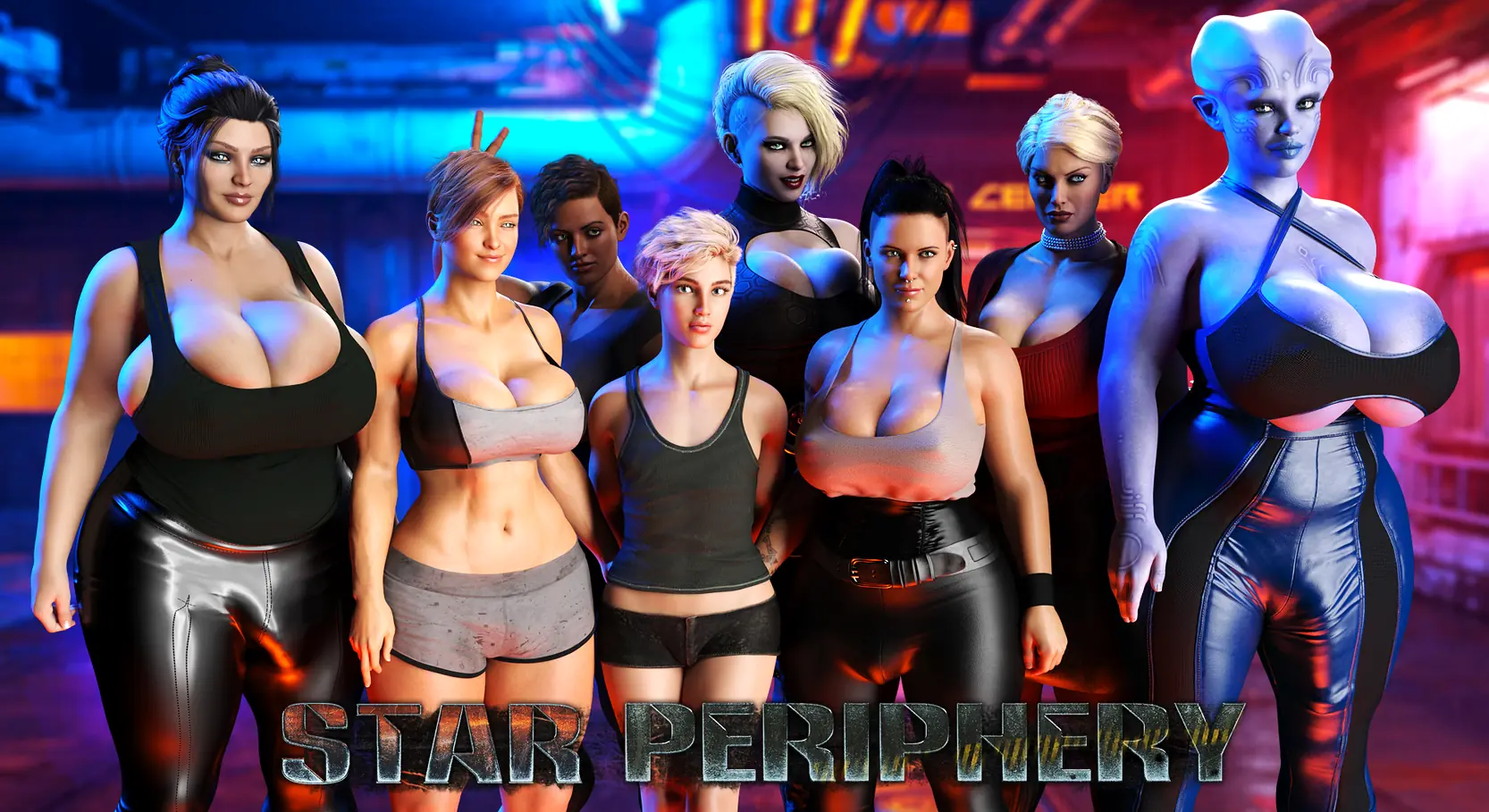
Star Periphery
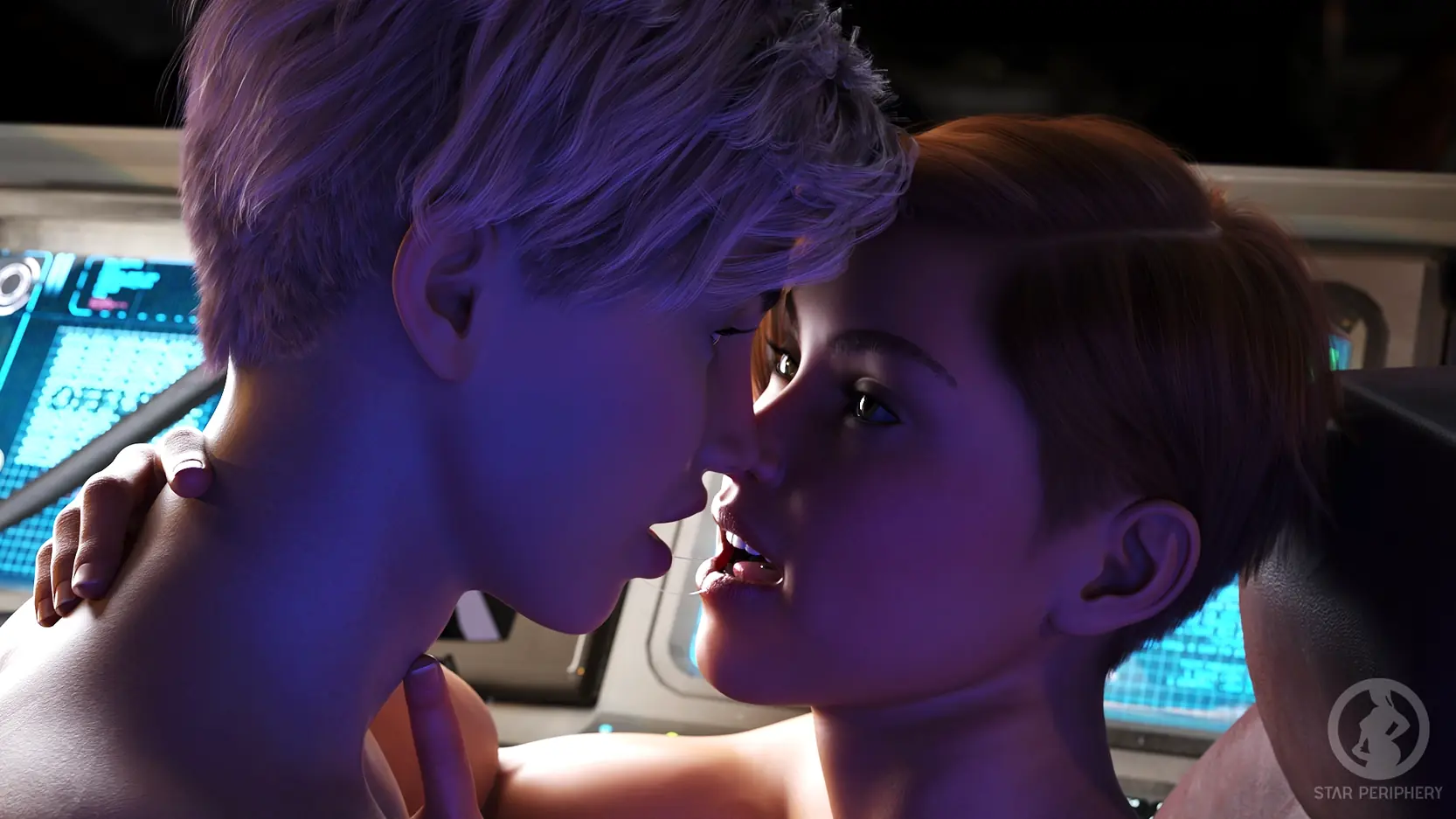

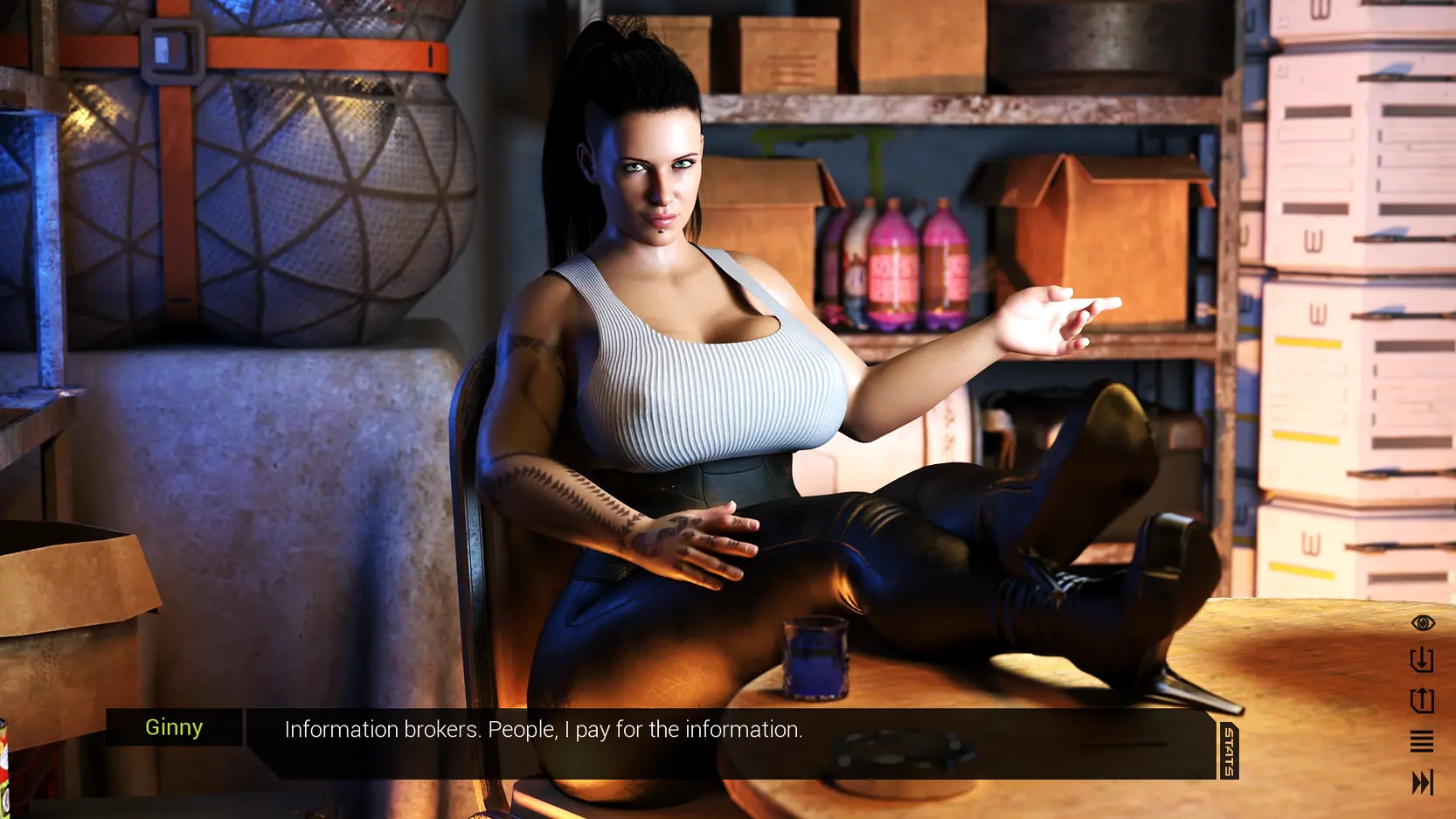



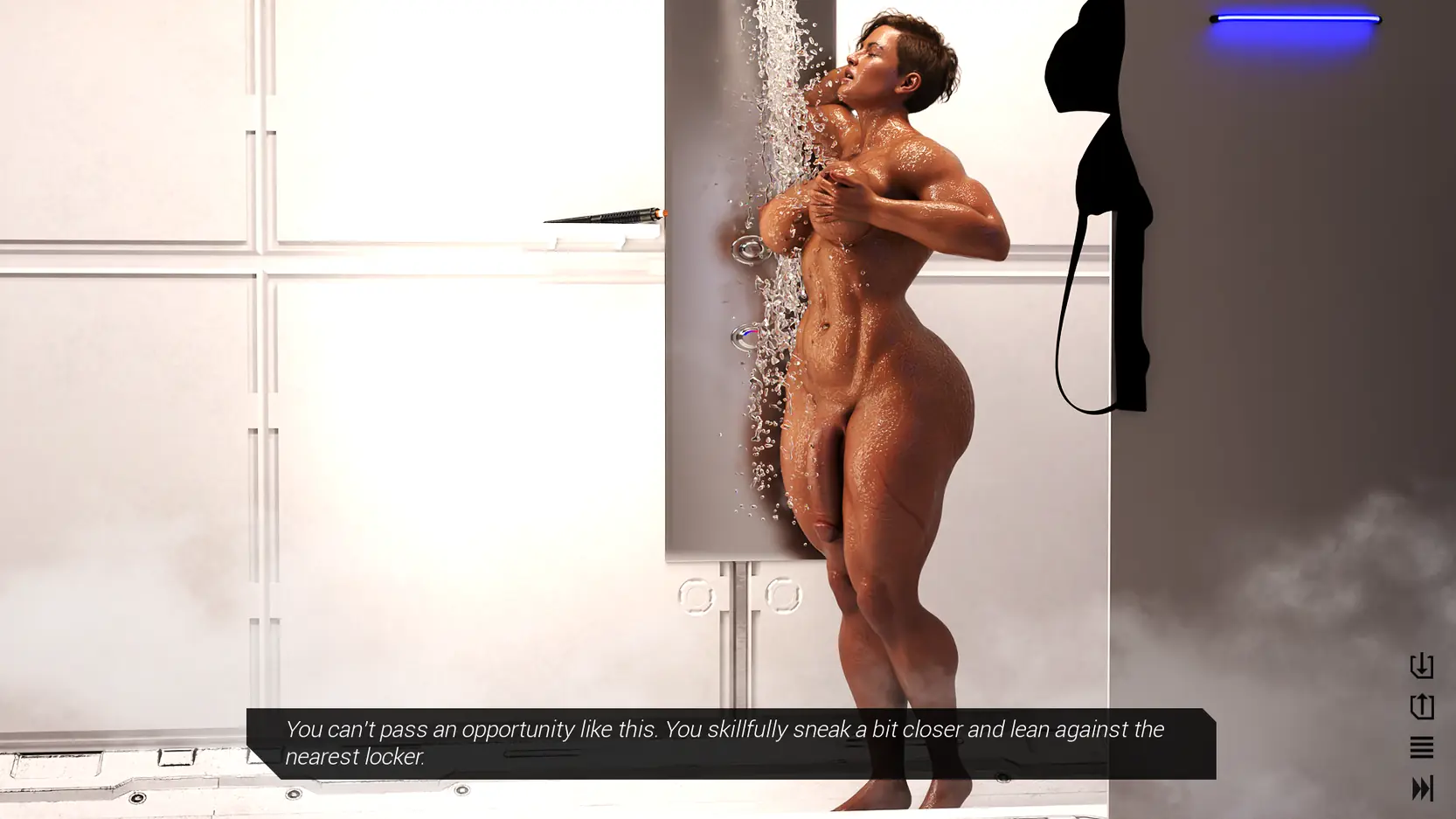
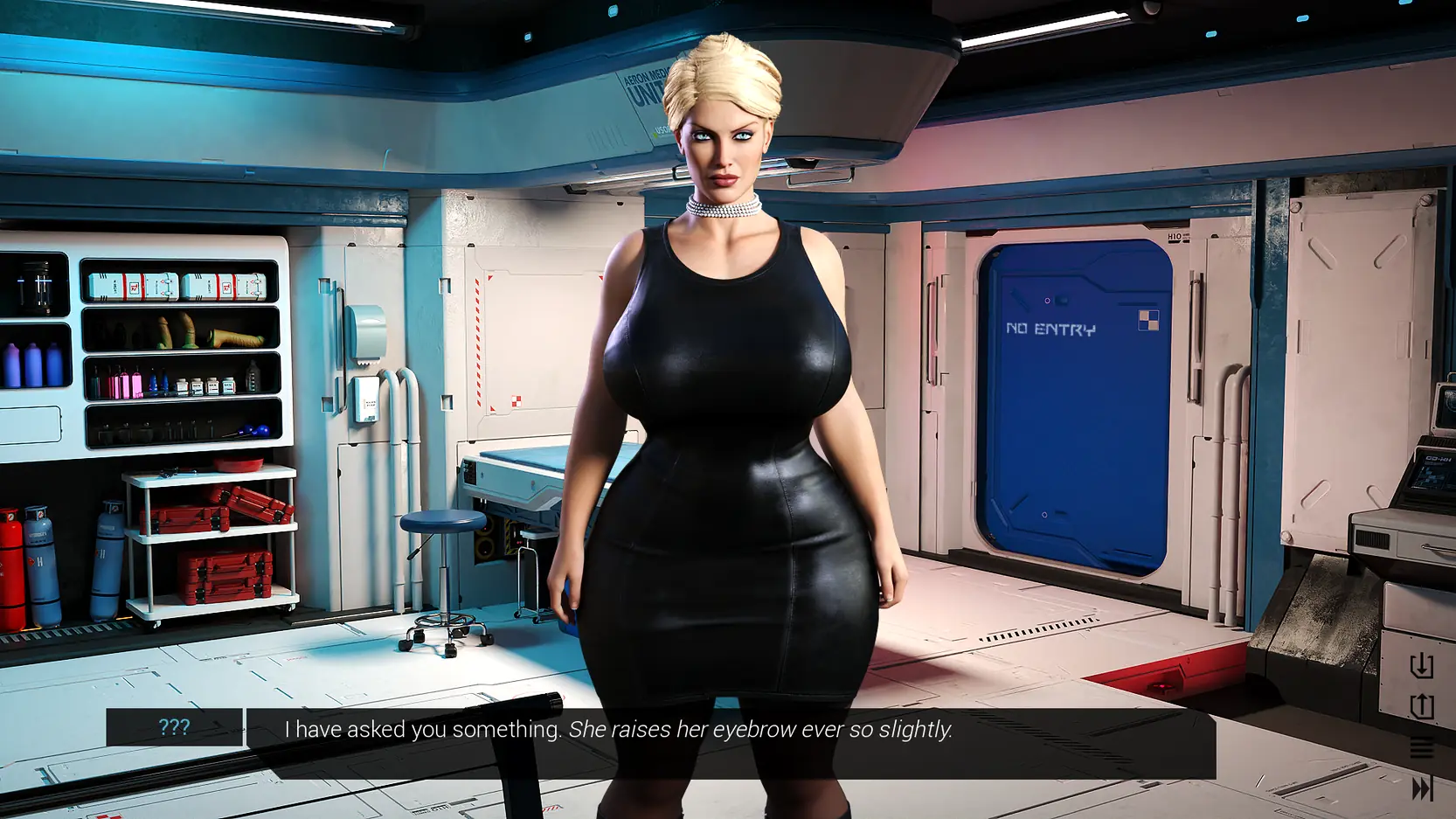
Game Description:
Exclusively futadom/futa on femboy retro sci-fi adventure game focused on atmosphere and immersion.
v0.6.5: The entire game was reworked from the ground up. As such, regrettably, there is no way to make the old saves compatible.
- Extract and run.
- Reworked the ATM intro with Nitlix
- Added Pyrpheran Cartels Codex entry render
- Added Nitlix cutout to the finale
- You can now set the transparency of the textbox in the Settings
- Refreshed supporter credits
- Multiple minor R7 bug fixes
- The first iteration of R7 text improvements
- Massive grammar/text corrections
- Dual Core Pentium or equivalent Processor.
- Intel HD 2000 or equivalent Graphics.
- 1.71 GB of free disk space (Recommended to have twice as much free disk space than this).
Star Periphery - Ongoing - v.R7.2 Links And Mirrors
About The Game: Star Periphery is a porn game made on Ren'py game engine. This game is rated M and meant for adults with explicit contents and strong language. It is advised to read the tags to get an idea about the game. The current available version is v.Star Periphery. THe contents of the game is Uncensored. Star Periphery is developed and distributed by VoidPilgrim, Please support VoidPilgrim if want the development of Star Periphery game going or want to see more new games from them in future. The download links are crawled and gathered from various public sites. We do not host/modify or alter the contents. The uploader is responsible for the DMCA.
Star Periphery's latest build v.R7.2 is available in Windows, Linux, MacOS, Android platforms and currently Ongoing. We last updated this game in July 7, 2026.
Star Periphery's latest build v.R7.2 is available in Windows, Linux, MacOS, Android platforms and currently Ongoing. We last updated this game in July 7, 2026.
Walkthrough and Guide
Gallery Unlocker: FILEKNOT
Gallery Unlocker Installation:
Unpack the "gallery_unlock.zip" and place the file "gallery_unlock.rpy" in your "Game" folder.
How to import old saves/saves troubleshooting guide:
A do-once, permanent solution to "saves wonky/missing" problem, for Windows:
1) Grab the new build, run it once. Close it. That will create a new folder, like C:UsersYour_user_nameAppDataRoamingRenPyStarPeriphery
2) Find the old saves you want to transfer to the new game version.
They can be in a folder like C:UsersYour_user_nameAppDataRoamingRenPyStarPeriphery-SOMENUMBERS666288
Or, in a /saves folder, inside the main folder of the old build you played before.
3) Move these old saves to the new folder, C:UsersYour_user_nameAppDataRoamingRenPyStarPeriphery <- WITHOUT any numbers suffix
4) Run the new build, see saves appear. If they don't, repeat steps 1-4 till they do.
5) After you have moved your saves, you will never need to do that again. Each new build of SP will store its saves in that same Appdata/StarPeriphery folder.
6) You can delet the Appdata/StarPeriphery-numbersnumbers folder, as it's been unused for 2 releases as of now.
Gallery Unlocker Installation:
Unpack the "gallery_unlock.zip" and place the file "gallery_unlock.rpy" in your "Game" folder.
How to import old saves/saves troubleshooting guide:
A do-once, permanent solution to "saves wonky/missing" problem, for Windows:
1) Grab the new build, run it once. Close it. That will create a new folder, like C:UsersYour_user_nameAppDataRoamingRenPyStarPeriphery
2) Find the old saves you want to transfer to the new game version.
They can be in a folder like C:UsersYour_user_nameAppDataRoamingRenPyStarPeriphery-SOMENUMBERS666288
Or, in a /saves folder, inside the main folder of the old build you played before.
3) Move these old saves to the new folder, C:UsersYour_user_nameAppDataRoamingRenPyStarPeriphery <- WITHOUT any numbers suffix
4) Run the new build, see saves appear. If they don't, repeat steps 1-4 till they do.
5) After you have moved your saves, you will never need to do that again. Each new build of SP will store its saves in that same Appdata/StarPeriphery folder.
6) You can delet the Appdata/StarPeriphery-numbersnumbers folder, as it's been unused for 2 releases as of now.