SiNiSistar 2

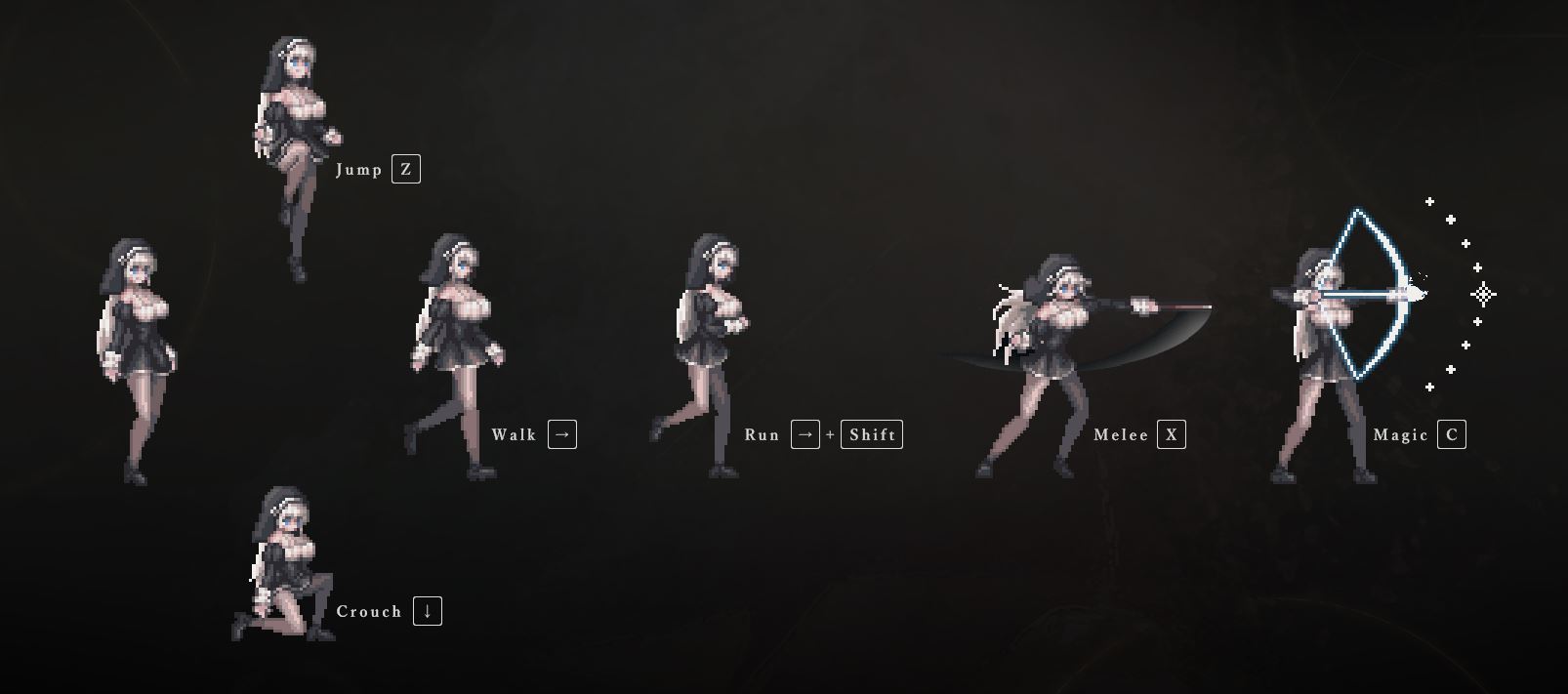
Game Description:
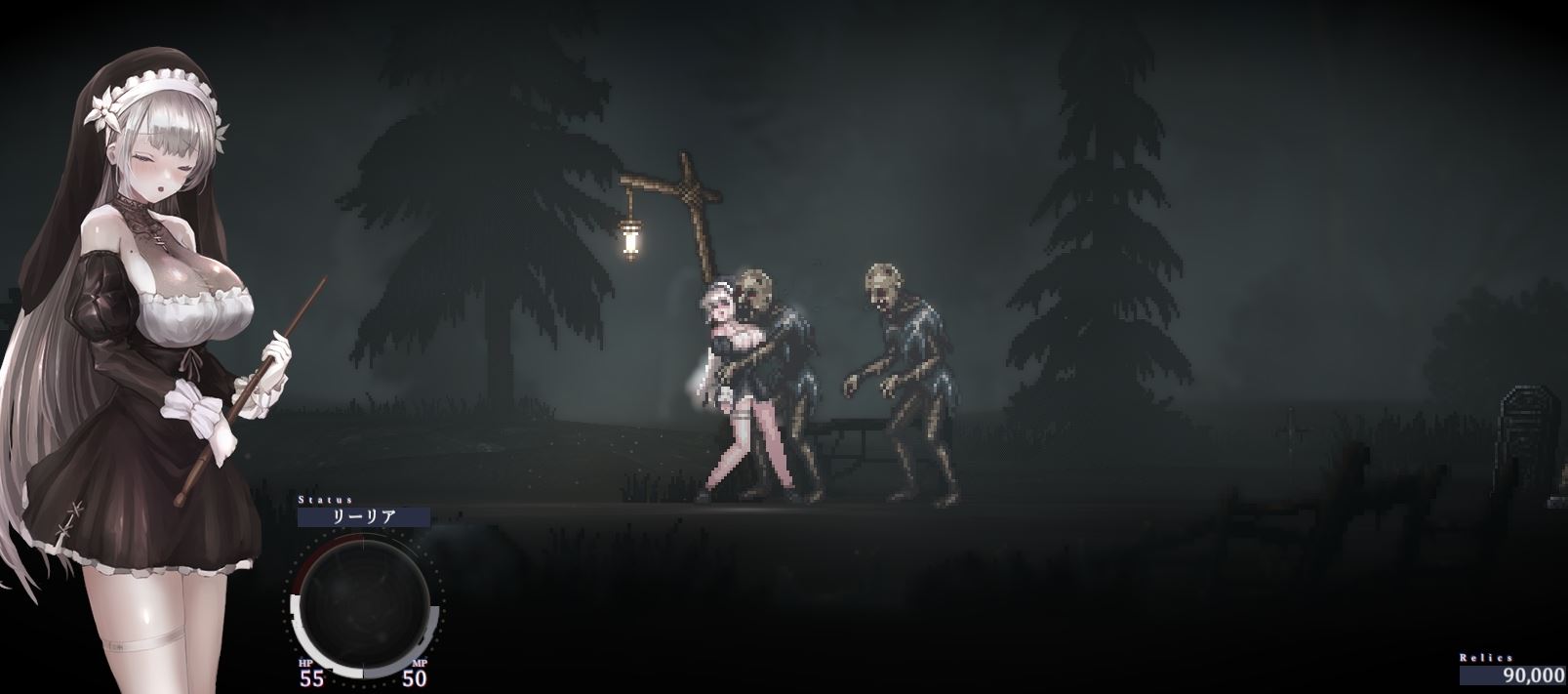
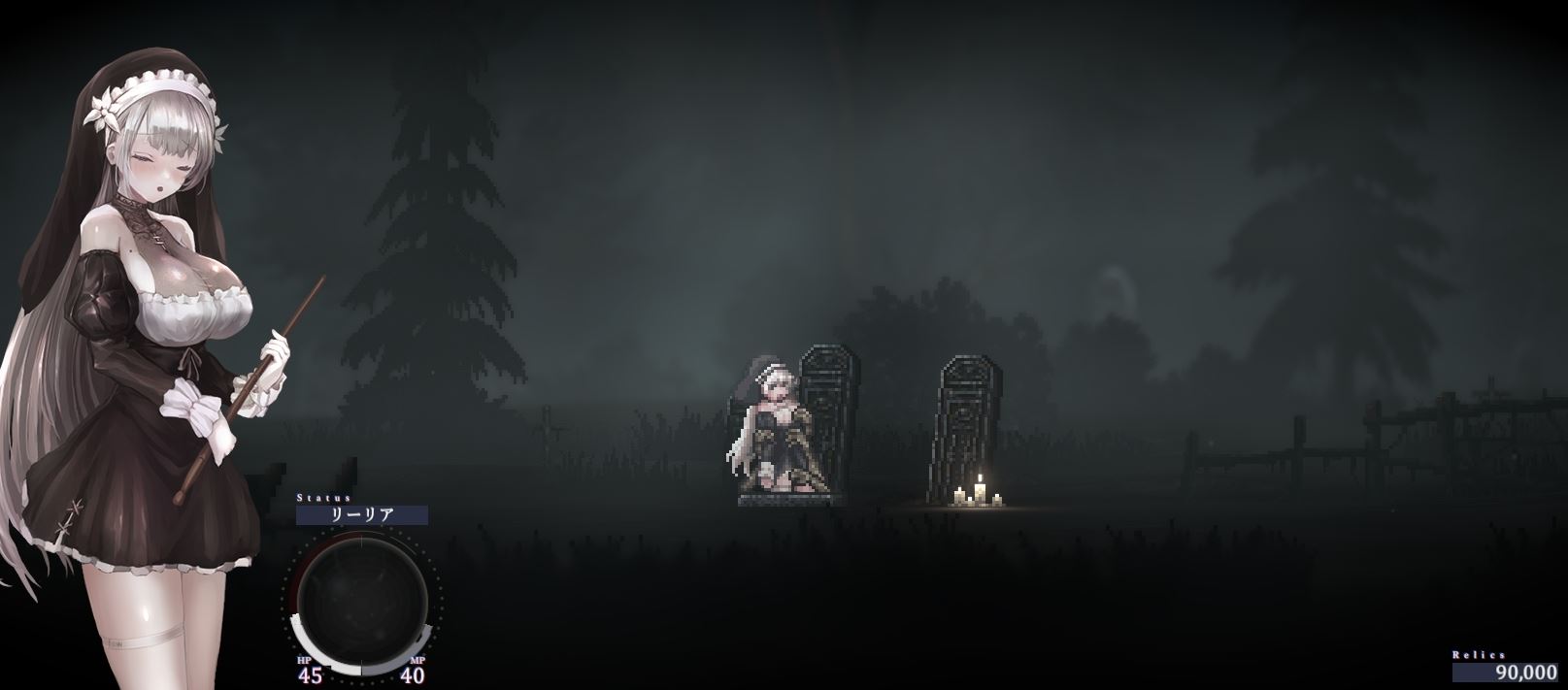
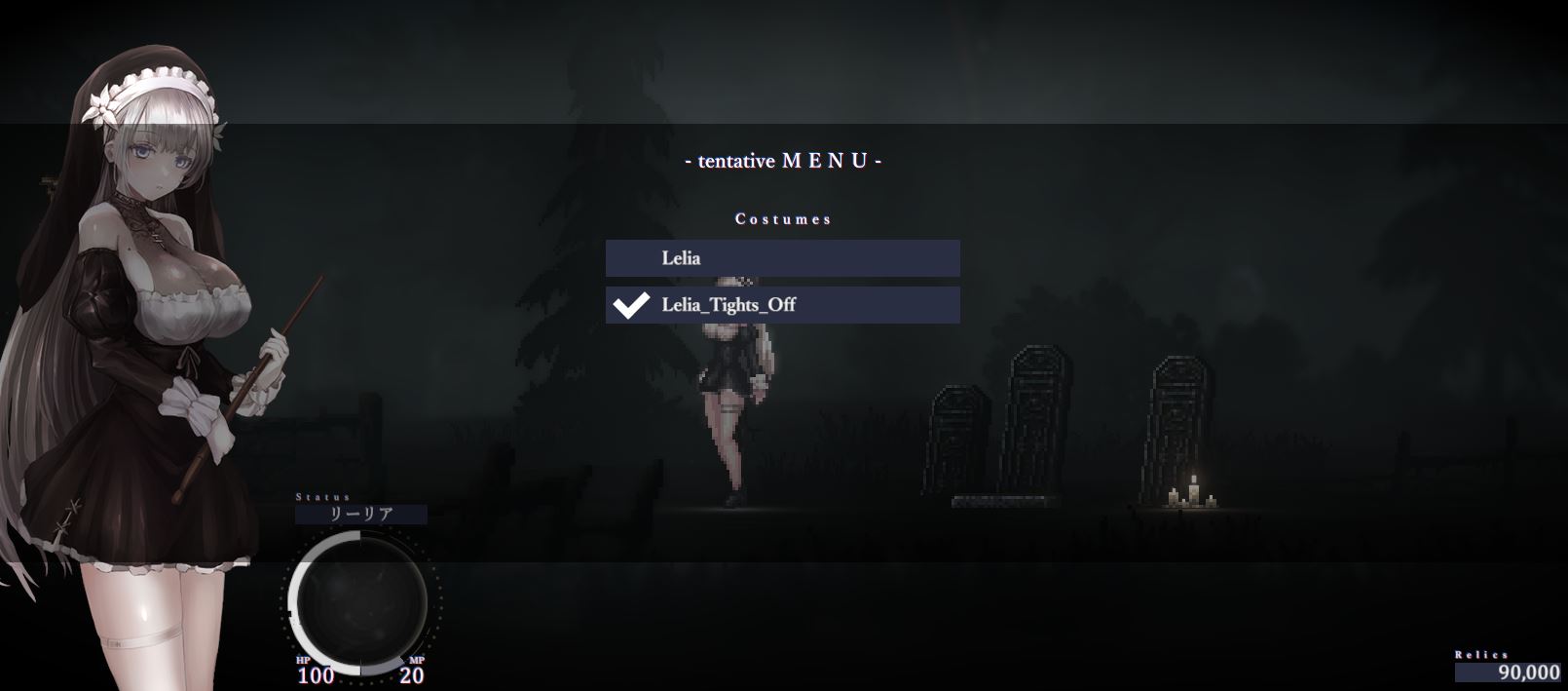
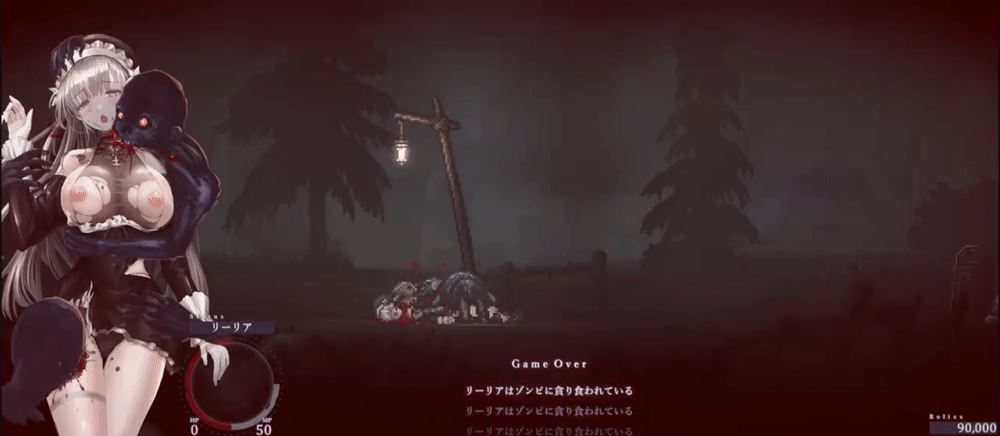
Set in the cursed town of Alcezon and its surroundings, the player controls an exorcist sister and fights against abominable creatures.
As the main quest, she will delve into dungeons in various places to investigate why monster numbers are on the rise, while handling sub quests which pop-up in town or otherwise. The timing in which you attempt to resolve these quests is mostly up to you.
Enemies that our not encountered in the main quest will appear in sub quests, and even more are planned to be added in future updates.
- Extract and run.
・Fixed a bug that caused the game to become unplayable under certain conditions when viewing the costume mod list
・Fixed a bug where some “Hard” settings were not being applied
- Dual Core Pentium or equivalent Processor.
- Intel HD 2000 or equivalent Graphics.
- 2.28 GB of free disk space (Recommended to have twice as much free disk space than this).
SiNiSistar 2 - Finished - v.1.3.1 Links And Mirrors
About The Game: SiNiSistar 2 is a porn game made on Unity game engine. This game is rated M and meant for adults with explicit contents and strong language. It is advised to read the tags to get an idea about the game. The current available version is v.SiNiSistar 2. THe contents of the game is Censored. SiNiSistar 2 is developed and distributed by Nennai 5, Please support Nennai 5 if want the development of SiNiSistar 2 game going or want to see more new games from them in future. The download links are crawled and gathered from various public sites. We do not host/modify or alter the contents. The uploader is responsible for the DMCA.
SiNiSistar 2's latest build v.1.3.1 is available in Windows, MacOS platforms and currently Finished. We last updated this game in August 19, 2026.
SiNiSistar 2's latest build v.1.3.1 is available in Windows, MacOS platforms and currently Finished. We last updated this game in August 19, 2026.
Walkthrough and Guide
Performance Mod: FILEKNOT - PIXELDRAIN
Performance Mod Installation:
1. Unpack these 3 files:
- boot.config
- RuntimeInitializeOnLoads.json
- ScriptingAssemblies.json
2. Copy and put them into the "SiNiSistar2_Data" folder.
3. Say "Yes" to replace existing files.
4. That's everything! Now you can play your game.
Note 1: It is highly recommended to create a game shortcut and add these 4 commands to it:
-single-instance -nolog -no-stereo-rendering -force-d3d11
Note 2: To ensure that every game you play honors the settings in the "boot.config" file, set it to "Read only":
Right-click "boot.config" --> Properties --> choose "Read only" --> click Apply --> and then OK.
Ending Notes:
- Mod is compatible with any version of SiNiSistar2, but you have to change manually key called "build-guid" in "boot.config" file which corresponds to the game version that comes up with every new update. After extracting new version of the game, just copy-paste new GUID from game's "boot.config" file to mod's "boot.config" file, then you can install mod.
- To change renderer that game uses, you have to manually add the command of that renderer to the game shortcut.
- You can use Unity Arguments in every Unity game that has "boot.config" file.
- You can use Unity Commands in every Unity game by adding them to the game shortcut.
Uncensor Mod (Works with the latest version 1.3.1): FILEKNOT - MIXDROP - MEGA
Uncensor Mod Installation:
Overwrite the original "Sample" folder (SiniSistar2ModPlayerSample), but make a backup of the "Sample" folder first. Overwrite because only the images that needed to be uncensored were affected so its only 34mb. You can rename "Sample" folder after installing the way you want.
Performance Mod Installation:
1. Unpack these 3 files:
- boot.config
- RuntimeInitializeOnLoads.json
- ScriptingAssemblies.json
2. Copy and put them into the "SiNiSistar2_Data" folder.
3. Say "Yes" to replace existing files.
4. That's everything! Now you can play your game.
Note 1: It is highly recommended to create a game shortcut and add these 4 commands to it:
-single-instance -nolog -no-stereo-rendering -force-d3d11
Note 2: To ensure that every game you play honors the settings in the "boot.config" file, set it to "Read only":
Right-click "boot.config" --> Properties --> choose "Read only" --> click Apply --> and then OK.
Ending Notes:
- Mod is compatible with any version of SiNiSistar2, but you have to change manually key called "build-guid" in "boot.config" file which corresponds to the game version that comes up with every new update. After extracting new version of the game, just copy-paste new GUID from game's "boot.config" file to mod's "boot.config" file, then you can install mod.
- To change renderer that game uses, you have to manually add the command of that renderer to the game shortcut.
- You can use Unity Arguments in every Unity game that has "boot.config" file.
- You can use Unity Commands in every Unity game by adding them to the game shortcut.
Uncensor Mod (Works with the latest version 1.3.1): FILEKNOT - MIXDROP - MEGA
Uncensor Mod Installation:
Overwrite the original "Sample" folder (SiniSistar2ModPlayerSample), but make a backup of the "Sample" folder first. Overwrite because only the images that needed to be uncensored were affected so its only 34mb. You can rename "Sample" folder after installing the way you want.