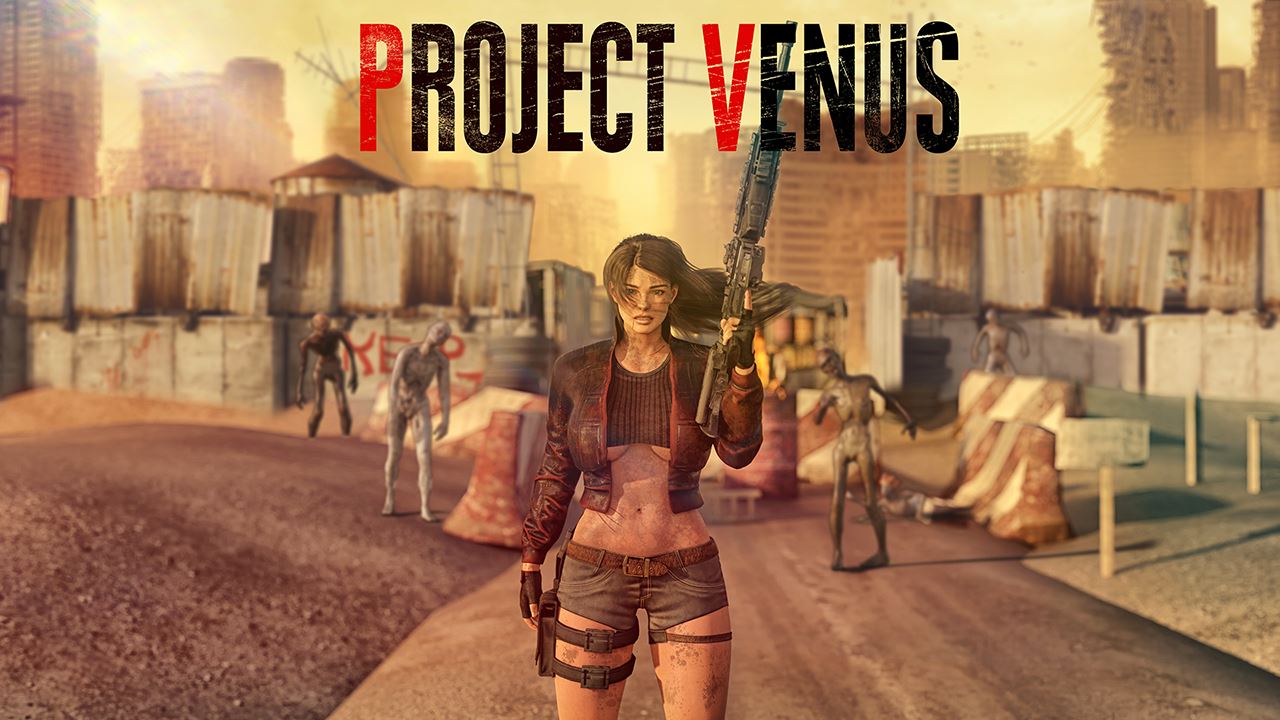
Project Venus


Game Description:
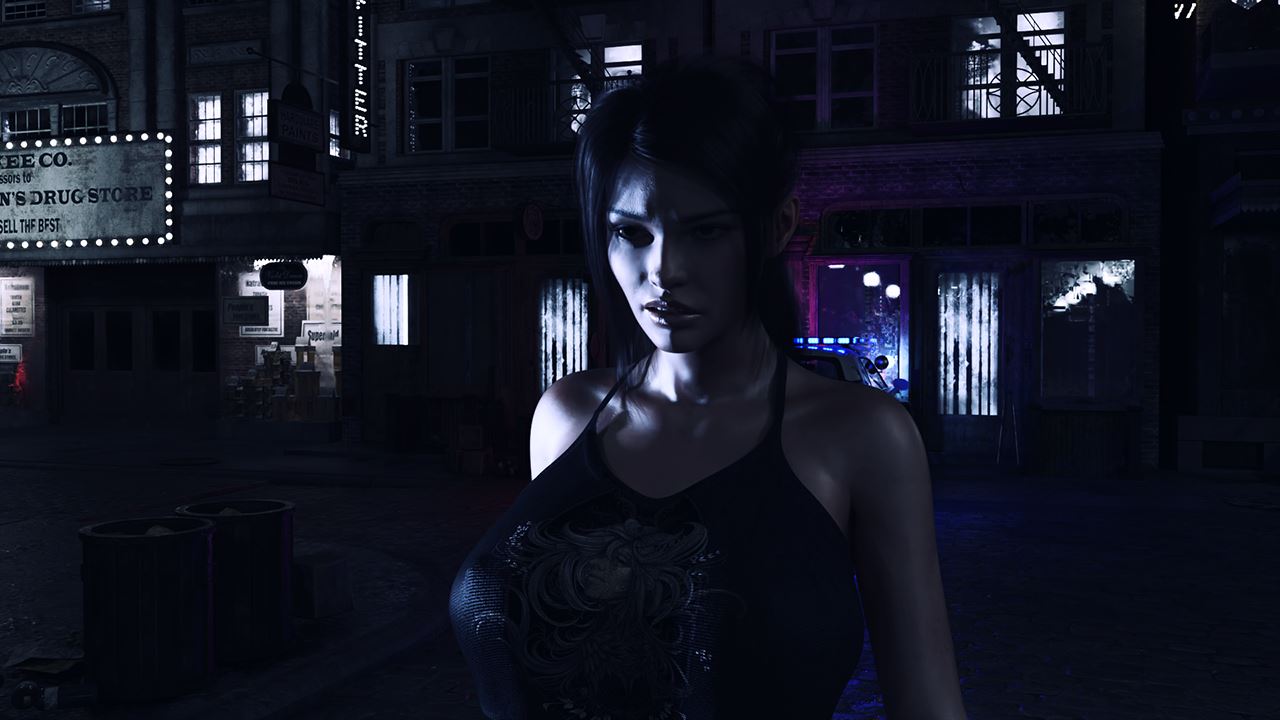
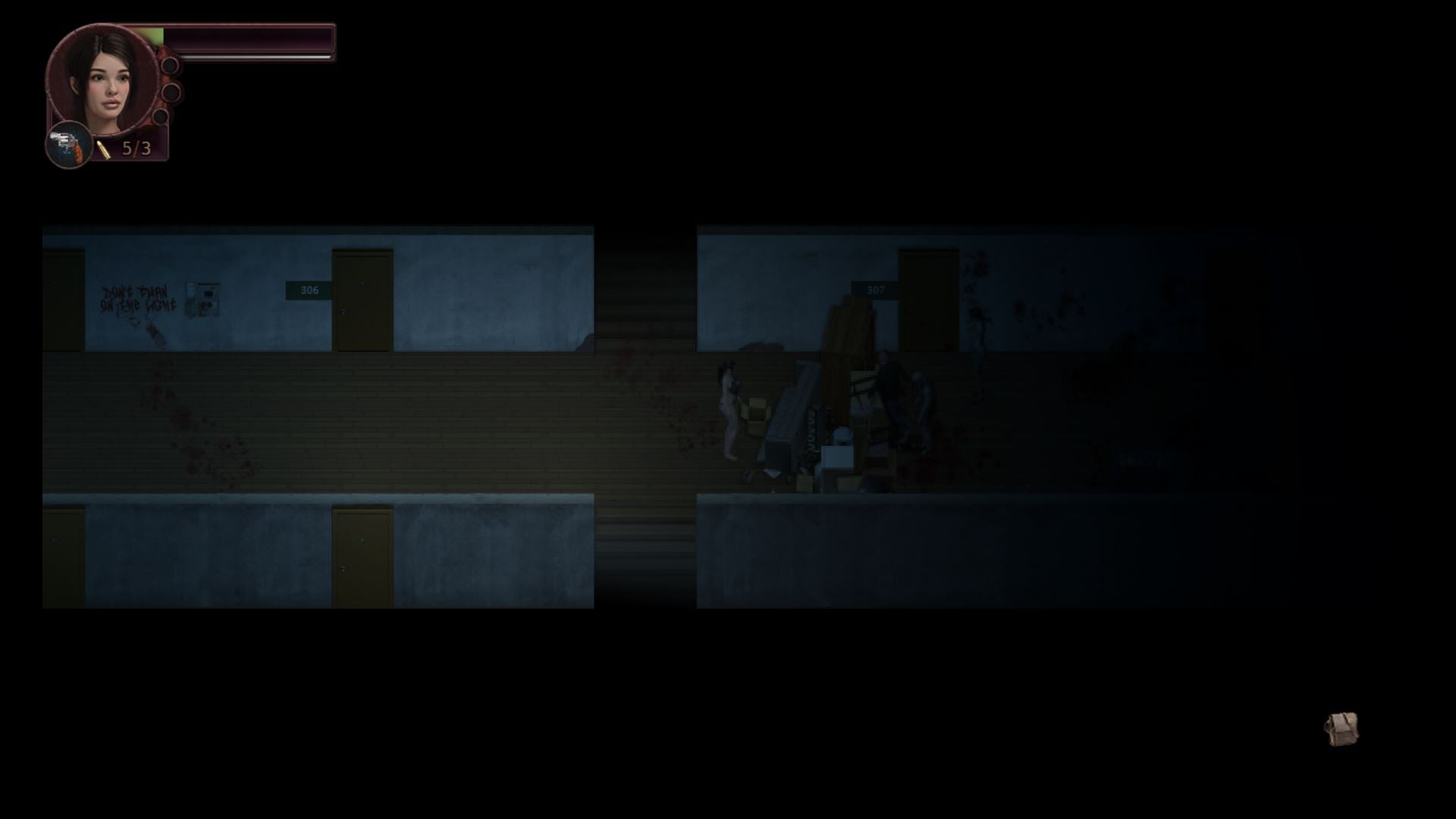
Project Venus is an action horror shooter with Resident Evil vibes. You play as Jillian, common office clerk, who wants to find her sister, but then zombie outbreak changes everything.
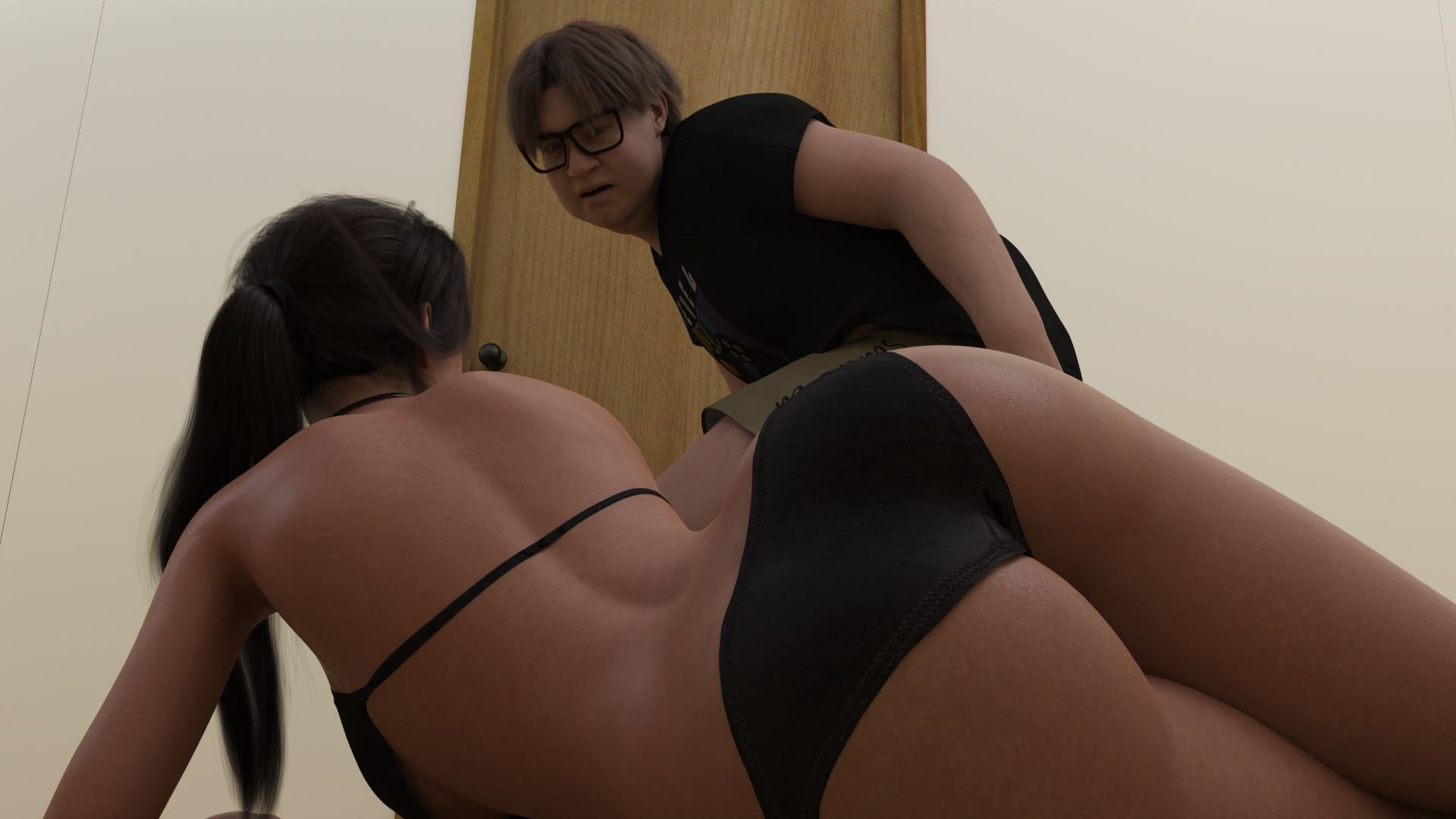
However, when there is no law during zombie apocalypse, anything can happen to our busty heroine.
From Team Venus: v0.2.6 build is an experiment. We’re releasing the game completely unprotected this time, so you can use MTool and other software to make the game easier or translate it. We’re testing the hypothesis that the game’s protection does not affect the level of support it receives. Therefore, the protection may return in a future update if the hypothesis is not confirmed.
- Extract and run
- Bugfix Installation: Replace your js folder with this
This update brings new content to the poker minigame, small addition to the farm and bug fixes:
Changes:Content:
- Added 6 new animations for poker
- You can now distract opponents during poker minigame. It has it's own animations.
- Added new shotgun available at Fred's shop
- Adden new pistol available at Fred's shop
- Added a new crafting recipe for new caliber at Fred's Shop
- New poker AI. Matches are now more engaging, and opponents make smarter decisions.
- Added new special effects for enemy deaths with brand new spritesheets animations for each zombie
- Completely redesigned the cheat menu, making it much easier to use.
- Added an option to unlock all gallery scenes through the cheat menu.
- Visually improved the maps surrounding the farm.
- Zombies will now gradually begin appearing around the farm.
- Fixed various bugs and technical issues.
- Dual Core Pentium or equivalent Processor.
- Intel HD 2000 or equivalent Graphics.
- 2.79 GB of free disk space (Recommended to have twice as much free disk space than this).
Project Venus - Ongoing - v.0.2.6 Links And Mirrors
About The Game: Project Venus is a porn game made on RPGM game engine. This game is rated M and meant for adults with explicit contents and strong language. It is advised to read the tags to get an idea about the game. The current available version is v.Project Venus. THe contents of the game is Uncensored. Project Venus is developed and distributed by Team Venus, Please support Team Venus if want the development of Project Venus game going or want to see more new games from them in future. The download links are crawled and gathered from various public sites. We do not host/modify or alter the contents. The uploader is responsible for the DMCA.
Project Venus's latest build v.0.2.6 is available in Windows, Android platforms and currently Ongoing. We last updated this game in August 22, 2026.
Project Venus's latest build v.0.2.6 is available in Windows, Android platforms and currently Ongoing. We last updated this game in August 22, 2026.
Walkthrough and Guide
Extra Content Patch: FILEKNOT - MEDIAFIRE
Controls:
Move - WASD
Interact - space, left mouse button
Inventory - I
Shoot - right mouse button
Reload - R
Menu - ESC
Status window - T
Android controls:
This is our first Android version, so the touch controls are still experimental and may be improved in future updates.
Basic Controls
- Left joystick: move Jillian.
- Move the joystick fully away from the center: run.
- Fire button: shoot with the equipped weapon.
- R button: reload.
- OK button: confirm / interact, same as Space on keyboard.
- Menu button: opens the game menu, same as Esc.
- Auto Select button: toggles automatic target selection.
- Inventory button: opens inventory.
- Status button: opens Jillian's status menu.
- Hotkey buttons 1-5: use the assigned quick-slot items.
Aiming
You can tap an enemy to lock target. If Auto Select is enabled, the game can automatically select nearby targets within range.
The aiming line shows the current aiming direction. If you stop moving and press Fire, Jillian will shoot toward the current aim/locked target direction.
Touch Button Editor
The Android version includes a touch button editor so you can adjust the controls for your device.
To open the editor, press and hold menu button for 2+ seconds.
In edit mode:
Controls:
Move - WASD
Interact - space, left mouse button
Inventory - I
Shoot - right mouse button
Reload - R
Menu - ESC
Status window - T
Android controls:
This is our first Android version, so the touch controls are still experimental and may be improved in future updates.
Basic Controls
- Left joystick: move Jillian.
- Move the joystick fully away from the center: run.
- Fire button: shoot with the equipped weapon.
- R button: reload.
- OK button: confirm / interact, same as Space on keyboard.
- Menu button: opens the game menu, same as Esc.
- Auto Select button: toggles automatic target selection.
- Inventory button: opens inventory.
- Status button: opens Jillian's status menu.
- Hotkey buttons 1-5: use the assigned quick-slot items.
Aiming
You can tap an enemy to lock target. If Auto Select is enabled, the game can automatically select nearby targets within range.
The aiming line shows the current aiming direction. If you stop moving and press Fire, Jillian will shoot toward the current aim/locked target direction.
Touch Button Editor
The Android version includes a touch button editor so you can adjust the controls for your device.
To open the editor, press and hold menu button for 2+ seconds.
In edit mode:
- Tap a button or joystick to select it.
- Drag the selected element to move it.
- Movement snaps to a small grid, making it easier to align buttons neatly.
- Use the size slider to change the size of the selected element.
- You can resize buttons and the joystick separately.
- Grid display can be turned on or off.
- Save changes when you are done.
- Drag the selected element to move it.
- Movement snaps to a small grid, making it easier to align buttons neatly.
- Use the size slider to change the size of the selected element.
- You can resize buttons and the joystick separately.
- Grid display can be turned on or off.
- Save changes when you are done.