My Pretty Toy
Game Description:
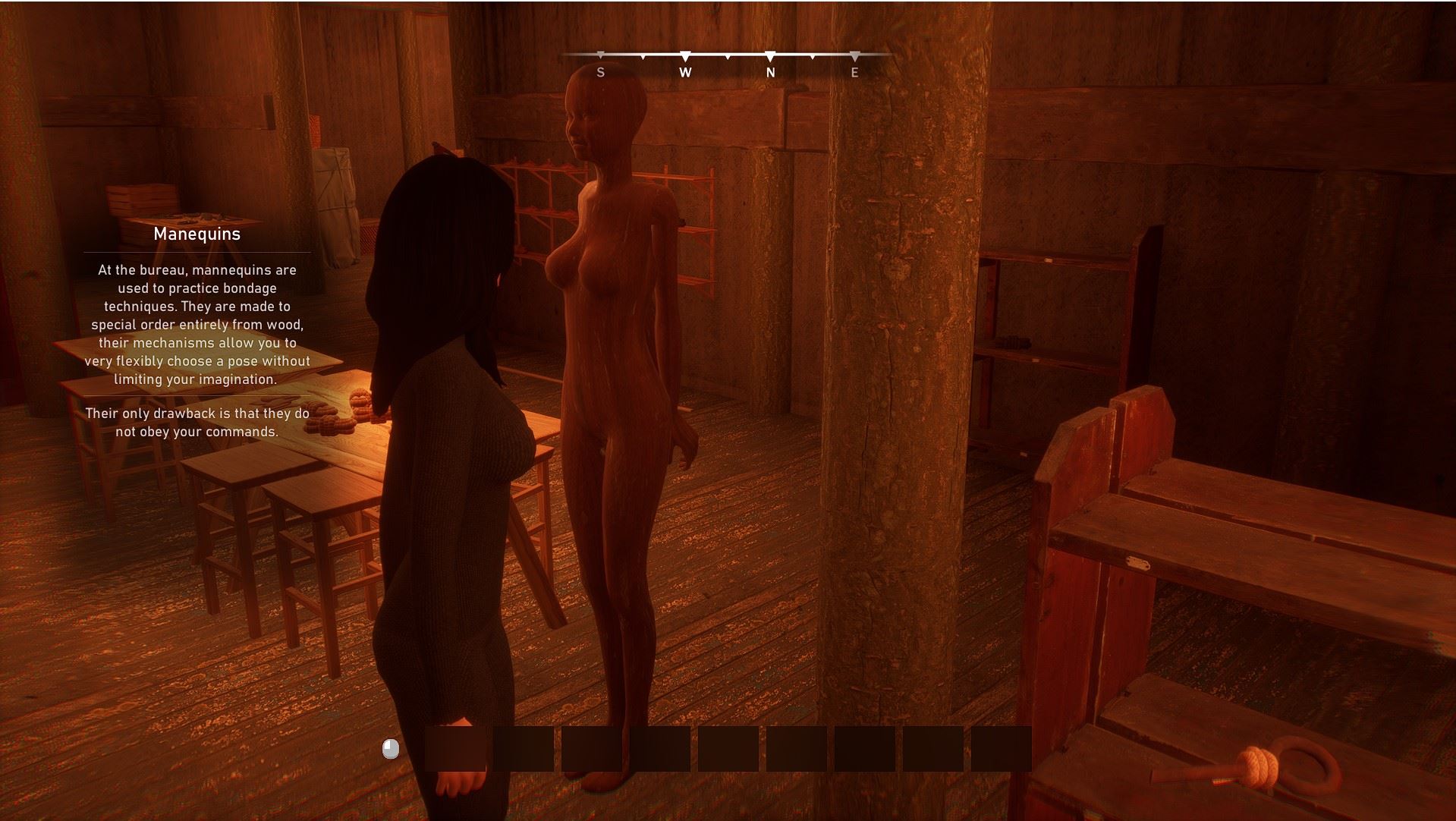
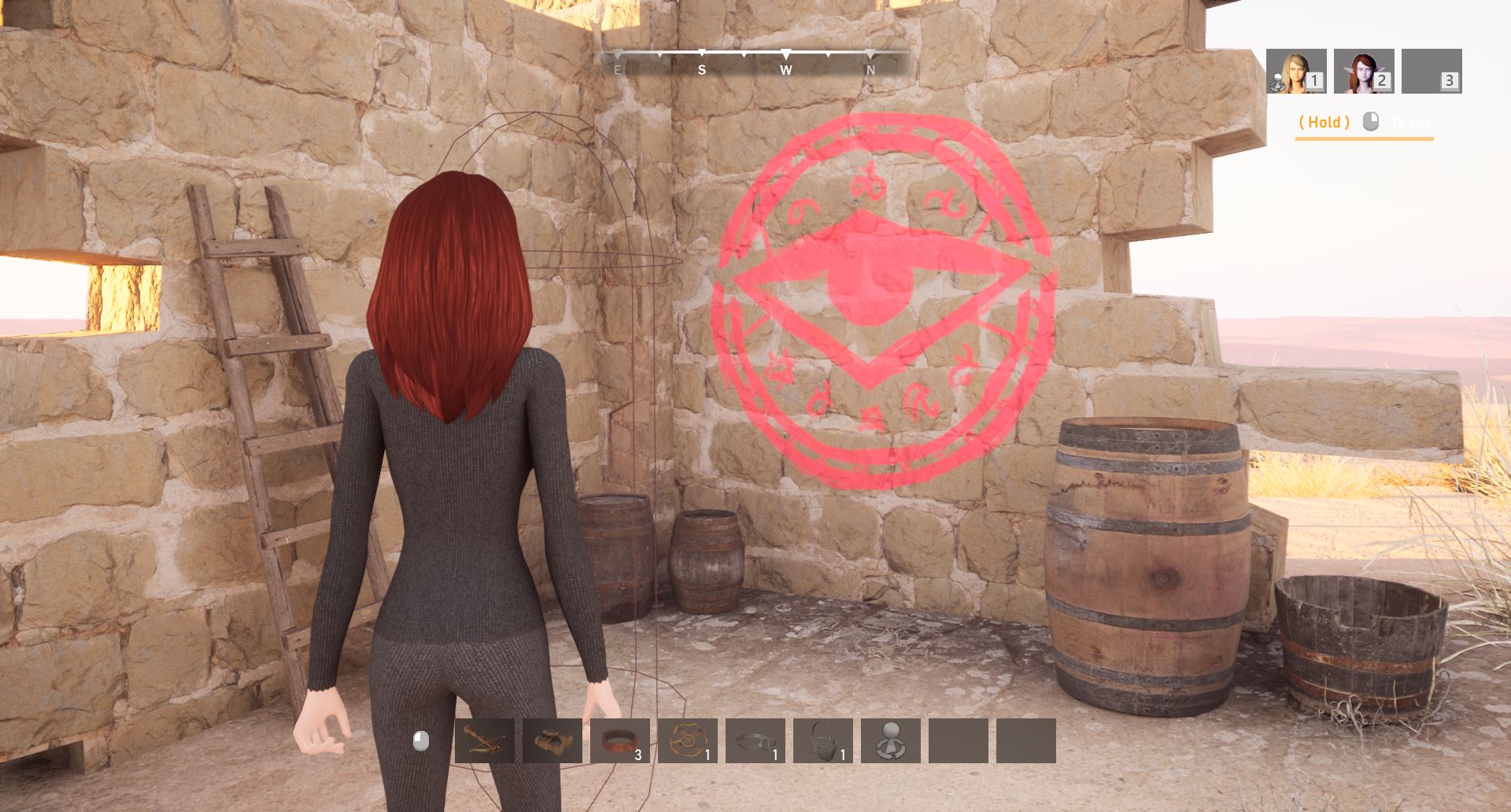
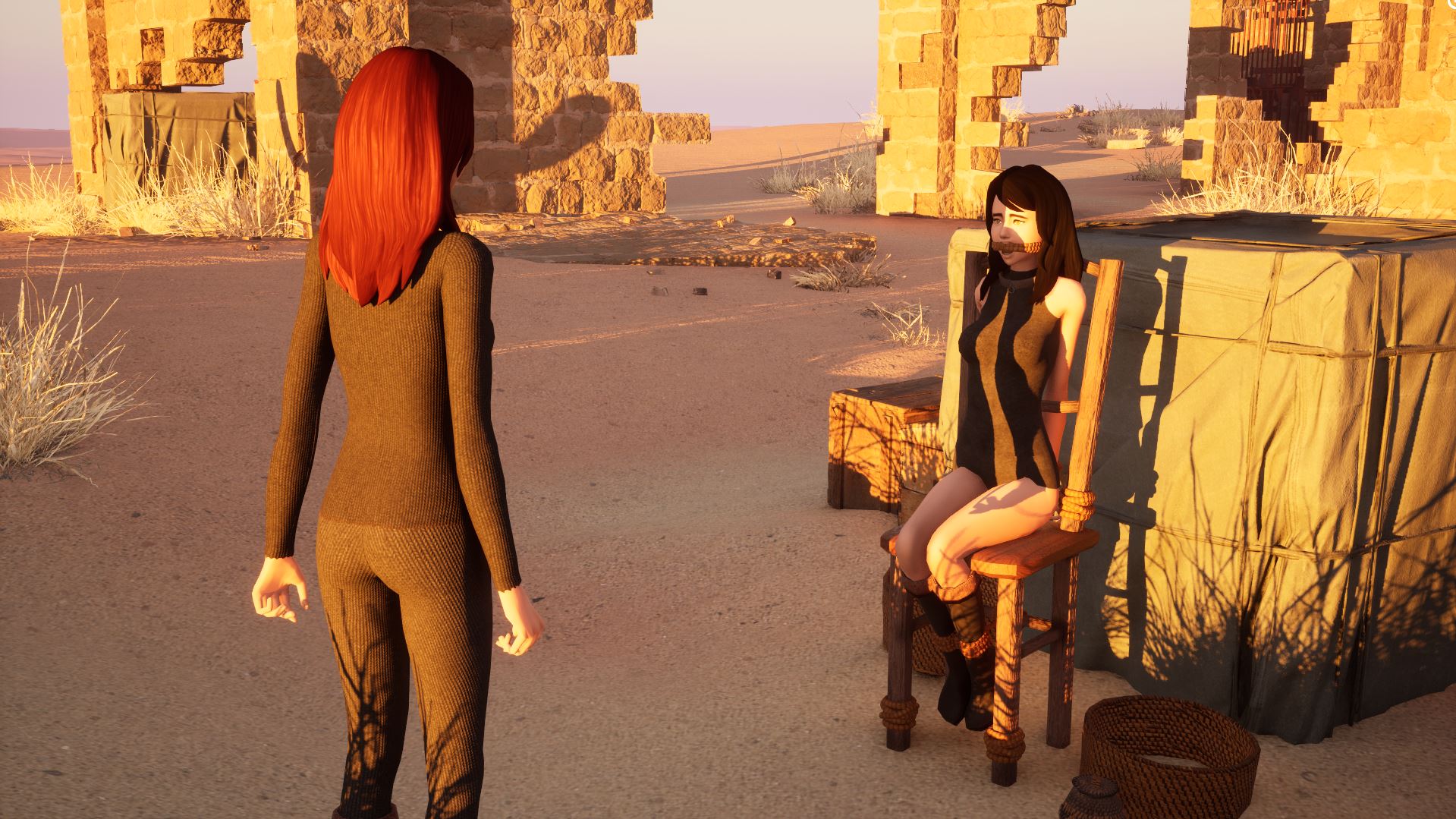
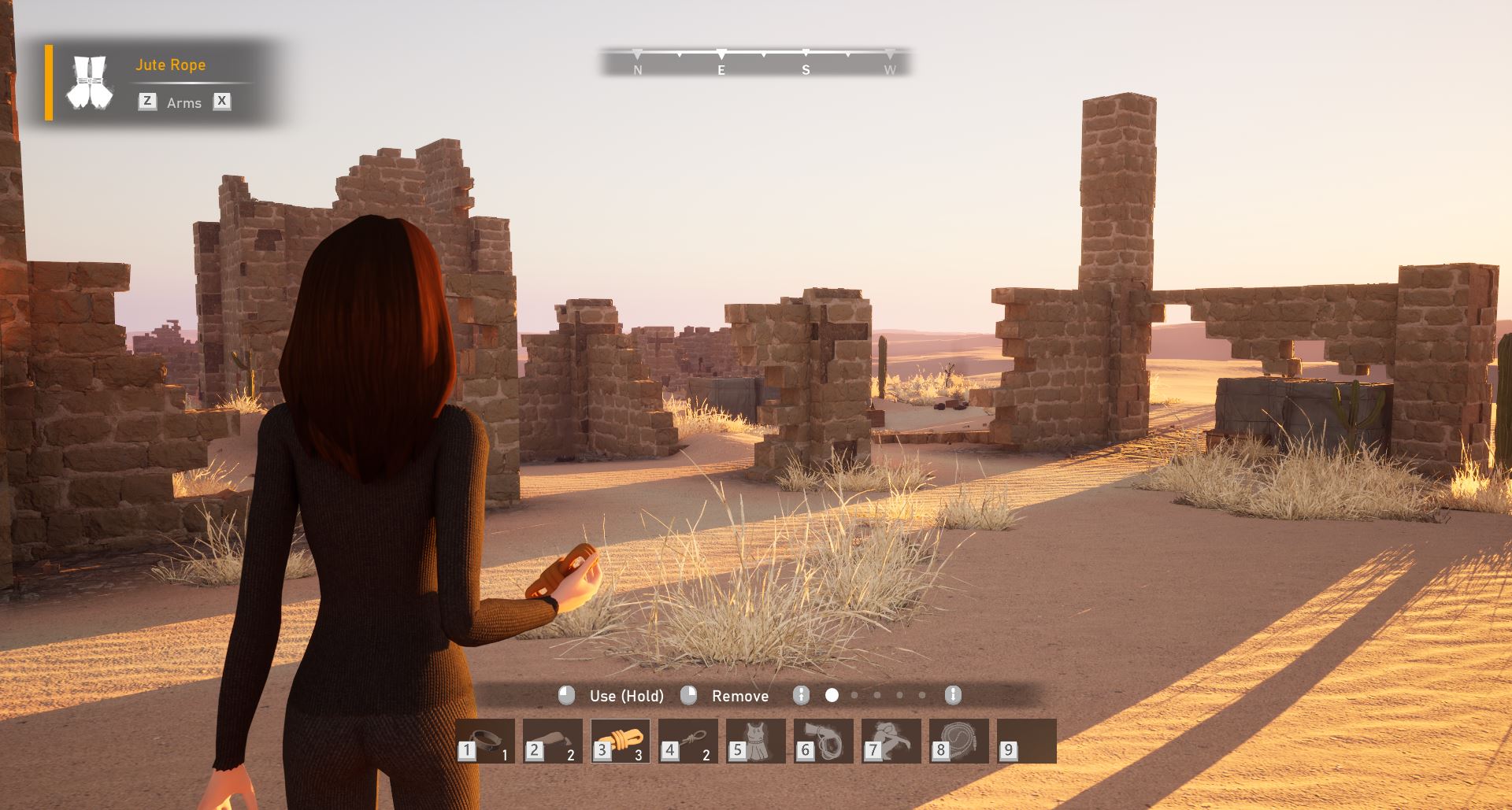
This is a stealth game set in an open fantasy world. The basis of the gameplay is bondage and an extensive system of interaction with everything around. You can capture naughty girls and punish them, or you can take the role of a captive yourself, who knows what they will do to you.
- Extract and run.
Staging Director :
- The "Staging Director" system has been introduced, responsible for the implementation and joint execution of animations for two or more actors. It will be responsible for the character capture system, some character interactions, and, in the future, the combat system and some staged capture scenes. Overall, I have quite a lot of plans, and this feature will help make implementing content based on it less painful.
- Item searches are now performed by their specifications on the main screen of the radial menu. This allows you to more precisely categorize items across tabs, minimizing the mixing of items from different categories. The following categories are available in the menu:
- Arms.
- Legs.
- Torso.
- Whole Body.
- Mouth (Gags only).
- Sensory (Blindfold / Headbag).
- Neck (Collars).
- Joins (Balltie / Hogtie).
- Actions (available actions).
- Action or item elements in the Grab Mode radial menu now contain access decorators. I'm still working on this, but it's necessary for dynamic access control. For example, if you can't use an action or item in a given configuration, the action will be marked as blocked.
- Item Model Views now support custom assets, which can now display contextual information in the radial menu (items with unique uses can have unique names and images, slightly simplifying the search for items with a specific use).
- Bondage items included in character ability sets (Spider Web, Resin) are categorized by specification and will appear when selecting certain categories. This works similarly to regular items.
- A utility for "scalping" item uses has been added. This solves the issue where a selected item has too many uses, forcing you to use additional menus to switch between them before using the item itself. Now, if you select the "Hands" use on the main screen, you will only see items for that use. The exception is items with related uses (ankles / calf knees / thigh knees) - such items will be duplicated in the menu, and their use will be indicated in the corner of the item.
- Item search by specification tags has been updated (it just works faster).
- Added automatic positioning state support when using bondage in Grab Mode. If you use special bondage techniques, characters within the scene will automatically assume the required poses (through a black screen, of course).
- Bondage techniques (Hogtie / Frogtie / Balltie) have been slightly simplified. These techniques no longer require a target "position" state, and you can apply them immediately after meeting the minimum requirements, for example:
- Hogtie - binds only the hands and ankles.
- Balltie - binds only the thighs.
- Hogtie - can be applied immediately; no further actions are required.
- Added an automatically controlled camera in Grab Mode (the camera will automatically adjust the camera's angle to a more convenient viewing angle).
- Added camera angle controls when selecting certain link categories in Grab Mode. For example, when selecting the "Gags" category, the camera will focus on the character's face. The behavior is similar for the "Gags," "Sensory," "Collar," and "Torso" categories.
- Enemies won't react to you if you sneak up on them and use Grab Mode. This is because the incentive registry system doesn't support forced addition of incentives. This issue will be addressed as the AI systems are updated.
- After you release an enemy NPC, they will likely lose some incentives from their registry, which will also interrupt their scheduled tasks (which they were performing before you grabbed them).
- The camera angle may be intersected by a wall or obstacle. I'm still working on this...
- Carry On Shoulder - Carry an NPC on your shoulder.
- Carry On Hands - Carry an NPC in your hands.
- You can carry neutrally disposed NPCs on your shoulder using the Grab Mode radial menu. There are no additional conditions.
- You can carry an unfriendly NPC on your shoulder only if they are helpless (bound). This is also done through the Grab Mode radial menu.
- You can sprint while carrying an NPC in your hands or shoulder. Disadvantages:
- You cannot use devices or actions from the radial menu.
- You cannot pick up items or directly interact with the environment.
- You cannot use the context menu.
- You cannot interact with Teleport Volume scene components that enable fast movement.
- You cannot carry NPCs that have been bonded with the following techniques: Hogtie, Balltie, or Frogtie. Other items do not limit this ability.
- When playing as Chrysalis, you can only carry NPCs in your arms.
- You cannot simultaneously use the Carrying Device and carry NPCs in your arms/shoulder while playing as the base classes.
- The Scarlet Countess has been granted permission to use the Carrying Device and carry NPCs in her arms simultaneously (the corresponding ability has been granted). Carrying two passengers simultaneously does not affect movement for this character class, so you can sprint.
- The capsule size and mesh scale have been normalized, as this was causing issues with adapting to the new animation systems.
- The player character has been granted permission to place the Scarlet Countess in any stationary captivity device.
- The player character has been granted permission to place the Scarlet Countess in a transport device.
- A component for controlling the weight of the carried load has been added in test mode (applies only to characters carried on the shoulder/hands and characters in a carrying device). This component also controls the rotation of the player character's capsule, as well as the blending time of some movement animations. Essentially, carrying a hostage on your shoulder doesn't slow down the speed or input, but it does slow down the response to input, giving a slight feeling of carrying something heavy. Of course, if you carry multiple characters, the effect is cumulative.
- The Carrying Device has been removed from the context action menu (Carrying Device is now part of the decorable actions in the Grab Mode menu and cannot be placed in the context action menu).
- Bondage-related item categories have been removed from the radial menu. Since the player no longer needs to use the old framework, only "Weaponment," "Devices," and "Actions" remain.
- Hostage pose management is temporarily unavailable in the context actions menu (due to the ongoing work on capture animations—the necessary content is simply missing). I'll restore it when it's available.
- The "Put In Hand" action has been removed from the context actions panel.
- The ability to pick up an item by clicking on the item's icon in the inventory has been removed.
- Dual Core Pentium or equivalent Processor.
- Intel HD 2000 or equivalent Graphics.
- 5.34 GB of free disk space (Recommended to have twice as much free disk space than this).
My Pretty Toy - Ongoing - v.0.7.20 Links And Mirrors
About The Game: My Pretty Toy is a porn game made on Unreal Engine game engine. This game is rated M and meant for adults with explicit contents and strong language. It is advised to read the tags to get an idea about the game. The current available version is v.My Pretty Toy. THe contents of the game is Uncensored. My Pretty Toy is developed and distributed by Nanney Teasford, Please support Nanney Teasford if want the development of My Pretty Toy game going or want to see more new games from them in future. The download links are crawled and gathered from various public sites. We do not host/modify or alter the contents. The uploader is responsible for the DMCA.
My Pretty Toy's latest build v.0.7.20 is available in Windows platforms and currently Ongoing. We last updated this game in August 10, 2026.
My Pretty Toy's latest build v.0.7.20 is available in Windows platforms and currently Ongoing. We last updated this game in August 10, 2026.