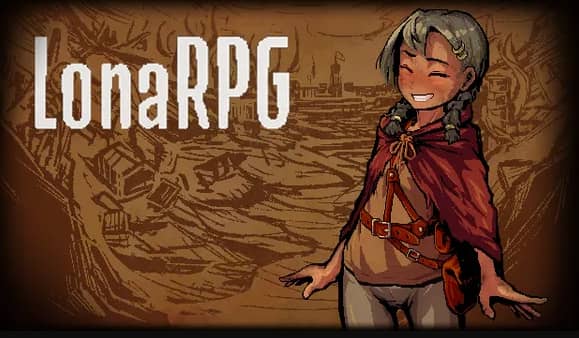
LonaRPG
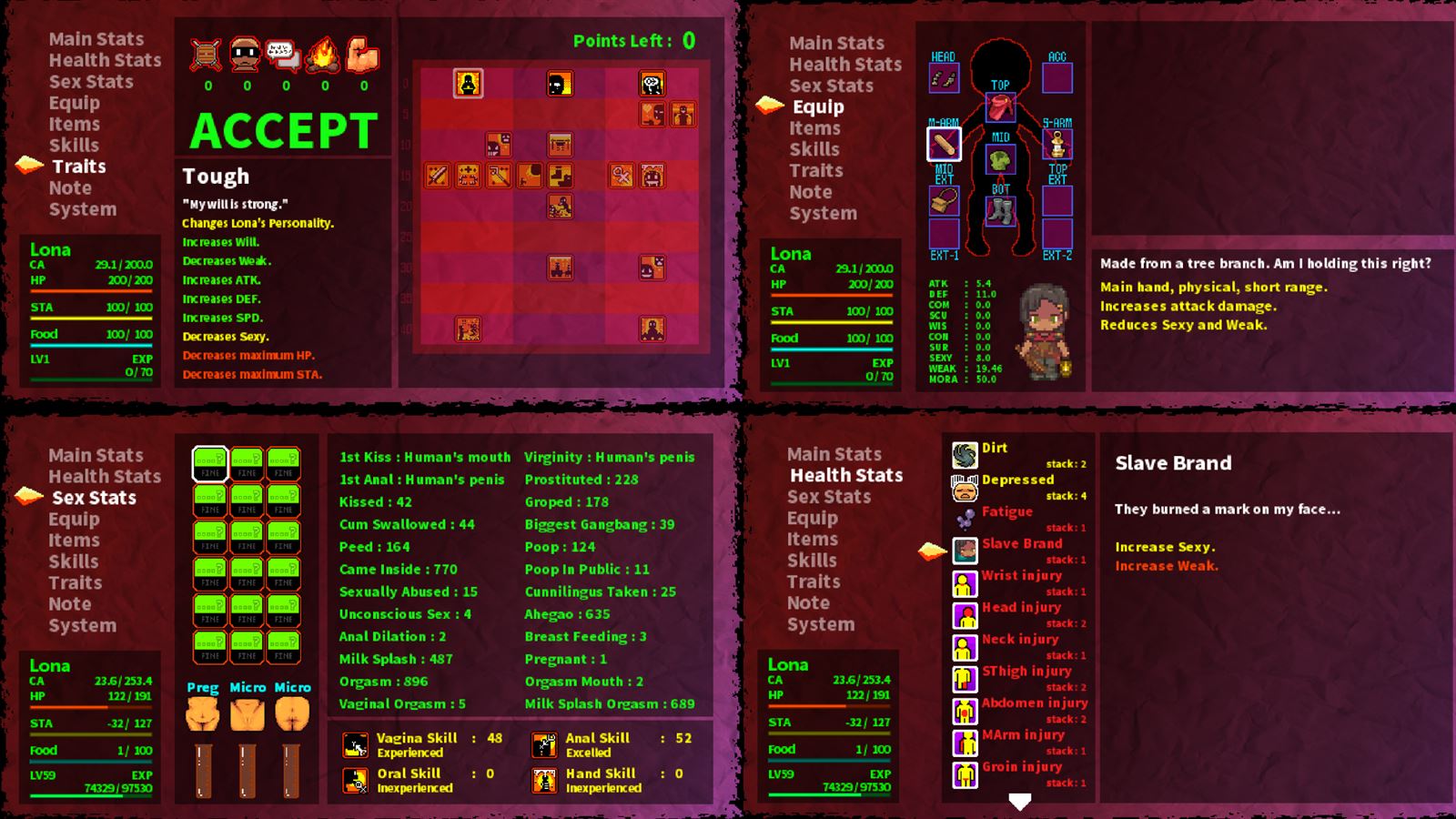
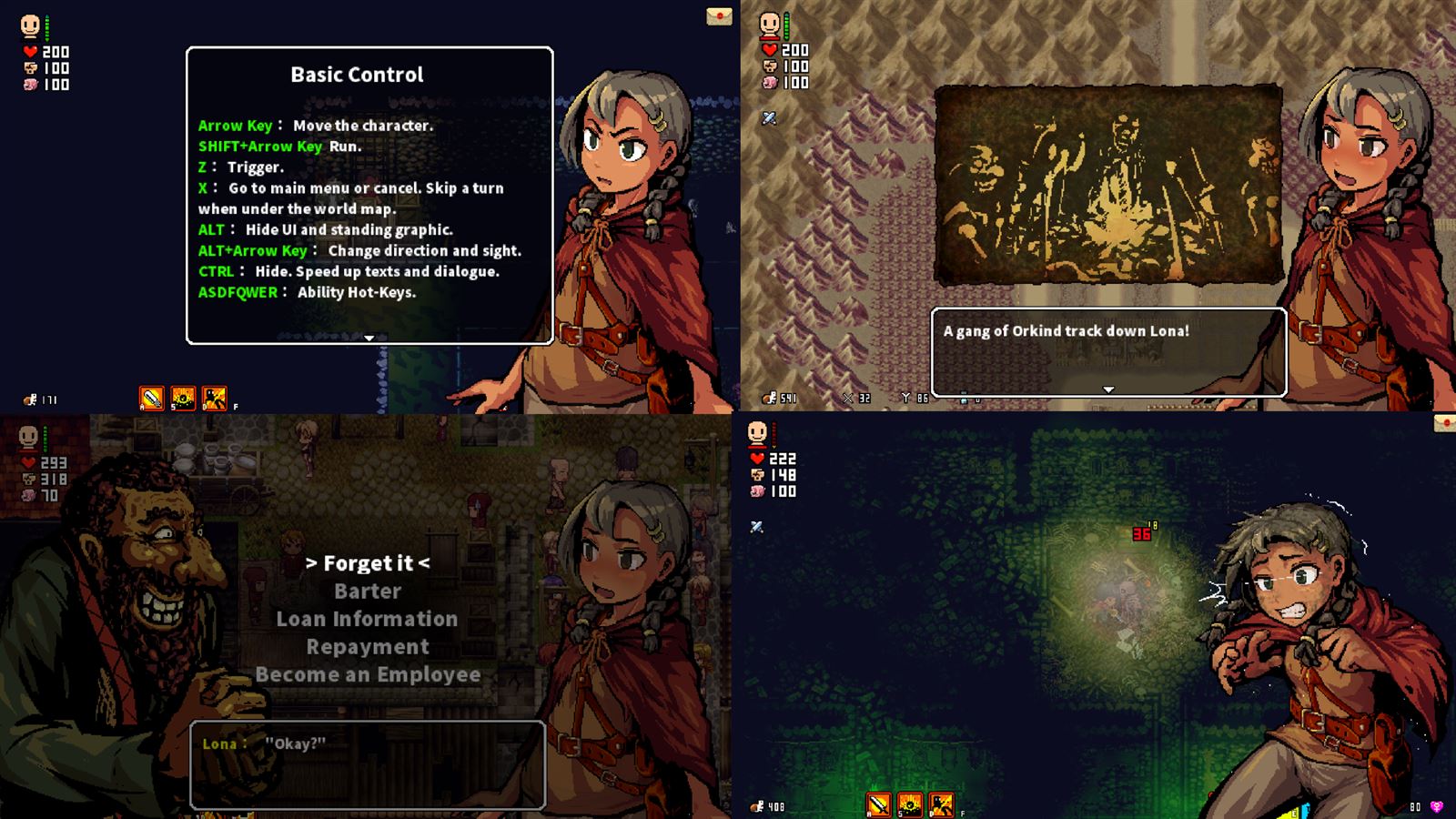
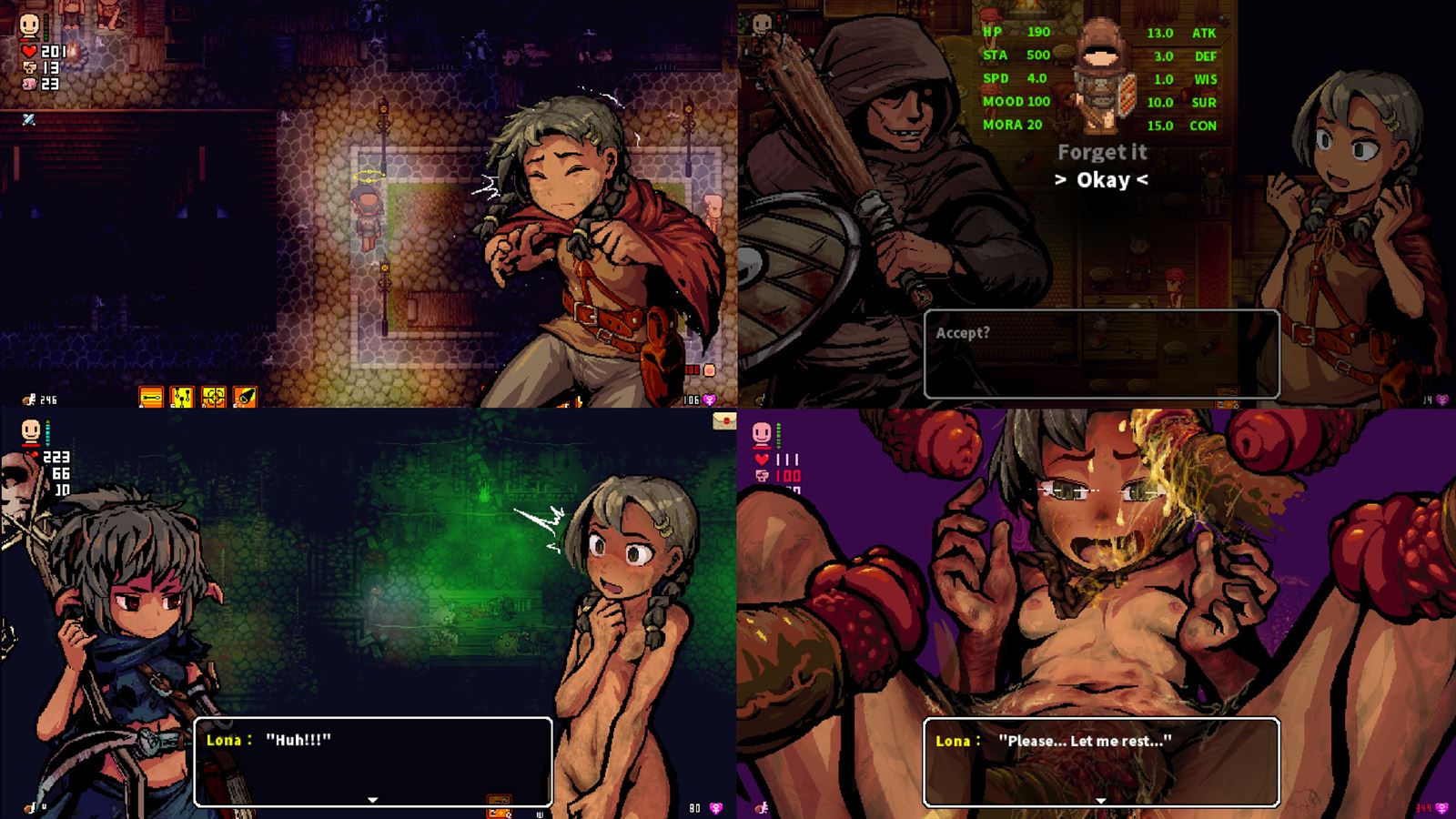
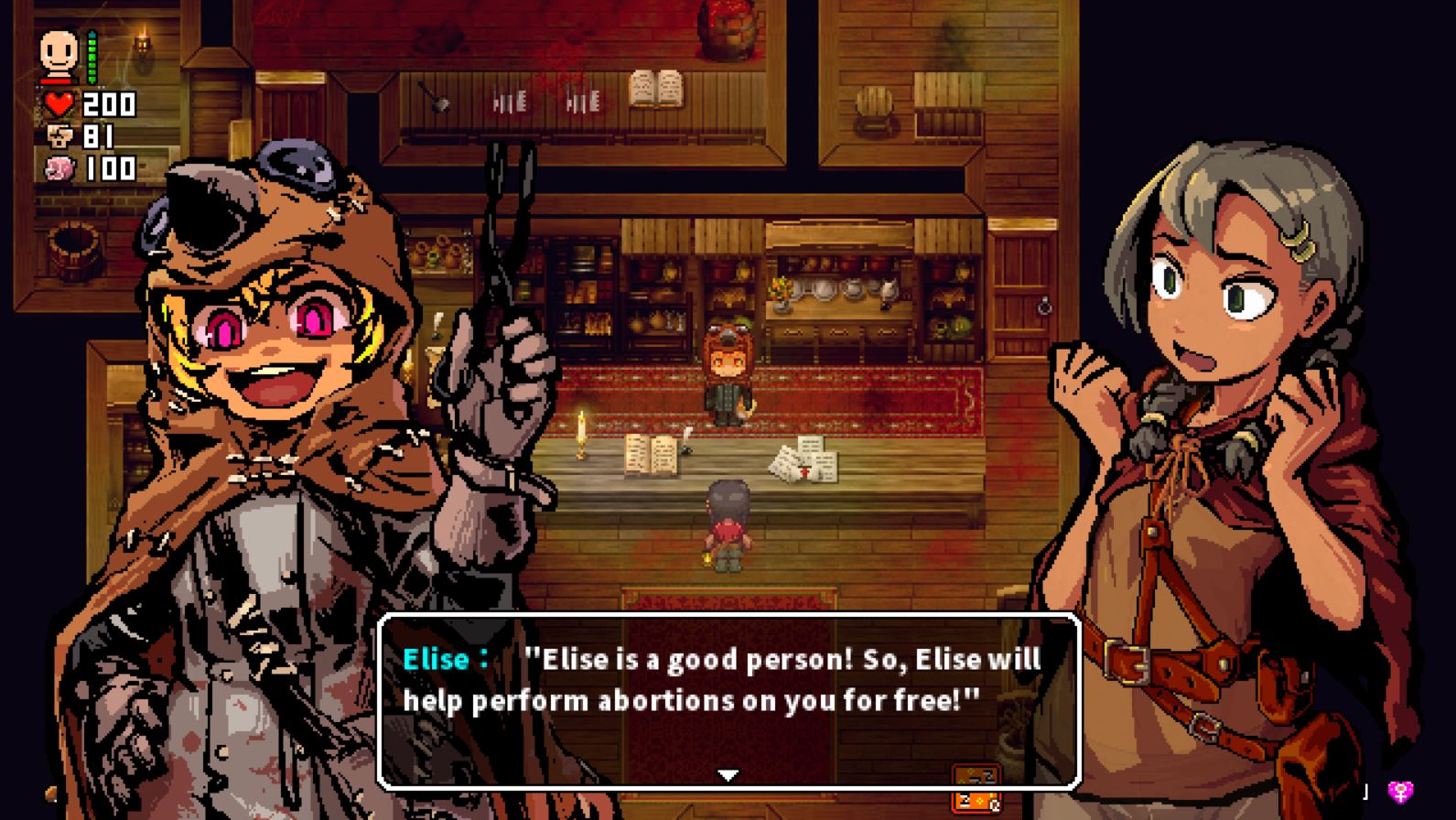
Game Description:
Cold… Grim… Unforgiving… Deadly… This is the world of LonaRPG.
Play the story of a young woman named Lona, who must survive in this gothic and cruel world.
Explore a grimdark, twisted, and open world where one little mistake can cost Lona her life…
Can you help Lona survive? (And protect her smile?)
***Saves before Beta.0.10.8.0 will not work***
- Extract & Run Game.exe.
- Read readme.txt before you play!!!
- Dual Core Pentium or equivalent Processor.
- Intel HD 2000 or equivalent Graphics.
- 670.5 MB of free disk space (Recommended to have twice as much free disk space than this).
LonaRPG - Ongoing - v.B.0.10.8.12 Links And Mirrors
About The Game: LonaRPG is a porn game made on RPGM game engine. This game is rated M and meant for adults with explicit contents and strong language. It is advised to read the tags to get an idea about the game. The current available version is v.LonaRPG. THe contents of the game is Uncensored. LonaRPG is developed and distributed by EccmA417, Please support EccmA417 if want the development of LonaRPG game going or want to see more new games from them in future. The download links are crawled and gathered from various public sites. We do not host/modify or alter the contents. The uploader is responsible for the DMCA.
LonaRPG's latest build v.B.0.10.8.12 is available in Windows platforms and currently Ongoing. We last updated this game in August 18, 2026.
LonaRPG's latest build v.B.0.10.8.12 is available in Windows platforms and currently Ongoing. We last updated this game in August 18, 2026.
Walkthrough and Guide
Wiki
Guide: FILEKNOT
All Cheats & other Mods: FILEKNOT - MEDIAFIRE - MEGA
Cheat Framework (0.10.8.05+): FILEKNOT - MEDIAFIRE - MEGA
Cheat Framework (0.10.2-0.10.7): FILEKNOT - MEDIAFIRE - MEGA
Big Booba & Belly: FILEKNOT - MEDIAFIRE - MEGA
Filter Visuals: FILEKNOT - MEDIAFIRE - MEGA
All Cheats & other Mods Installation:
Alt. Cheat Mods: FILEKNOT
Alt. Cheat Mods Installation:
All mods from the pack, except for God Saint Purge (a.k.a Lona's Retribution), require the Cheat Framework. Do the steps to install it and come back.
To install the mods, just merge & replace the ModScripts folder in the root folder of the game (where Game.exe is located). This can easily be done by dragging the folder from the archive into the game's root folder.
To enable God Saint Purge mod (provided you placed it in the mod folder), you will have to go to the Mods settings, enable and apply it, then restart the game.
Hotkey Defaults:
Guide: FILEKNOT
All Cheats & other Mods: FILEKNOT - MEDIAFIRE - MEGA
Cheat Framework (0.10.8.05+): FILEKNOT - MEDIAFIRE - MEGA
Cheat Framework (0.10.2-0.10.7): FILEKNOT - MEDIAFIRE - MEGA
Big Booba & Belly: FILEKNOT - MEDIAFIRE - MEGA
Filter Visuals: FILEKNOT - MEDIAFIRE - MEGA
All Cheats & other Mods Installation:
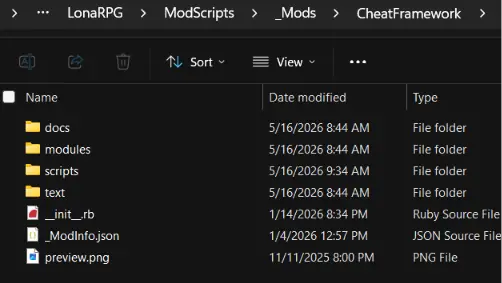
- All mods should go into the LonaRPGModScripts_Mods folder:
- Mods should NOT be compressed (in the .zip file)
- Mods should NOT be nested or put in the root folder - it should look something like this:

- Once in place, open the MODS menu from within LonaRPG (right above EXIT).
- Press action key (Z) to activate mods, left/right to change their order. The one that loads last (bottom) 'wins'
- Once you've made your changes, move to the top and select "Restart to Apply" (or restart manually)
- If you continue to have issues - here is a video resource (not mine).
Alt. Cheat Mods: FILEKNOT
Alt. Cheat Mods Installation:
All mods from the pack, except for God Saint Purge (a.k.a Lona's Retribution), require the Cheat Framework. Do the steps to install it and come back.
To install the mods, just merge & replace the ModScripts folder in the root folder of the game (where Game.exe is located). This can easily be done by dragging the folder from the archive into the game's root folder.
To enable God Saint Purge mod (provided you placed it in the mod folder), you will have to go to the Mods settings, enable and apply it, then restart the game.
Hotkey Defaults:
- Main Menu = F9
- Heal = F8
- Heal Wound = F7
- Money Now = F6
- Infinite Health = F5
- Infinite Stamina = F5
- Infinite Food = F5
- Auto Bandage = F4
- Auto Clean Outside = F4
- Auto Clean Inside = F4
- Auto Cure = F4
- Remove Clothes = F3
- Force Remove Clothes = Shift+F3
- Bank Anywhere = F2