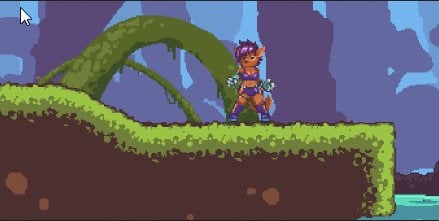
Kincaid
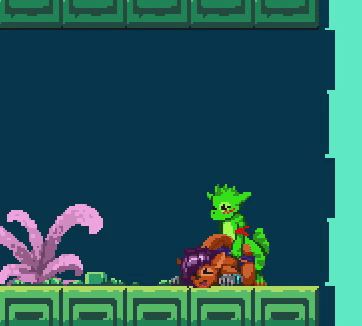

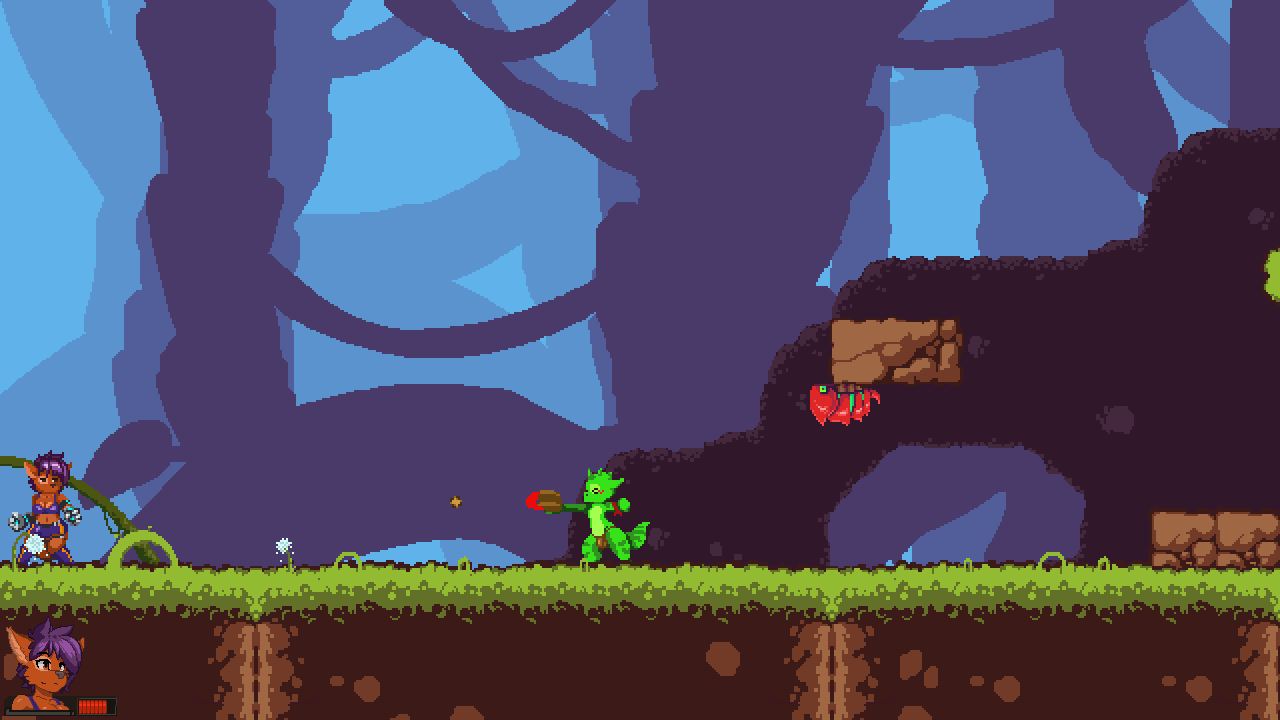
Game Description:
Kincaid is a lewd metroidvania-style platformer with a sci-fi theme. Our protagonist is an archeologist, exploring uncharted planets and their wild life!
Join our playful and naughty wolf girl Kincaid, as she sexplores flora & fauna and meets new friends (with benefits~) and adversaries!
- Extract and run.
Content
Hi Space Adventurer!
Kincaid is having a BLAST!
In our last installment Kincaid found herself deep underneath the Kobold city, getting lost in the ancient cistern caverns and getting through some sticky situations! But she found a new power down there and with it, new areas of the jungle open up for exploration!
Explore the Holy Grounds
The Holy Grounds is the training and testing ground for young shamans. Here they spend most of their time practicing their powers and learning about the inner workings of their world and the careful delicate balance their whole ecosystem is resting upon.
Once they reach a certain level they can enter the Temple of Trials where they will have to pass their final test before becoming a full fledged shaman serving under the queen.
Two New Animations!
The build features two new animations tied to certain story events or NPC interactions. They become unlocked in the gallery if you manage to find them! ^w~
New Input System
We did a big version update on the input system that we use under the hood. The new input library hopefully handles more controllers better and saving and loading configurations should be less error prone. Rebinding controls is also much safer and game controls have been separated from menu controls, so changing that should no longer mess with menu navigation and getting past screens.
- Dual Core Pentium or equivalent Processor.
- Intel HD 2000 or equivalent Graphics.
- 186.87 MB of free disk space (Recommended to have twice as much free disk space than this).
Kincaid - Ongoing - v.2025.09 Links And Mirrors
About The Game: Kincaid is a porn game made on Others game engine. This game is rated M and meant for adults with explicit contents and strong language. It is advised to read the tags to get an idea about the game. The current available version is v.Kincaid. THe contents of the game is Uncensored. Kincaid is developed and distributed by Cookiedraggy, Please support Cookiedraggy if want the development of Kincaid game going or want to see more new games from them in future. The download links are crawled and gathered from various public sites. We do not host/modify or alter the contents. The uploader is responsible for the DMCA.
Kincaid's latest build v.2025.09 is available in Windows platforms and currently Ongoing. We last updated this game in May 12, 2026.
Kincaid's latest build v.2025.09 is available in Windows platforms and currently Ongoing. We last updated this game in May 12, 2026.
Walkthrough and Guide
Cheats: FILEKNOT - ANONZIP
Cheats Installation:
This cheat table as any other cheat table requires Cheat Engine (official website)
1. Launch both Kincaid and Cheat Engine (if Cheat Engine asks for CEShare link insert this url: https://fearlessrevolution.com/ceshare/ )
2. Attach Cheat Engine to Kincaid
2.1. Click the button that glows like a "Gamer" RGB
2.2. Select kincaid process (should be at the bottom of the list)
2.3. Click "Open"
3. If you put cheat table into "My Cheat Tables" folder (can be found inside "Documents") you will be prompted to load it automatically, otherwise open cheat table by pressing Ctrl+O
4. Click the checkbox beside "Enable cheats" (can be found at the top of the table in the bottom half)
To access cheats open related category (click the checkbox)
To enable cheat click the checkbox beside it's name
All values except position can be edited
Many values require related action to b
Gallery Save: FILEKNOT - ANONZIP
Gallery Save Installation:
Unpack into
%localappdata%Kincaid_2_3
Controls:
Cheats Installation:
This cheat table as any other cheat table requires Cheat Engine (official website)
1. Launch both Kincaid and Cheat Engine (if Cheat Engine asks for CEShare link insert this url: https://fearlessrevolution.com/ceshare/ )
2. Attach Cheat Engine to Kincaid
2.1. Click the button that glows like a "Gamer" RGB
2.2. Select kincaid process (should be at the bottom of the list)
2.3. Click "Open"
3. If you put cheat table into "My Cheat Tables" folder (can be found inside "Documents") you will be prompted to load it automatically, otherwise open cheat table by pressing Ctrl+O
4. Click the checkbox beside "Enable cheats" (can be found at the top of the table in the bottom half)
To access cheats open related category (click the checkbox)
To enable cheat click the checkbox beside it's name
All values except position can be edited
Many values require related action to b
Gallery Save: FILEKNOT - ANONZIP
Gallery Save Installation:
Unpack into
%localappdata%Kincaid_2_3
Controls:
- Jumping - A
- Attacking - S
- Ducking - Down
- Rolling - 'D' or RT on the controller
- Sliding - Ducking + Rolling
- Blaster - Q or B on the controller