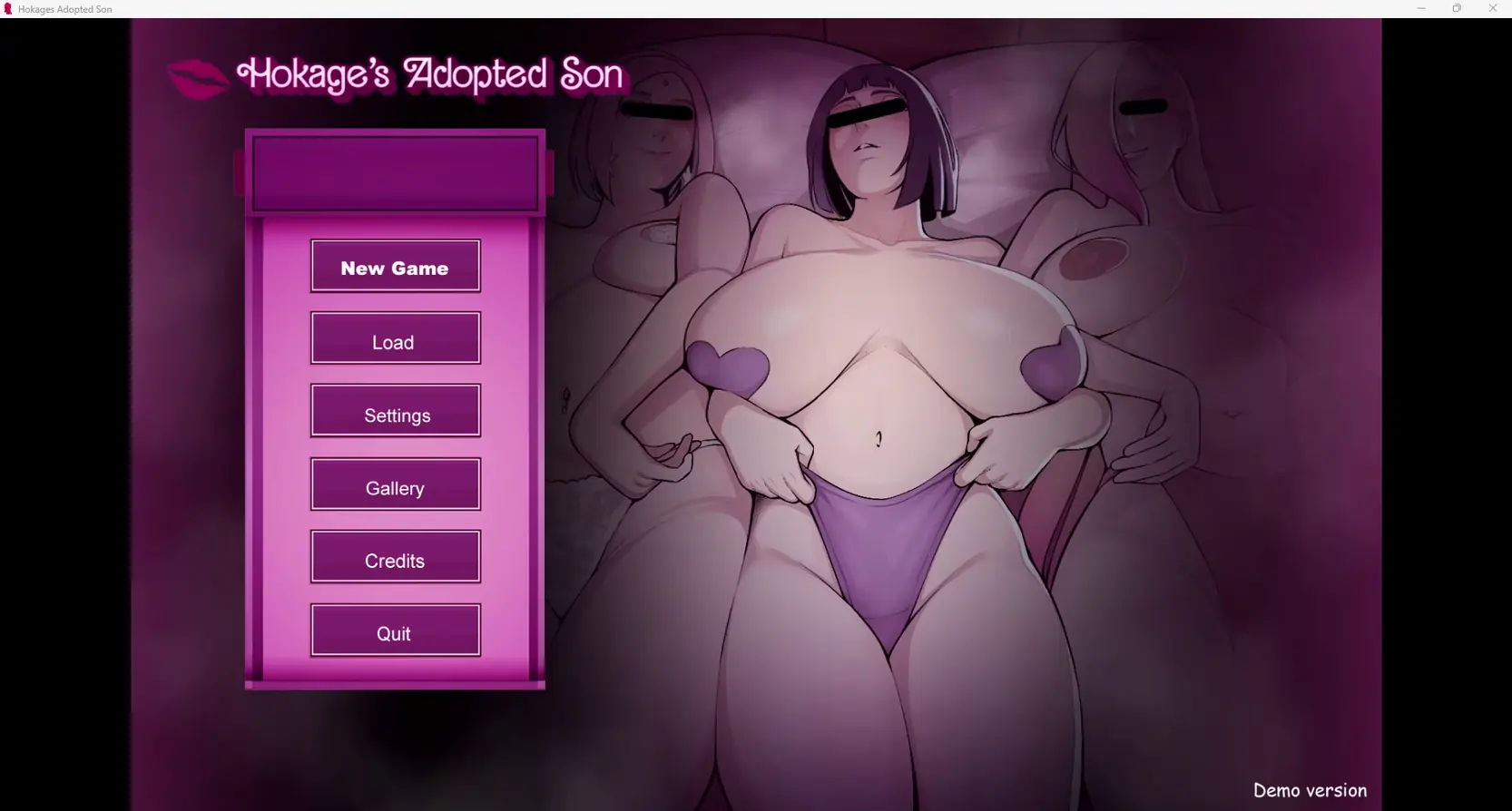
Konoha Milfs
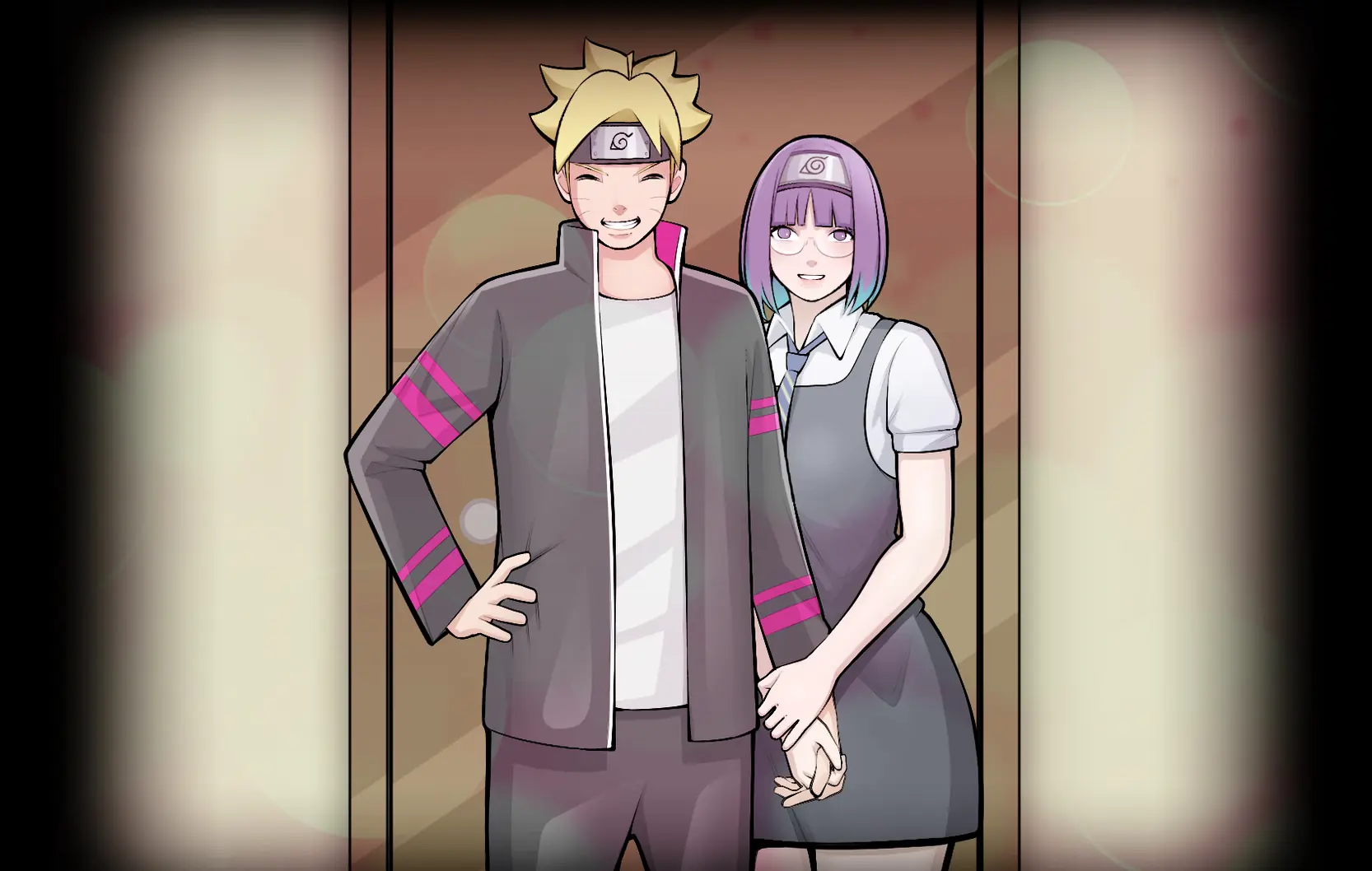
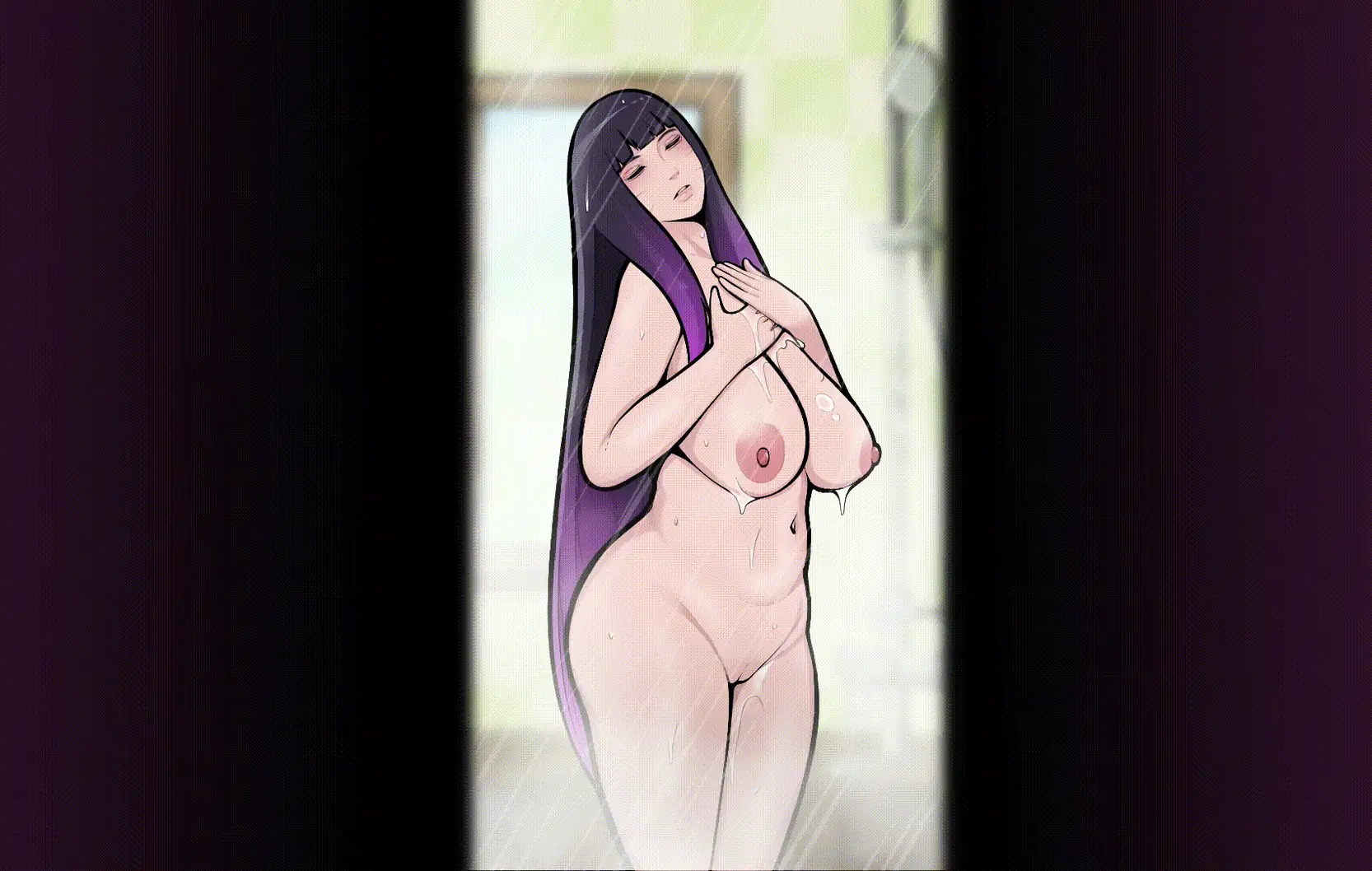
Game Description:
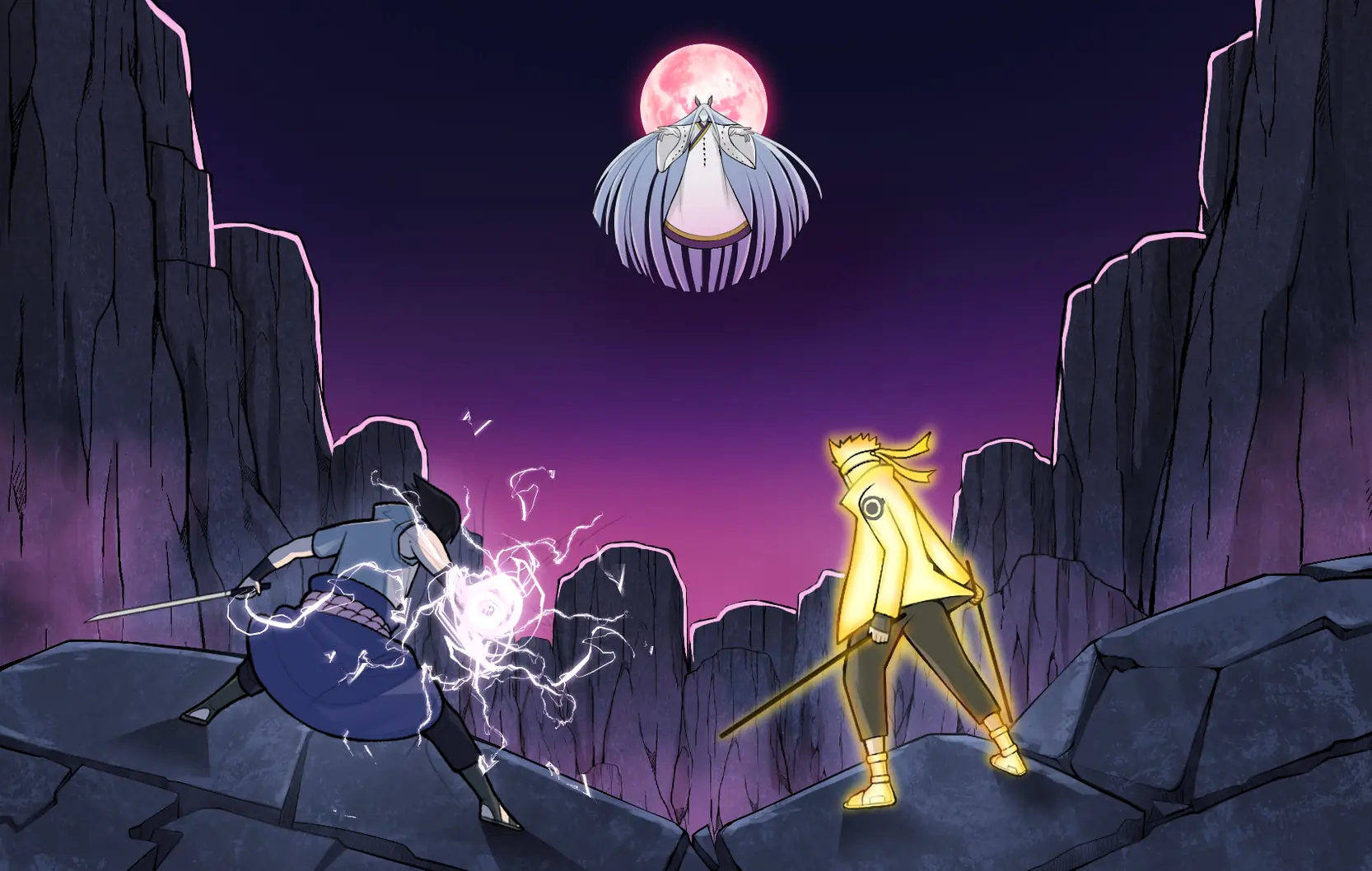
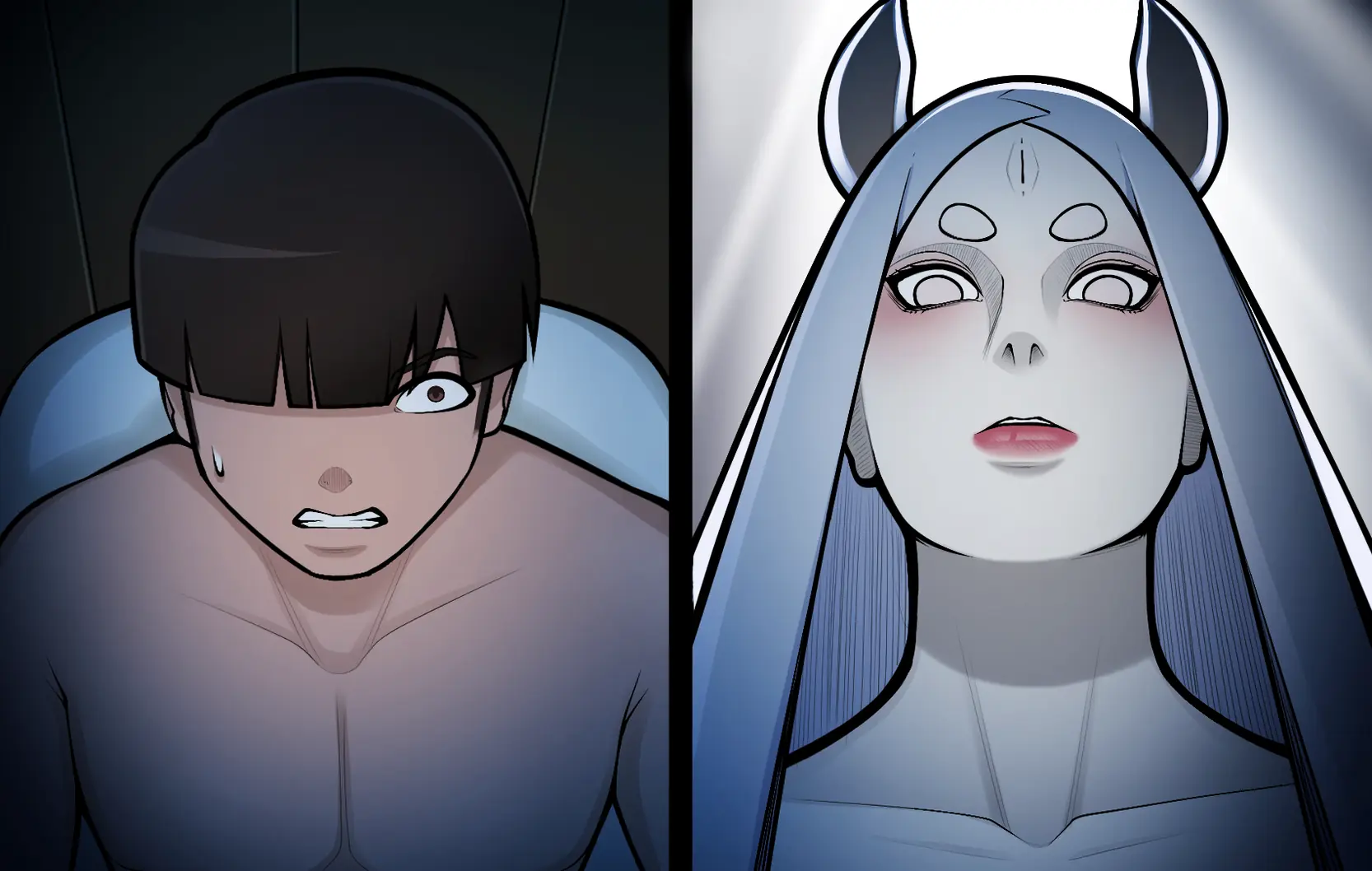
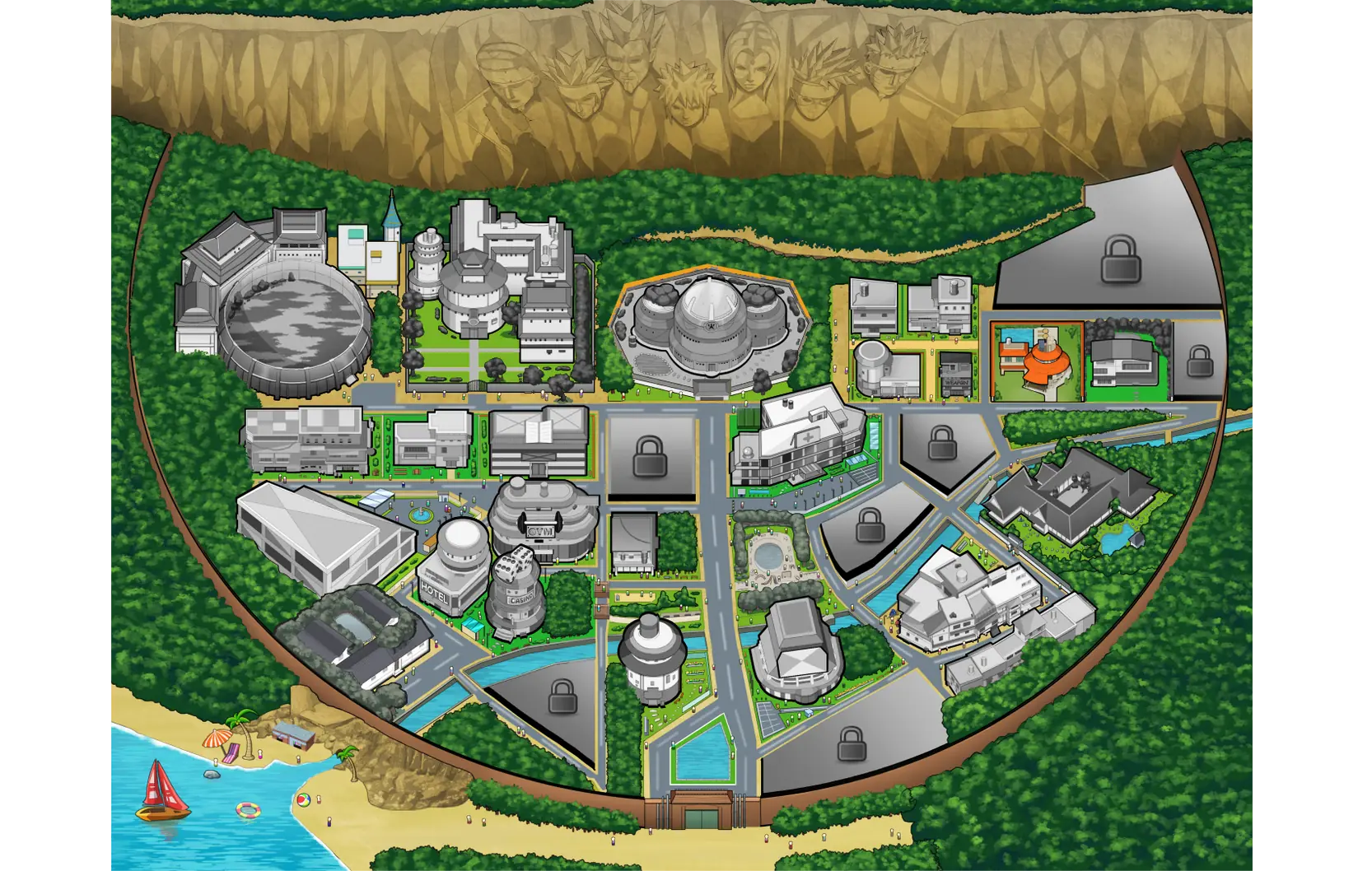
The game’s setting takes place after the 4th great ninja war. The story tells about the daily life of an orphan boy, who was fortunate to be adopted by the Hokage from childhood.
- Extract and run.
Hey everyone! ❤
A brand new update for Konoha Milfs is now available! Thank you all for your incredible support and patience. I hope you enjoy the new content!
What's new?
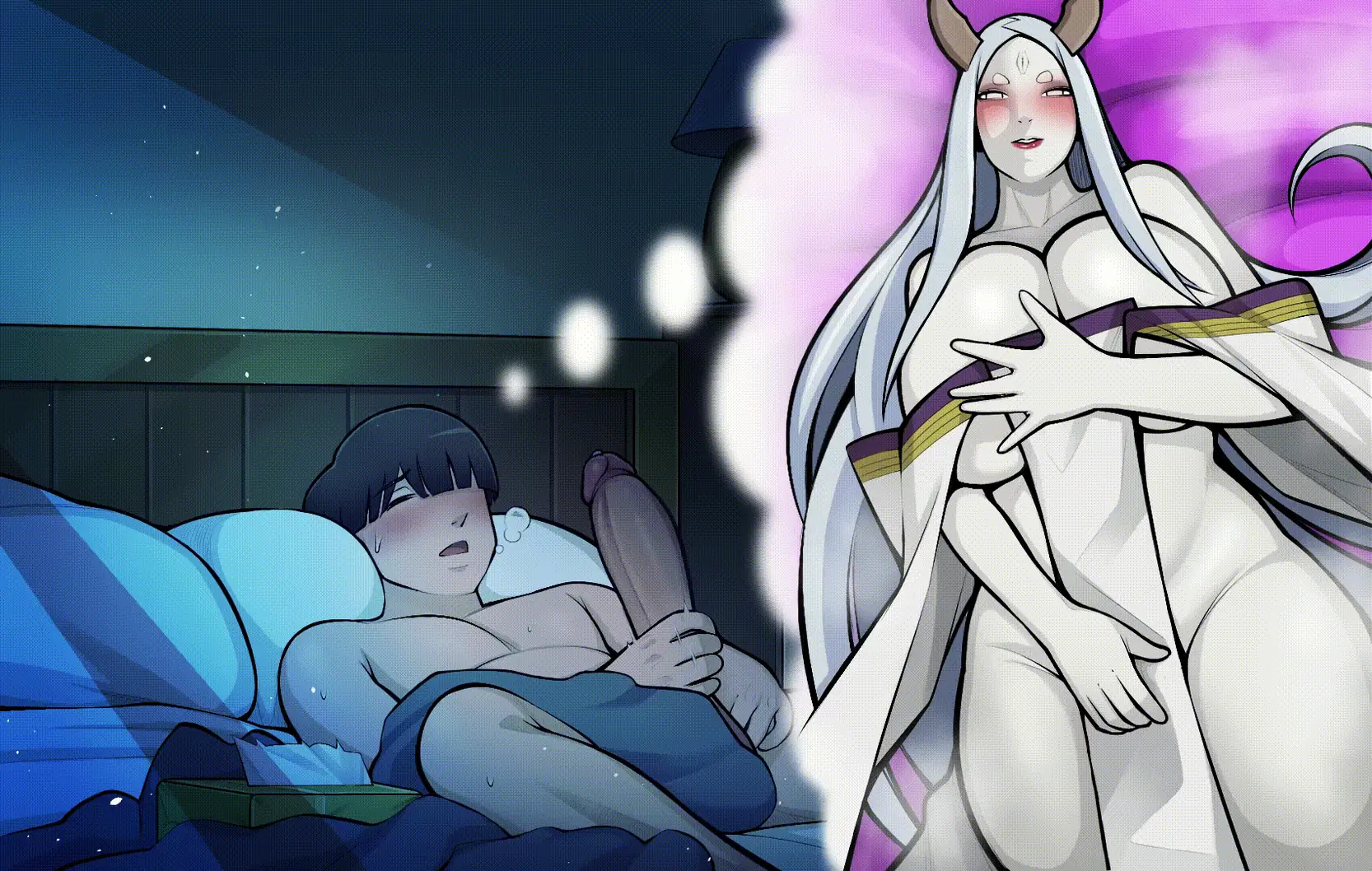
-New Hinata story events, including several funny, awkward, and unexpected moments.
-Continued Tenten's storyline, featuring Denki's bravery.
-Added Tenten's service system. (For this version, all services are available for free, even though prices are displayed.)
-Brand new Raikage story content.
As always, if you encounter any bugs, typos, or have suggestions, feel free to leave a comment or send me a message. Your feedback helps make every update even better!
Thank you again for supporting Konoha Milfs. Have fun, and enjoy the update! ❤
- Dual Core Pentium or equivalent Processor.
- Intel HD 2000 or equivalent Graphics.
- 1.92 GB of free disk space (Recommended to have twice as much free disk space than this).
Konoha Milfs - Ongoing - v.1.1 Links And Mirrors
About The Game: Konoha Milfs is a porn game made on Ren'Py game engine. This game is rated M and meant for adults with explicit contents and strong language. It is advised to read the tags to get an idea about the game. The current available version is v.Konoha Milfs. THe contents of the game is Uncensored. Konoha Milfs is developed and distributed by Kimkun0162, Please support Kimkun0162 if want the development of Konoha Milfs game going or want to see more new games from them in future. The download links are crawled and gathered from various public sites. We do not host/modify or alter the contents. The uploader is responsible for the DMCA.
Konoha Milfs's latest build v.1.1 is available in Windows, MacOS, Linux, Android platforms and currently Ongoing. We last updated this game in July 31, 2026.
Konoha Milfs's latest build v.1.1 is available in Windows, MacOS, Linux, Android platforms and currently Ongoing. We last updated this game in July 31, 2026.
Walkthrough and Guide
Gallery Unlocker: FILEKNOT
Save File: FILEKNOT
Activate Patreon:
Method 1: Replace files in the patreon_auth folder - all versions
FILEKNOT
Just download the file from the link and replace the one inside the patreon_auth folder.
Method 2: Replace files in the game folder
Method2 08.12 v0.8.rar v0.8 - Last version: FILEKNOT
screens.rar v0.8: FILEKNOT
screens.rar V0.6: FILEKNOT
screens.rar V0.5: FILEKNOT
screens.rpy V0.4: FILEKNOT
Drop this file into the game folder — it forces the account to become active Patreon, no matter what shows up.
Delete or rename the screens.rpyc file by adding a - at the end (e.g., screens.rpyc-).
There's no need to delete the Patreon folder—it will most likely continue to work even if the game gets updated.
If the file content opened as a page, you can download it by using “Save Page As”.
Make sure to select "All Files" as the file type when saving, otherwise it will be saved as a Text(.txt) file, which is incorrect.
The file extension must be .rpy, and the file name should be exactly screens.rpy.
Additional note: I personally haven't encountered it, but it's been reported that this method may cause a GUI error.
Method 3: Delete patreon_auth folder - 0.4 ~ 0.7
If you delete the Patreon folder, the game becomes temporarily playable—but it carries potential errors and could cause issues at any point.
Save File: FILEKNOT
Activate Patreon:
Method 1: Replace files in the patreon_auth folder - all versions
FILEKNOT
Just download the file from the link and replace the one inside the patreon_auth folder.
Method 2: Replace files in the game folder
Method2 08.12 v0.8.rar v0.8 - Last version: FILEKNOT
screens.rar v0.8: FILEKNOT
screens.rar V0.6: FILEKNOT
screens.rar V0.5: FILEKNOT
screens.rpy V0.4: FILEKNOT
Drop this file into the game folder — it forces the account to become active Patreon, no matter what shows up.
Delete or rename the screens.rpyc file by adding a - at the end (e.g., screens.rpyc-).
There's no need to delete the Patreon folder—it will most likely continue to work even if the game gets updated.
If the file content opened as a page, you can download it by using “Save Page As”.
Make sure to select "All Files" as the file type when saving, otherwise it will be saved as a Text(.txt) file, which is incorrect.
The file extension must be .rpy, and the file name should be exactly screens.rpy.
Additional note: I personally haven't encountered it, but it's been reported that this method may cause a GUI error.
Method 3: Delete patreon_auth folder - 0.4 ~ 0.7
If you delete the Patreon folder, the game becomes temporarily playable—but it carries potential errors and could cause issues at any point.