
CelSector
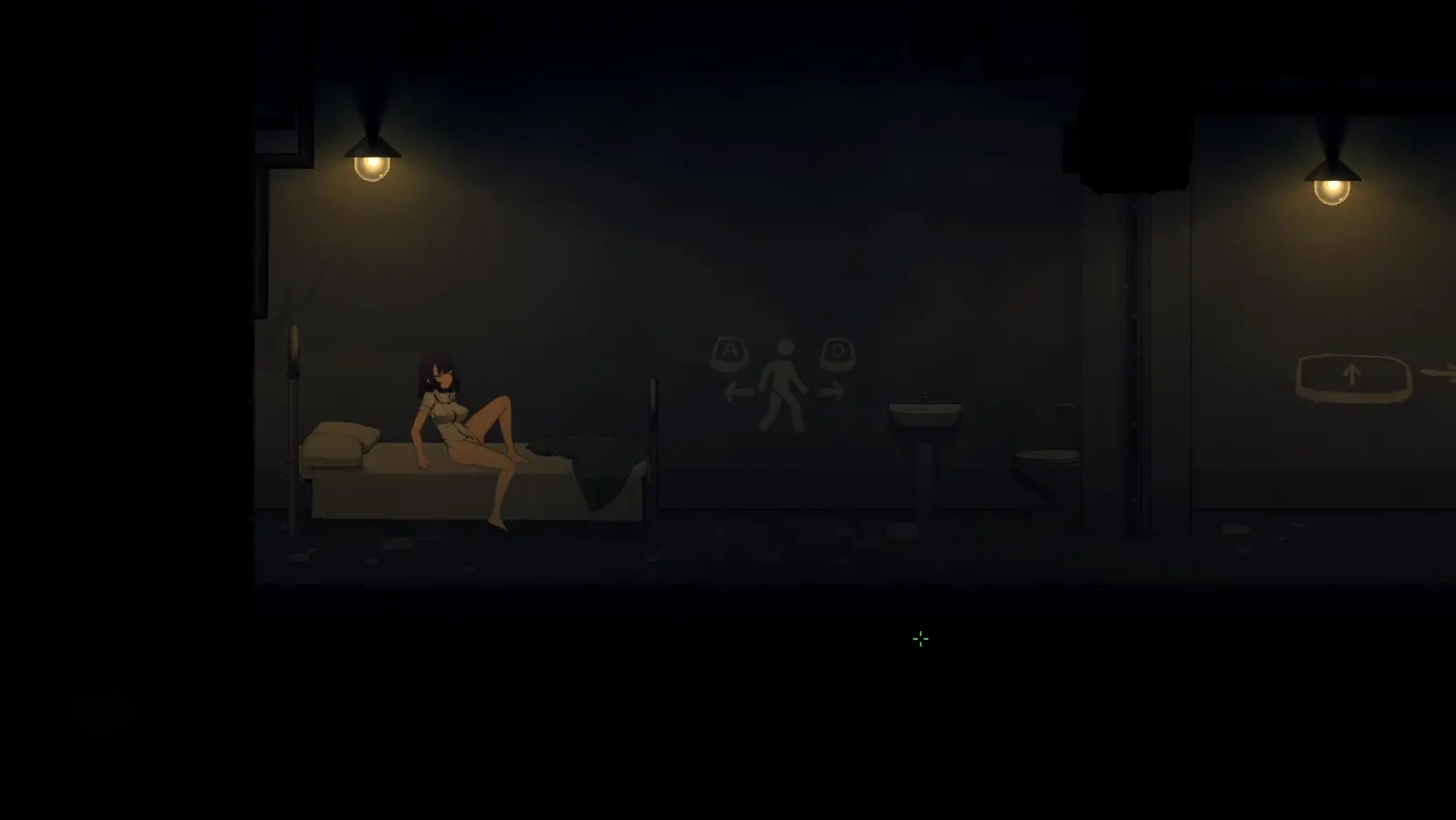
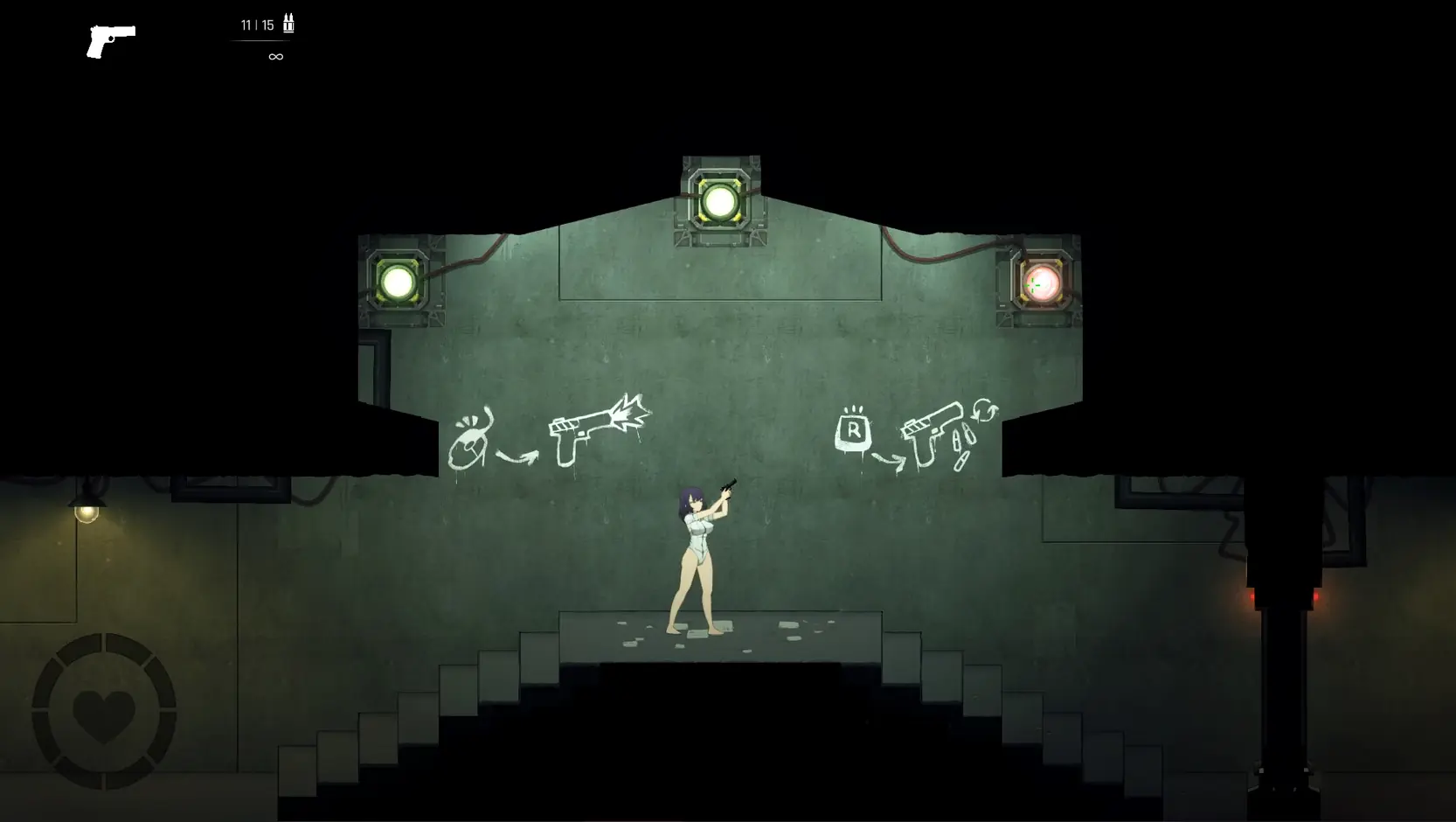
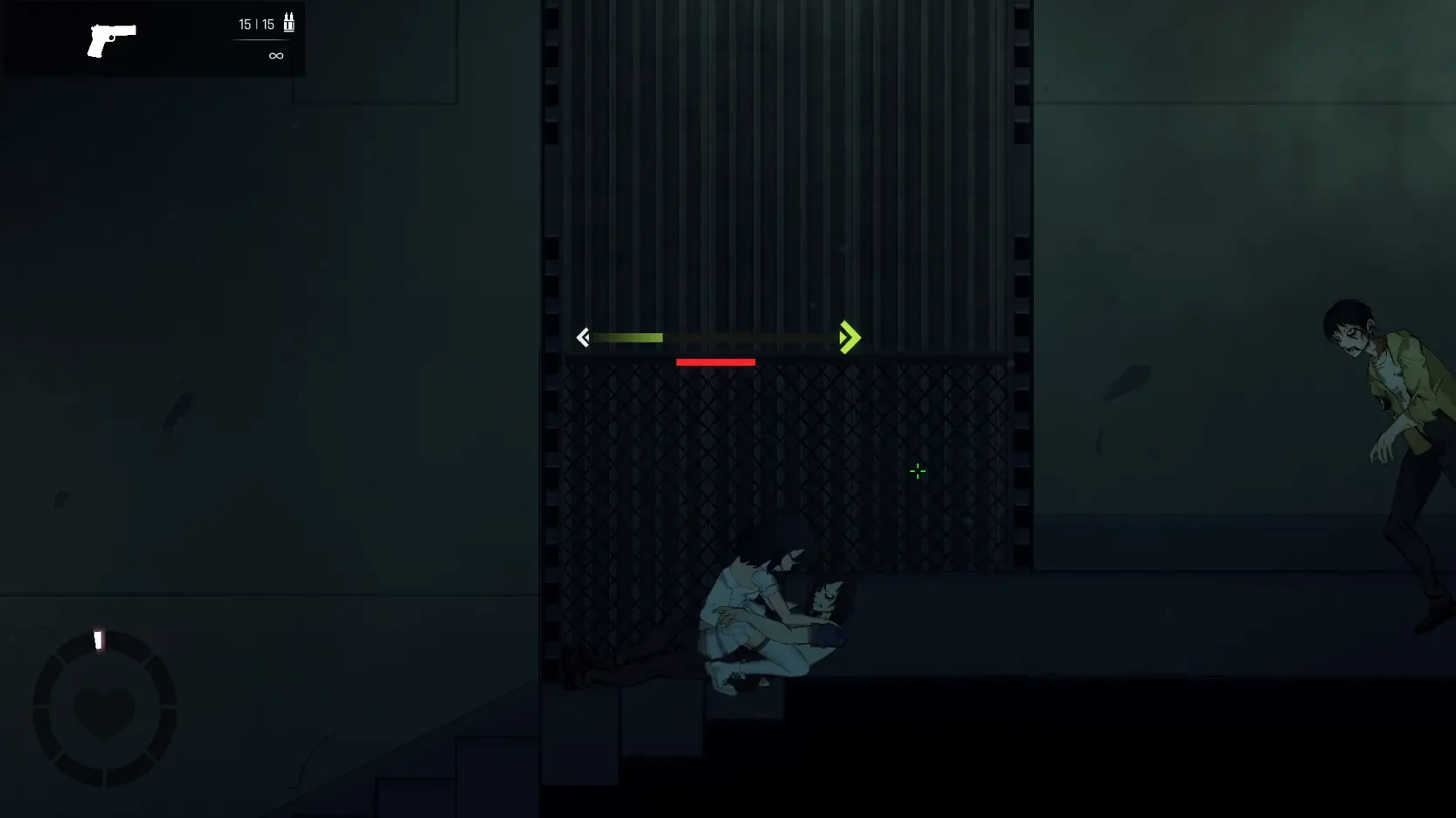
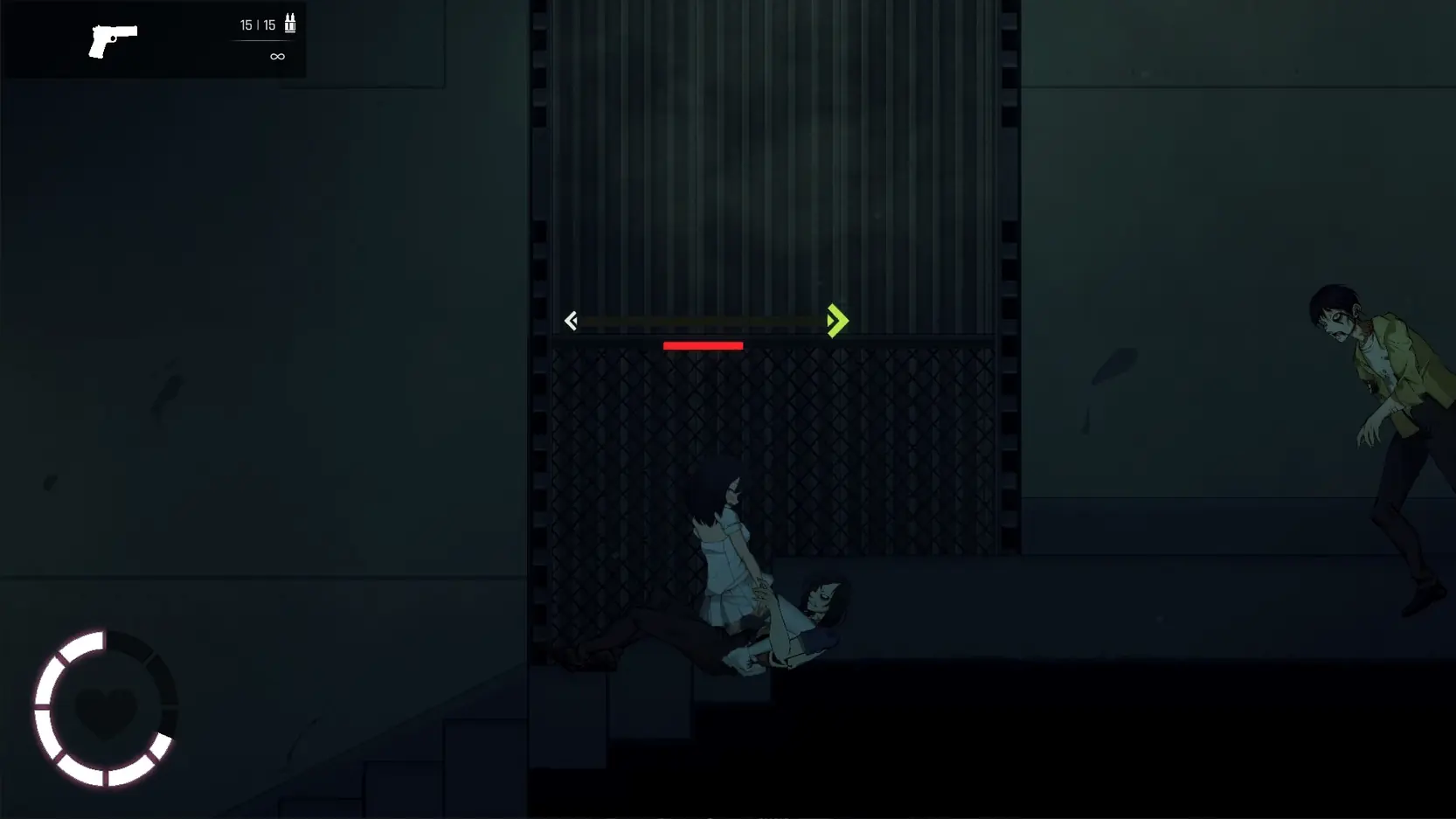
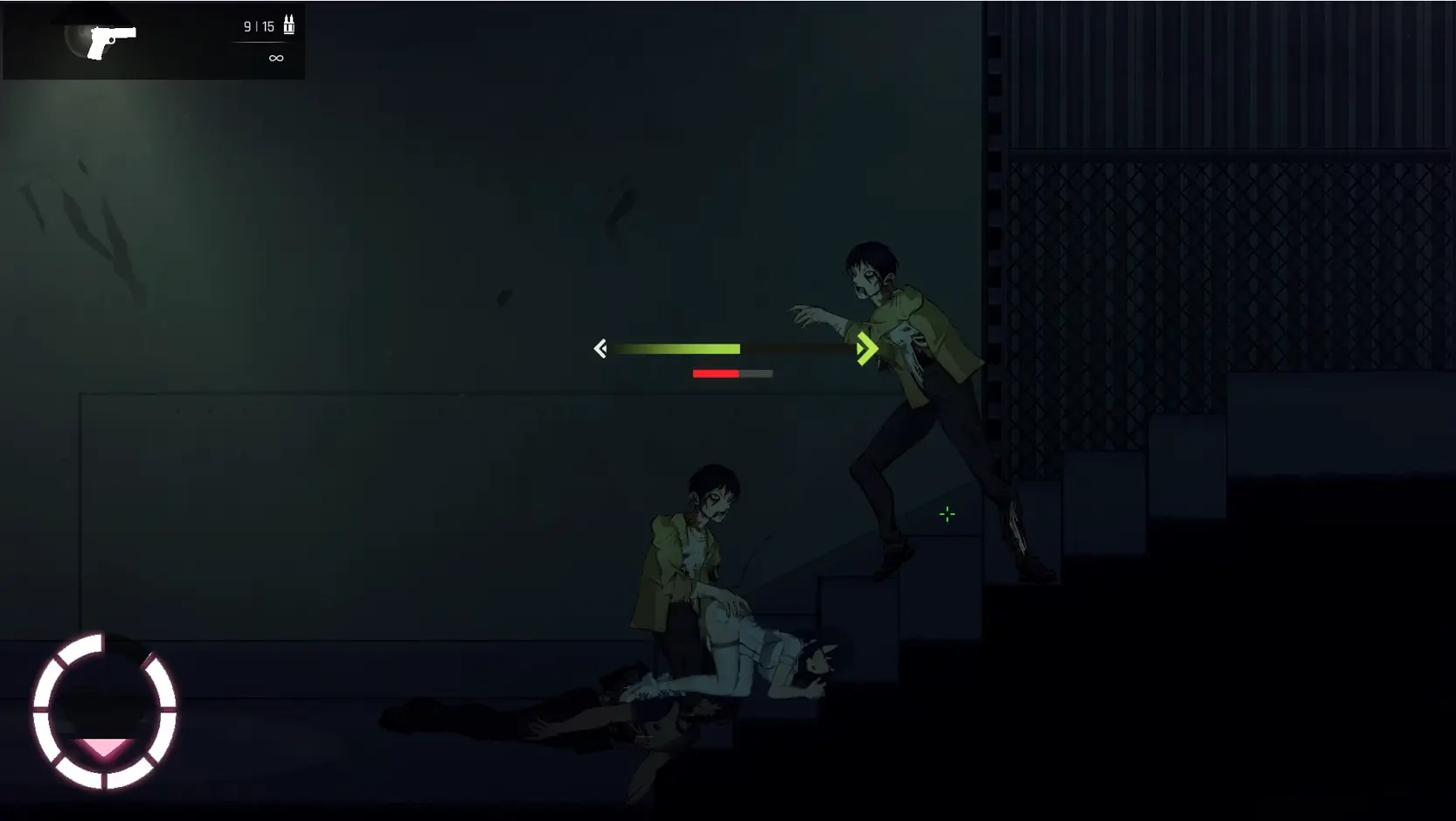
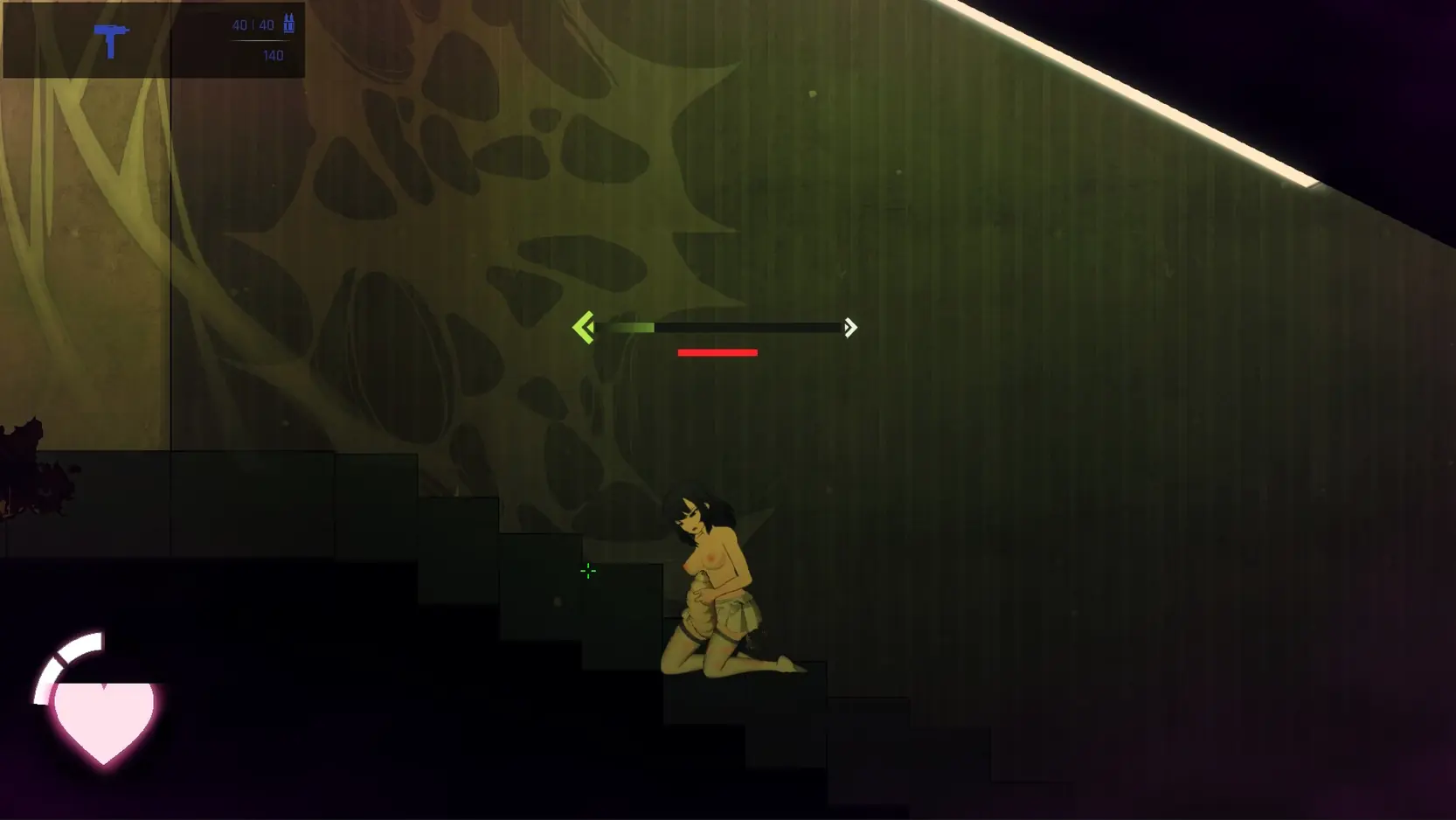
Game Description:
Unlock. The door of the heavy cell opens in silence.
The facility has fallen and is now a labyrinth of desire and malice.
A world of madness where the boundaries of the flesh are violated and rewritten.
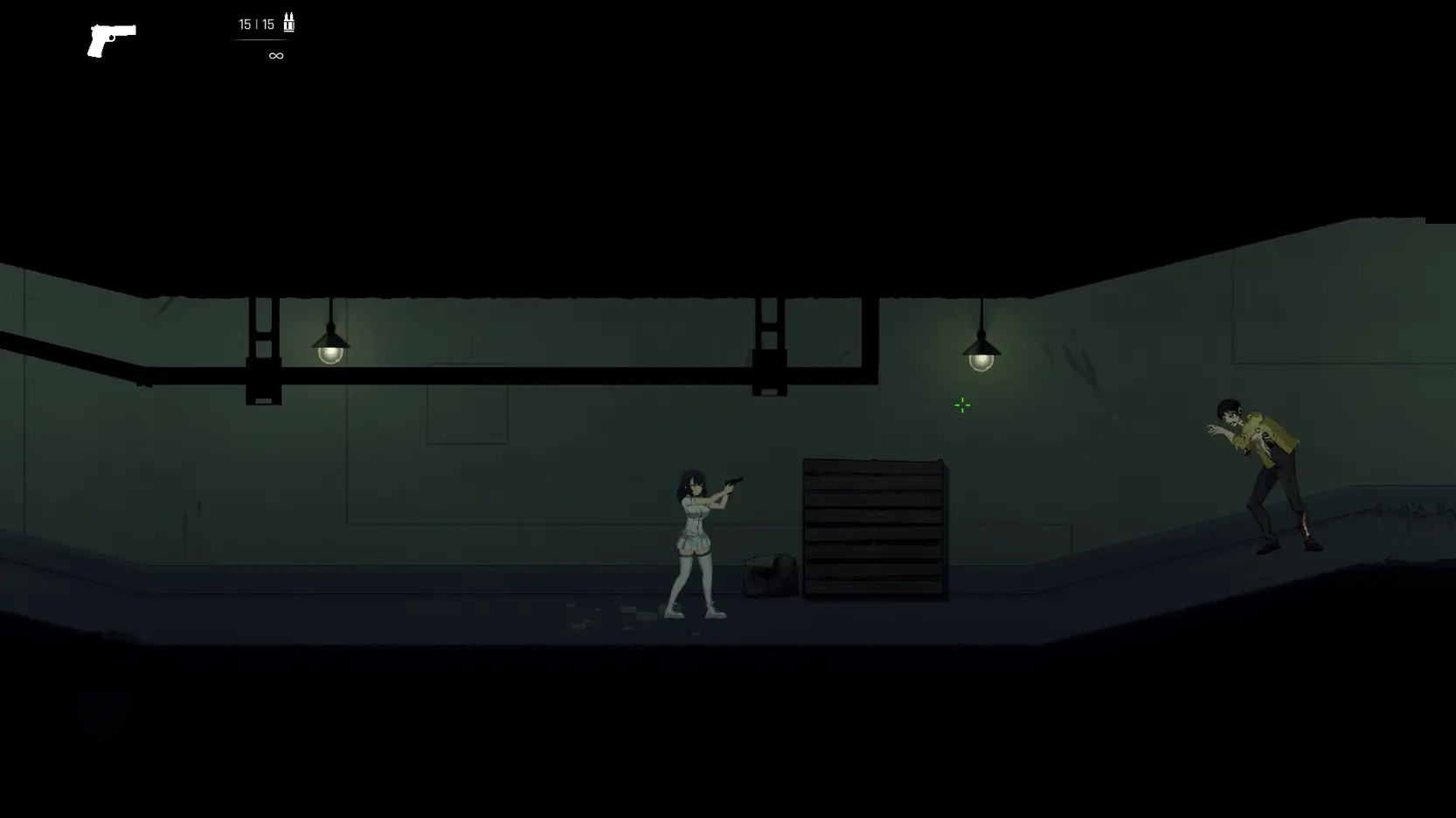
The poor soul left in this must either escape from the strange forms that roam the darkness, or its body is taken away by them.
『CelSector』
SF side-scrolling action shooter where you explore a vast map.
- Extract and run.
- Addition: Impregnation + birth animations for Ant, Jellyfish, and Canine
- Addition: Screen effects for Webbed and Hypnosis status effects
- Addition: Background NPCs who are in animations with various enemies
- Addition: Large Alien and Tentacle Ball added as encounterable enemies
- Addition: Mask now stays on after being attached by a hypnotized girl
- Addition: Proper screen notification telling the player they have unlocked the cheat menu after completing the game
- Addition: UI now displays remaining chests and weapons per level in the level select screen
- Change: Enemies now add status effects: Parasite Mass, Flying Parasite, Queen Bee
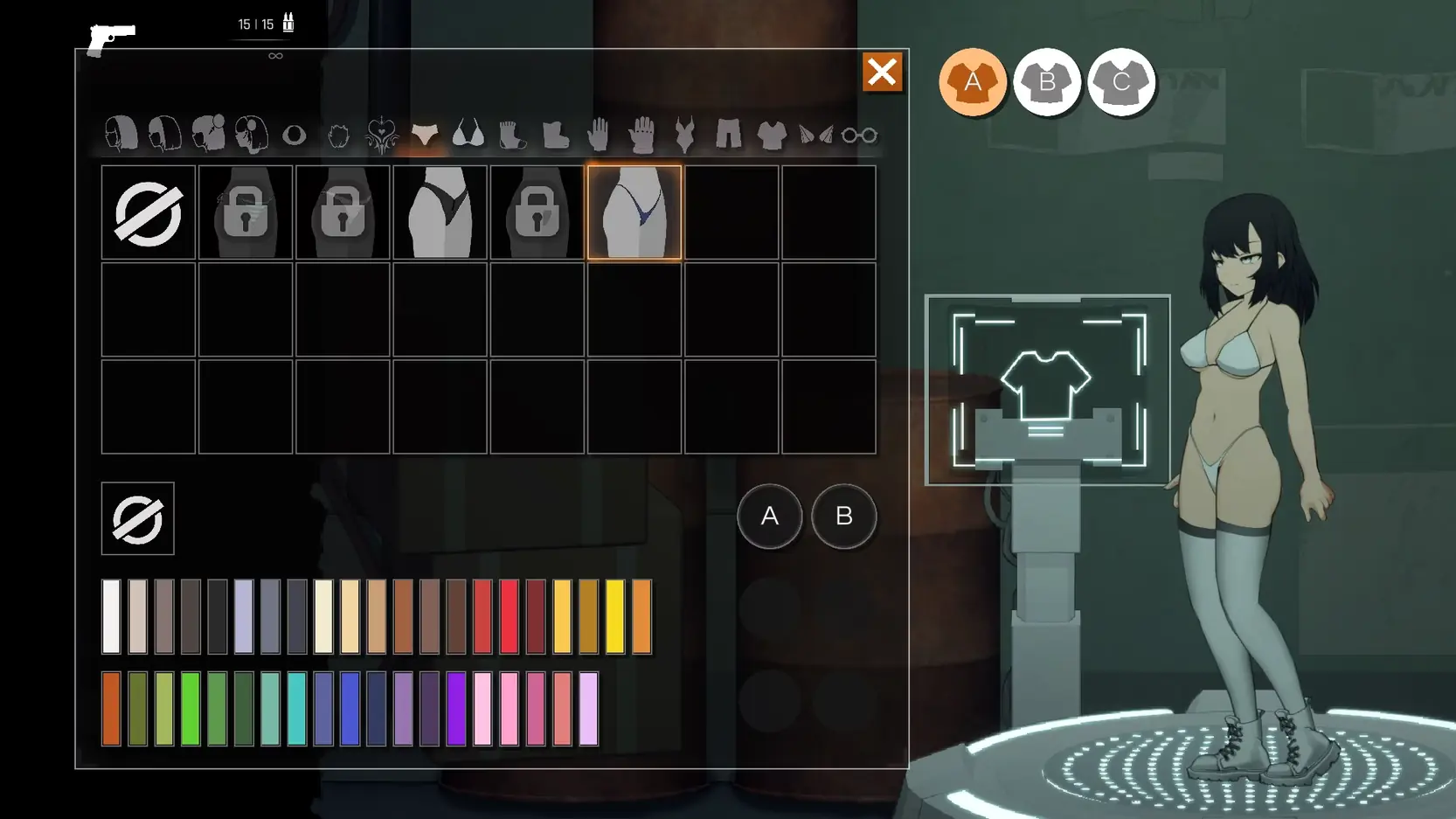
- Change: Increased the amount of outfit slots (3 -> 12)
- Change: Clarified the tutorial for sprinting, double jumping, and falling through platforms
- Balancing: Buffed the sniper rifle and revolver
- Balancing: Made struggling easier (requires less Left/Right spamming)
- Balancing: Hypnotized girl light sensor puzzle no longer spawns more girls if the player is currently in an animation
- Balancing: Made the rising gas segment easier
- Fix Bug: Death pits sometimes not working
- Fix Bug: Gamepad aiming, movement, and zoom feeling generally glitchy
- Fix Bug: GUI being hard to see against dark backgrounds
- Fix Bug: Controller not working within the cheat menu
- Fix Bug: Spider web status effect binding under the belly or over the hair incorrectly
- Fix Bug: Fixed a large number of issues regarding player character clothing, including clipping and animation errors.
- Dual Core Pentium or equivalent Processor.
- Intel HD 2000 or equivalent Graphics.
- 463.13 MB of free disk space (Recommended to have twice as much free disk space than this).
CelSector - Finished - v.1.1.2 Links And Mirrors
About The Game: CelSector is a porn game made on Unity game engine. This game is rated M and meant for adults with explicit contents and strong language. It is advised to read the tags to get an idea about the game. The current available version is v.CelSector. THe contents of the game is Uncensored. CelSector is developed and distributed by YumamiSoft, Please support YumamiSoft if want the development of CelSector game going or want to see more new games from them in future. The download links are crawled and gathered from various public sites. We do not host/modify or alter the contents. The uploader is responsible for the DMCA.
CelSector's latest build v.1.1.2 is available in Windows platforms and currently Finished. We last updated this game in June 19, 2026.
CelSector's latest build v.1.1.2 is available in Windows platforms and currently Finished. We last updated this game in June 19, 2026.
Walkthrough and Guide
Hard Mode v1.0.1: FILEKNOT
Hard Mode v1.2.0: FILEKNOT
Hard Mode v1.5.0: FILEKNOT
Hard Mode v1.5.1: FILEKNOT
Hard Mode v1.7.0: FILEKNOT
Hard Mode Installation:
1. Download Bepinex MONO version LINK
2. Run the game once after copy pasting the bepinex whole files into .exe
3. Copy and Paste the HardModModifier.dll into BepinEx's Plugins folder. there should be this folder if you successfully ran Bepinex.
Cheat Menu Mod (PLUGIN BepInSector5): FILEKNOT
Cheat Menu Mod (PLUGIN BepInSector6): FILEKNOT
Cheat Menu Mod (SOURCE BepInSector6): FILEKNOT
Cheat Menu Mod Installation:
Like any other BepInEx plugin, extract DLL to BepInEx/plugins folder. You should see cheat menu on main menu when loading in.
Cheat Menu Mod Feature list:
- Disable birthing
- Maximum breast size - 0 = restricted to base size, 1 = as normal
- Enemy spawning
- Disable grabs
- Infinite ammo
- Infinite jumps
- Extra speedy
- Clear status effects (like impregnation, webbed, larger breasts, etc.)
BepInEx 5: Use PLUGIN_BepInSector5_1.0.3.zip
BepInEx 6: Use PLUGIN_BepInSector6_1.0.3.zip
NOTE the difference in number. BepInSector5 = BepInEx 5. BepInSector6 = BepInEx 6.
Cheat 2: FILEKNOT
Cheat 2 Installation:

Cheat table for the current version. Right Click -> Save Link As to download
1. Attach to the game. Load the save table.
2. Make sure Mono -> Activate Mono features is enabled.
3. Click Active to enable specific features.
Complete Walkthrough: YOUTUBE
Save: FILEKNOT
Save Installation:
100% save: download the attached Persistent.save file (right-click, "Save Link As...") and put it in
C:Users<YourUsername>AppDataLocalLowYumamiSoftCelSector
Cheat Table: FILEKNOT
How do I get a copy of Cheat Engine:
There are several ways to download the tool:
NB: Cheat Engine is available on Windows and MacOS only.
NB: Make sure you have the LATEST or at least a penultimate version of CE when using others' cheat tables to avoid incompatibility issues
How does Cheat Engine work:
It's basically a debugging tool on steroids. There's a lot to unpack on how it works, but my scripts rely on AOB signatures (be they hardcoded ASM cheats, pointers with offsets, etc) and LUA scripting. The challenge is to create consistent and resilient cheats working between versions, but there's nothing permanent with compilers and optimizations.
AOB signatures work like this: a byte signature is scanned to find the first match in the .text (code) section, then CE gracefully injects a detour jump to the allocated cheat script (or in a code cave) that tweaks the game behavior and then returns to the next instruction after the injection. Sometimes AOB-based cheat scripts modify a function's behavior in-place.
Lua scripts that are running in the CE's lua engine are basically meta-scripts to extend CE's functionality with a neat API.
Where do I put a cheat table / .CT file:
Wherever you deem suitable, usually tables are standalone .CT files and making dependencies for them isn't a good practice. When you run a cheat table, it's loaded into and interpreted by Cheat Engine.
How to use Cheat Engine:
First of all, make sure your Cheat Engine instance is running with administrator rights to make sure it is able to read, write to memory properly. To do that, you can grant administrator rights by clicking RMB on Cheat Engine shortcut (to open its context menu), then go to Properties -> Compatibility (tab) and tick 'Run this program as an administrator'. Likewise, you can go to CE settings (when in the CE GUI, Edit->Settings) you can also find 'Always attempt to launch as admin' option. Or if you need it once, just run CE as an administrator (RMB on the CE shortcut, 'Run as an administrator'
For cases when tables DON'T have an attach script in them:
When Cheat Engine is opened and/if a cheat table for a specific game is loaded into it, the first thing that's needed is to attach to the specific game executable.
Attach button is highlighted:

After pressing this button, you will see active processes with their PIDs exposed by Windows. If you struggle to find yours, check other tabs, there are 3 of them: Application, Processes, Windows.
For cases when tables DO have an attach script in them:
You'll see a script like *this*, just activate the checkbox. Does it fail to attach? Please read 'Why does the attach script fails when I activate it?' below
Attach script:

Once you are attached, activate other scripts that you need and have fun. Usually scripts are quite simple to use, but if there are instructions, just follow them to make it work. Sometimes certain actions are required for scripts to work properly, .e.g pressing a button to catch a pointer, loading into the game/level world to ensure a character actor is constructed, etc.
Sometimes scripts will fail to be executed. Usually the error will be written in the context menu of a script that's failed (just click RMB on the failed script, the first row will be the error message). Some scripts may print errors/tracebacks into the CE Lua Engine output window: either way, when you report an error, provide the reason WHY it fails.
Error Example: AOB not found:

If a script activates, but the intended behavior is not achieved (you'd be lucky if it doesn't crash though), most probably there was a game update that touched offsets (provided the table was based on any, which is probably the case) - a new field added, hence game compiled differently, a different game engine version used, or whatever that caused the shift. That means the table has to be updated - it's obvious if the game was updated recently, but the table was posted long before.
ALSO: go to 'OK, I'm attached to the game correctly, but next scripts fail to run OR crash the game. What's wrong?'
Hard Mode v1.2.0: FILEKNOT
Hard Mode v1.5.0: FILEKNOT
Hard Mode v1.5.1: FILEKNOT
Hard Mode v1.7.0: FILEKNOT
Hard Mode Installation:
1. Download Bepinex MONO version LINK
2. Run the game once after copy pasting the bepinex whole files into .exe
3. Copy and Paste the HardModModifier.dll into BepinEx's Plugins folder. there should be this folder if you successfully ran Bepinex.
Cheat Menu Mod (PLUGIN BepInSector5): FILEKNOT
Cheat Menu Mod (PLUGIN BepInSector6): FILEKNOT
Cheat Menu Mod (SOURCE BepInSector6): FILEKNOT
Cheat Menu Mod Installation:
Like any other BepInEx plugin, extract DLL to BepInEx/plugins folder. You should see cheat menu on main menu when loading in.
Cheat Menu Mod Feature list:
- Disable birthing
- Maximum breast size - 0 = restricted to base size, 1 = as normal
- Enemy spawning
- Disable grabs
- Infinite ammo
- Infinite jumps
- Extra speedy
- Clear status effects (like impregnation, webbed, larger breasts, etc.)
BepInEx 5: Use PLUGIN_BepInSector5_1.0.3.zip
BepInEx 6: Use PLUGIN_BepInSector6_1.0.3.zip
NOTE the difference in number. BepInSector5 = BepInEx 5. BepInSector6 = BepInEx 6.
Cheat 2: FILEKNOT
Cheat 2 Installation:
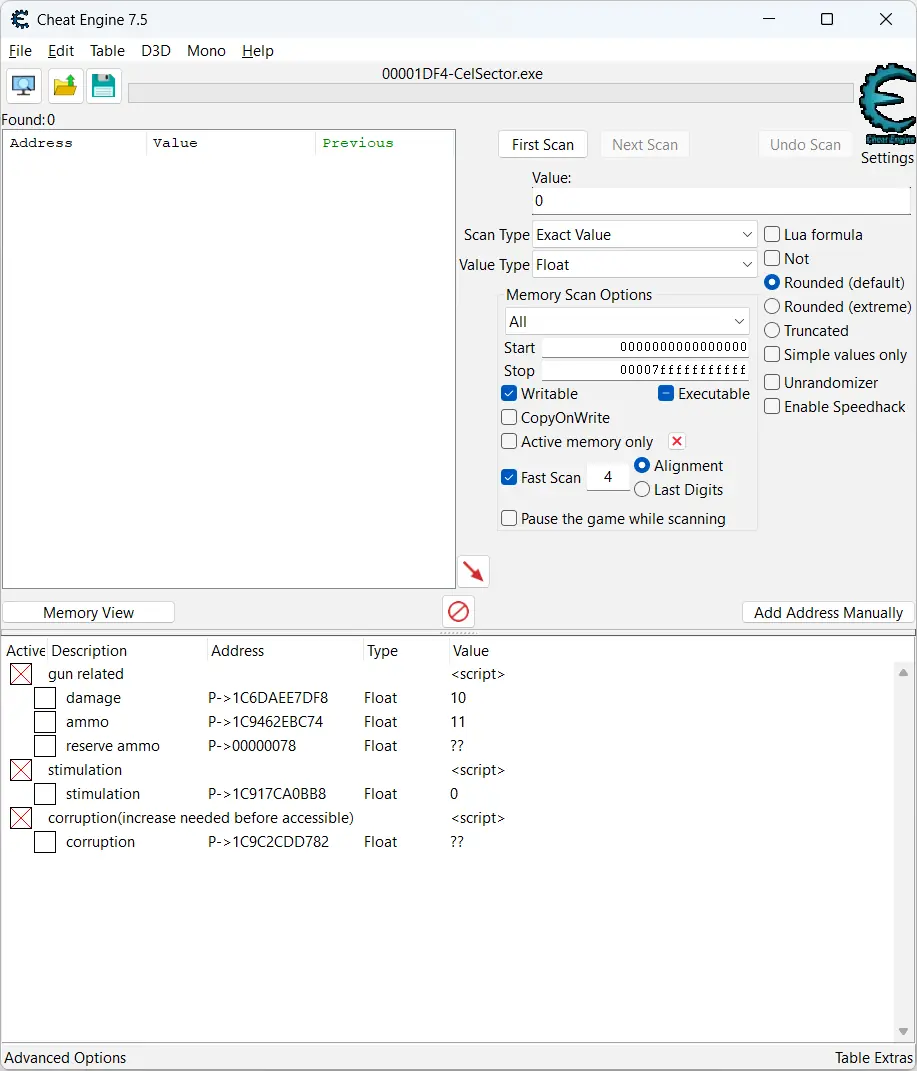
Cheat table for the current version. Right Click -> Save Link As to download
1. Attach to the game. Load the save table.
2. Make sure Mono -> Activate Mono features is enabled.
3. Click Active to enable specific features.
Complete Walkthrough: YOUTUBE
Save: FILEKNOT
Save Installation:
100% save: download the attached Persistent.save file (right-click, "Save Link As...") and put it in
C:Users<YourUsername>AppDataLocalLowYumamiSoftCelSector
Cheat Table: FILEKNOT
How do I get a copy of Cheat Engine:
There are several ways to download the tool:
- Official Cheat Engine website - a free, compiled executable. While installing, make sure you decline all adware
- Dark Byte's Patreon - $2.5/mo membership to get the latest releases and hotfixes already compiled
- Cheat Engine Github - if you want to compile it or CE github releases
NB: Cheat Engine is available on Windows and MacOS only.
NB: Make sure you have the LATEST or at least a penultimate version of CE when using others' cheat tables to avoid incompatibility issues
How does Cheat Engine work:
It's basically a debugging tool on steroids. There's a lot to unpack on how it works, but my scripts rely on AOB signatures (be they hardcoded ASM cheats, pointers with offsets, etc) and LUA scripting. The challenge is to create consistent and resilient cheats working between versions, but there's nothing permanent with compilers and optimizations.
AOB signatures work like this: a byte signature is scanned to find the first match in the .text (code) section, then CE gracefully injects a detour jump to the allocated cheat script (or in a code cave) that tweaks the game behavior and then returns to the next instruction after the injection. Sometimes AOB-based cheat scripts modify a function's behavior in-place.
Lua scripts that are running in the CE's lua engine are basically meta-scripts to extend CE's functionality with a neat API.
Where do I put a cheat table / .CT file:
Wherever you deem suitable, usually tables are standalone .CT files and making dependencies for them isn't a good practice. When you run a cheat table, it's loaded into and interpreted by Cheat Engine.
How to use Cheat Engine:
First of all, make sure your Cheat Engine instance is running with administrator rights to make sure it is able to read, write to memory properly. To do that, you can grant administrator rights by clicking RMB on Cheat Engine shortcut (to open its context menu), then go to Properties -> Compatibility (tab) and tick 'Run this program as an administrator'. Likewise, you can go to CE settings (when in the CE GUI, Edit->Settings) you can also find 'Always attempt to launch as admin' option. Or if you need it once, just run CE as an administrator (RMB on the CE shortcut, 'Run as an administrator'
For cases when tables DON'T have an attach script in them:
When Cheat Engine is opened and/if a cheat table for a specific game is loaded into it, the first thing that's needed is to attach to the specific game executable.
Attach button is highlighted:
After pressing this button, you will see active processes with their PIDs exposed by Windows. If you struggle to find yours, check other tabs, there are 3 of them: Application, Processes, Windows.
For cases when tables DO have an attach script in them:
You'll see a script like *this*, just activate the checkbox. Does it fail to attach? Please read 'Why does the attach script fails when I activate it?' below
Attach script:

Once you are attached, activate other scripts that you need and have fun. Usually scripts are quite simple to use, but if there are instructions, just follow them to make it work. Sometimes certain actions are required for scripts to work properly, .e.g pressing a button to catch a pointer, loading into the game/level world to ensure a character actor is constructed, etc.
Sometimes scripts will fail to be executed. Usually the error will be written in the context menu of a script that's failed (just click RMB on the failed script, the first row will be the error message). Some scripts may print errors/tracebacks into the CE Lua Engine output window: either way, when you report an error, provide the reason WHY it fails.
Error Example: AOB not found:

If a script activates, but the intended behavior is not achieved (you'd be lucky if it doesn't crash though), most probably there was a game update that touched offsets (provided the table was based on any, which is probably the case) - a new field added, hence game compiled differently, a different game engine version used, or whatever that caused the shift. That means the table has to be updated - it's obvious if the game was updated recently, but the table was posted long before.
ALSO: go to 'OK, I'm attached to the game correctly, but next scripts fail to run OR crash the game. What's wrong?'