
Bunny Black
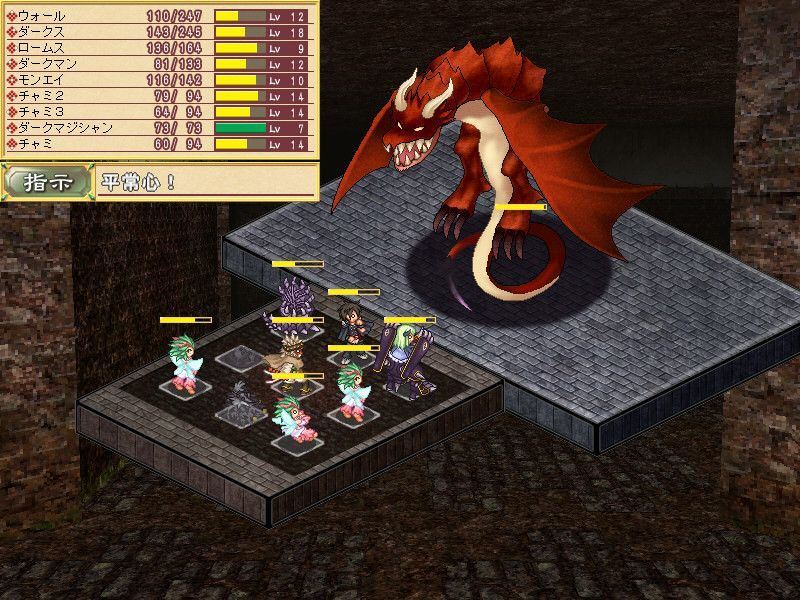
Game Description:
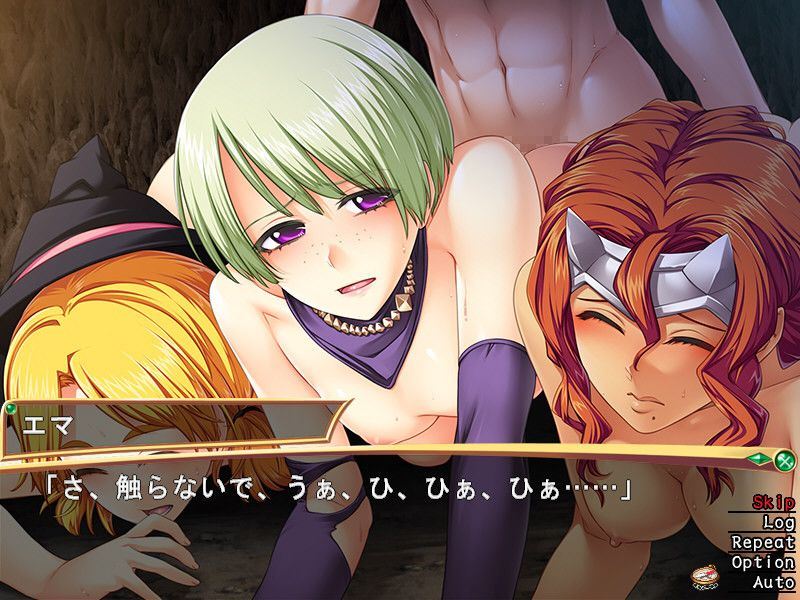
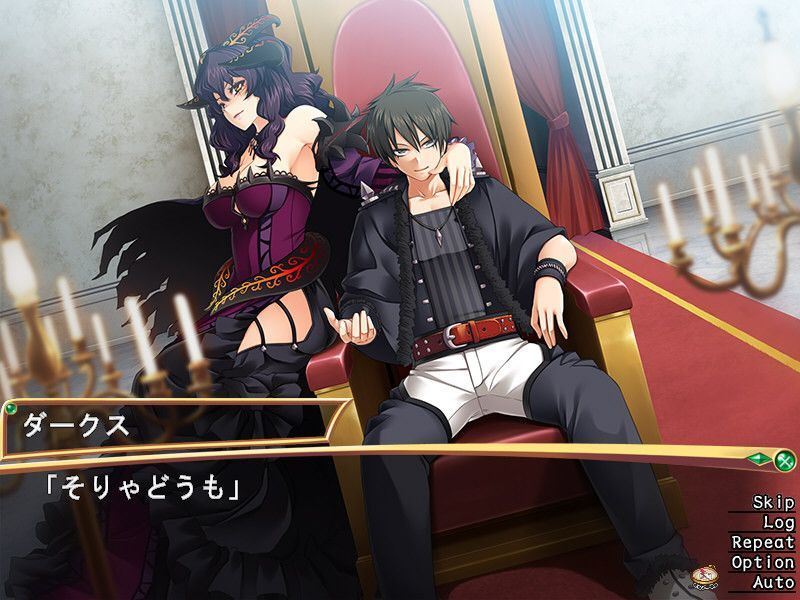
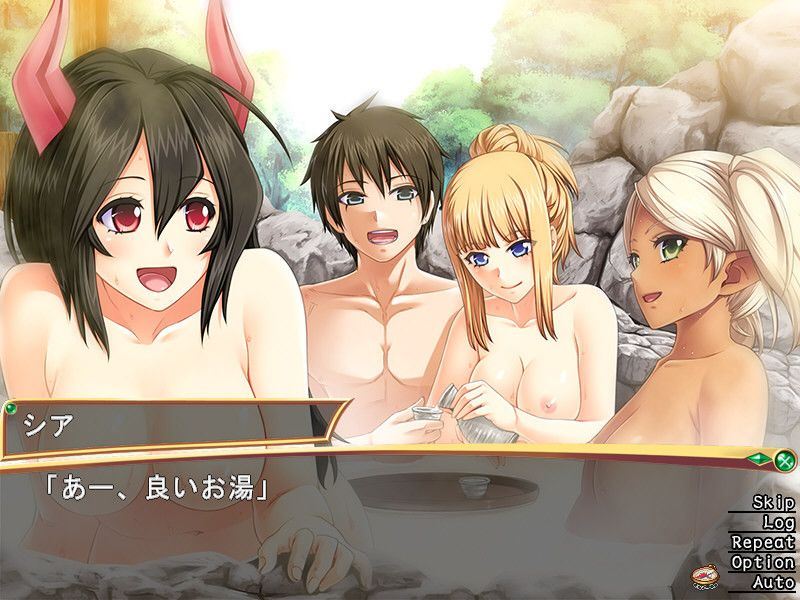
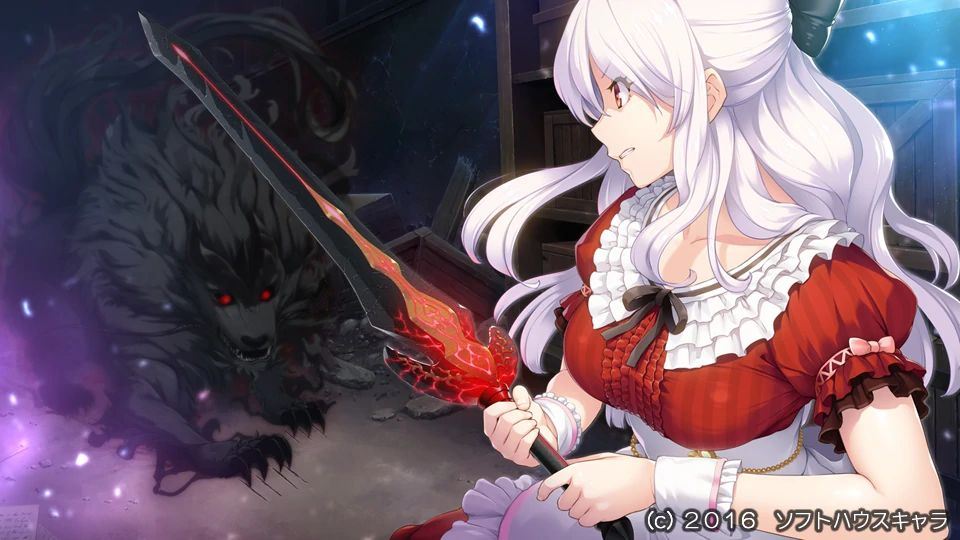
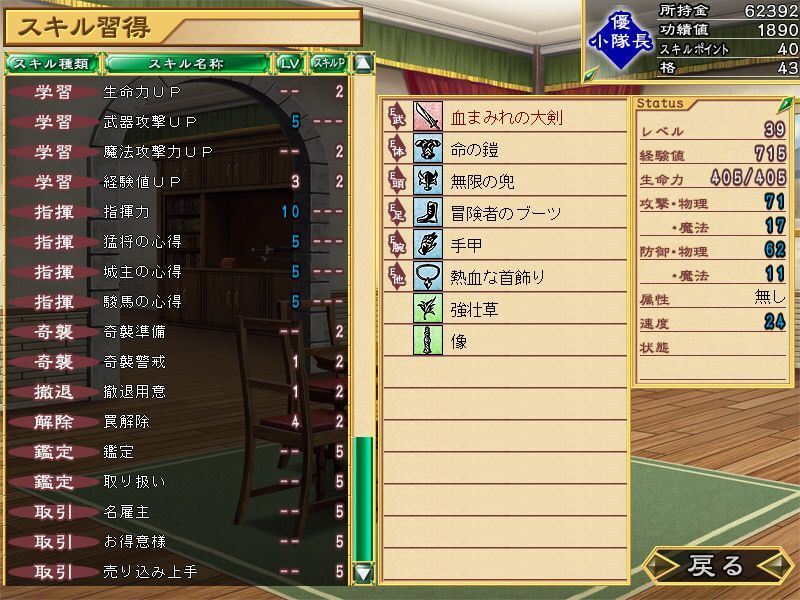
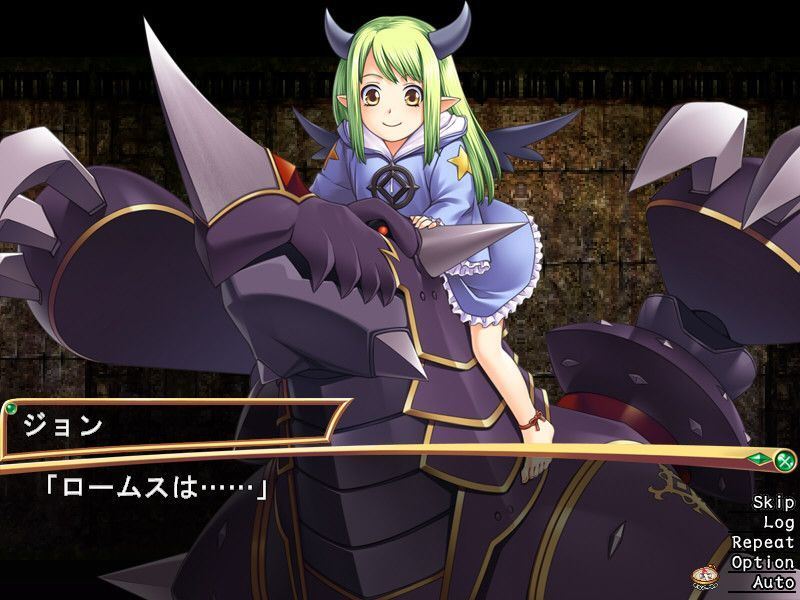
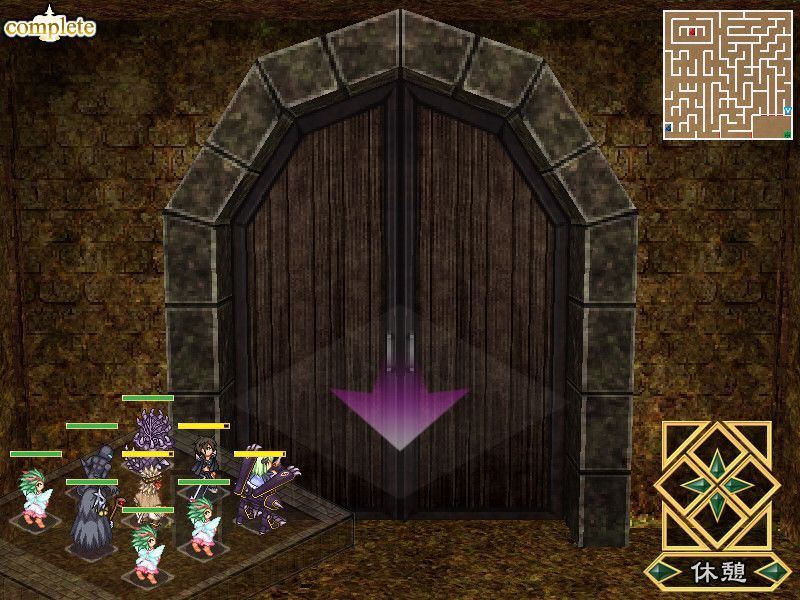
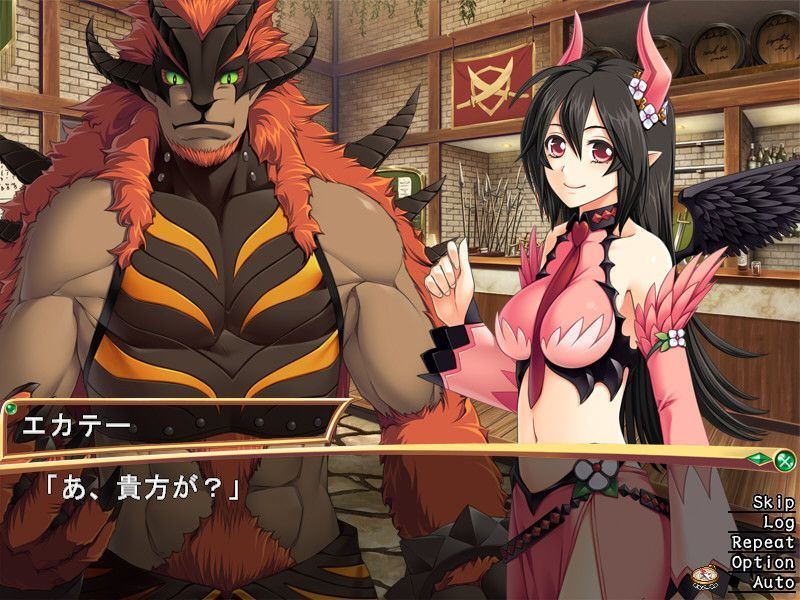
Dierks is a perverted adventurer entered a labyrinth known as the Maou’s forest and was defeated by the maou himself. But taking pity on him, the maou kindly recruited him as part of this demon army. Given a second chance, Dierks has two goals: to rise in the ranks of the demon army, and to defeat and have sex with those girls who come to attack the maou.
- Extract to desired location.
Mount BUNNYBLACK.mdf using favorite program [eg. PowerISO]
Click install.EXE and install
Paste in your installed directory "Bunny Black English Patch v1.00.exe" in installed directory.
Run "Bunny Black English Patch v1.00.exe" in your installed directory
SKIP NO6. UNLESS SO ONE CAN FIGURE OUT WHY IT WONT PATCH
SKIP IT ""Bunny Black English Patch v1.20.exe" in your installed directory
Finally Copy all contents v1.21 into install directory
Click on Bunny.EXE to start playing. - Patch deletes the game exe
The patch isn't deleting the exe, your virus checker is flagging it as a virus and then removing it. Create an exception or use a less twitchy virus checker. - Game won't run (error messages in Japanese about creating saves)
The default install location is Program Files/bunny which depending on your OS, may or may not have administration issues. Run as admin or move the game folder to some other directory. - Windows 10:
1- Extract to desired location.
2- Mount BUNNYBLACK.mdf using favorite program [eg. PowerISO]
2.1- Extract all the files using PowerISO to wherever you please and go find those files.
2.2- Go into the install.exe properties and change to Win 7 compatibility mode before installing.
3- Click install.EXE and install
4- Paste in your installed directory "Bunny Black English Patch v1.00.exe" in installed directory.
4.1- Go into the patch exe and change to Win 7 compatibility mode.
5- Run "Bunny Black English Patch v1.00.exe" in your installed directory
SKIP NO6. UNLESS SO ONE CAN FIGURE OUT WHY IT WONT PATCH
6- SKIP IT ""Bunny Black English Patch v1.20.exe" in your installed directory
7- Finally Copy all contents v1.21 into install directory
7.1- Go into the Bunny.exe and change to Win 7 compatibility mode.
8- Click on Bunny.EXE to start playing. - More information:
The game does work on Win 10, but you need extra steps if I remember right. The issue is that when you try to install from mounting, it won't function properly and you'll have to delete/uninstall everything and start over. I think these are the extra steps:
1- Extract to desired location.
2- Mount BUNNYBLACK.mdf using favorite program [eg. PowerISO]
2.1- Extract all the files using PowerISO to wherever you please and go find those files.
2.2- Go into the install.exe properties and change to Win 7 compatibility mode before installing.
3- Click install.EXE and install
4- Paste in your installed directory "Bunny Black English Patch v1.00.exe" in installed directory.
4.1- Go into the patch exe and change to Win 7 compatibility mode.
5- Run "Bunny Black English Patch v1.00.exe" in your installed directory
SKIP NO6. UNLESS SO ONE CAN FIGURE OUT WHY IT WONT PATCH
6- SKIP IT ""Bunny Black English Patch v1.20.exe" in your installed directory
7- Finally Copy all contents v1.21 into install directory
7.1- Go into the Bunny.exe and change to Win 7 compatibility mode.
8- Click on Bunny.EXE to start playing.
Basically win 7 compatibility mode at every step and make sure you extract the game files before installing. I'm pretty sure the initial game install needs win 7 compatability, I'm not sure if the patch or game.exe do, but I did it to be on the safe side and never had any issues, so might as well.
You also need to do this same shit for Bunny Black 2 if you're going to head off to the sequel afterwards.
This game fucking sucks to install, but it's one of those things where once you know what to do, it only takes a few minutes and it's worth it. Just make sure you completely uninstall the game (It's probably in your program files) before retrying all this shit. The game won't properly uninstall from the launcher - Unofficial Version:
1: Extract
2: (optional and only matters for BB2) Right-click > Run with powershell on install.ps1
3: Start the game with Bunny.exe
- Dual Core Pentium or equivalent Processor.
- Intel HD 2000 or equivalent Graphics.
- 1.30 GB of free disk space (Recommended to have twice as much free disk space than this).
Bunny Black - Finished - v.Final Links And Mirrors
About The Game: Bunny Black is a porn game made on Others game engine. This game is rated M and meant for adults with explicit contents and strong language. It is advised to read the tags to get an idea about the game. The current available version is v.Bunny Black. THe contents of the game is Censored. Bunny Black is developed and distributed by SofthouseChara, Please support SofthouseChara if want the development of Bunny Black game going or want to see more new games from them in future. The download links are crawled and gathered from various public sites. We do not host/modify or alter the contents. The uploader is responsible for the DMCA.
Bunny Black's latest build v.Final is available in Windows platforms and currently Finished. We last updated this game in May 12, 2026.
Bunny Black's latest build v.Final is available in Windows platforms and currently Finished. We last updated this game in May 12, 2026.