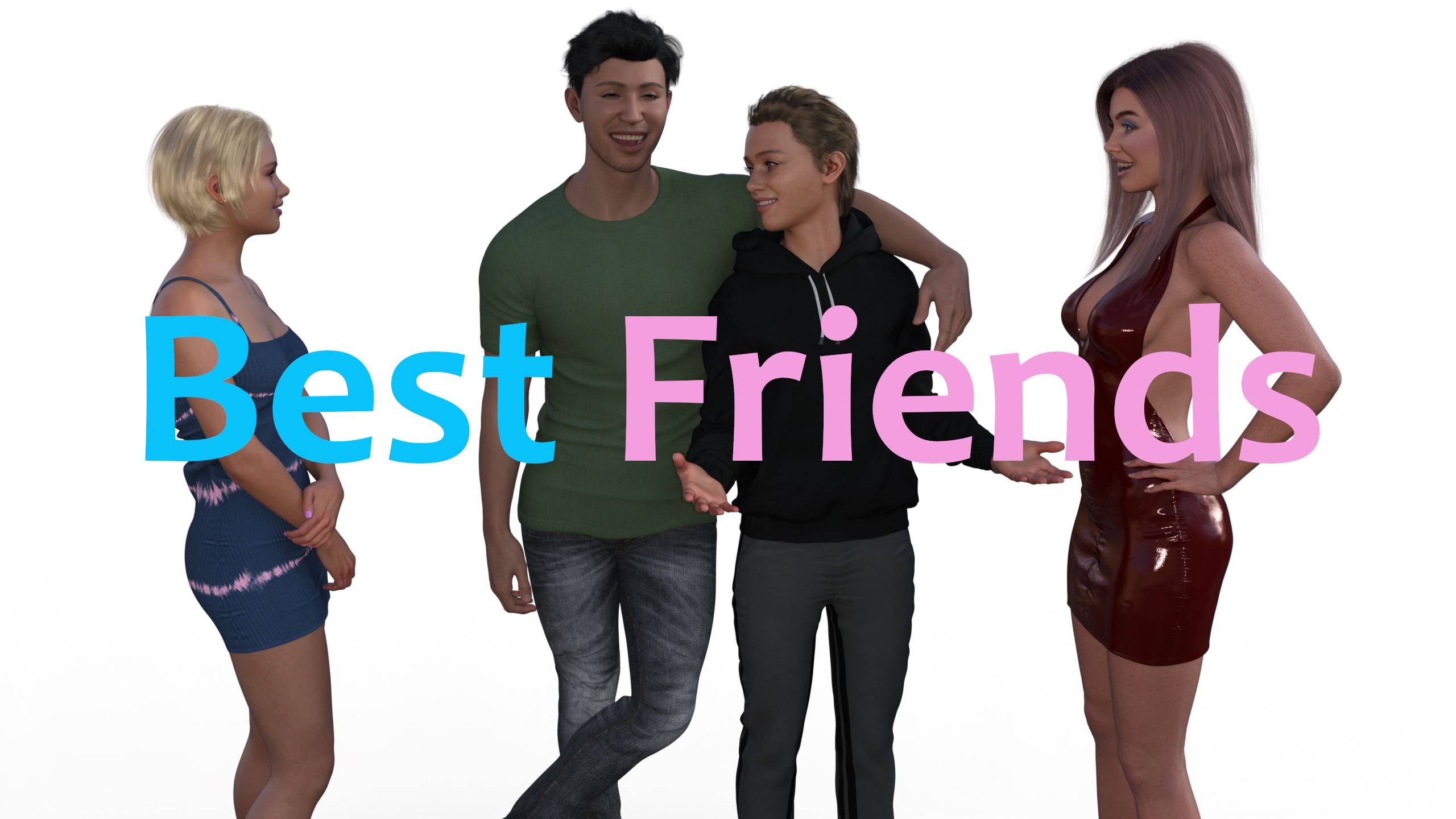
Best Friends
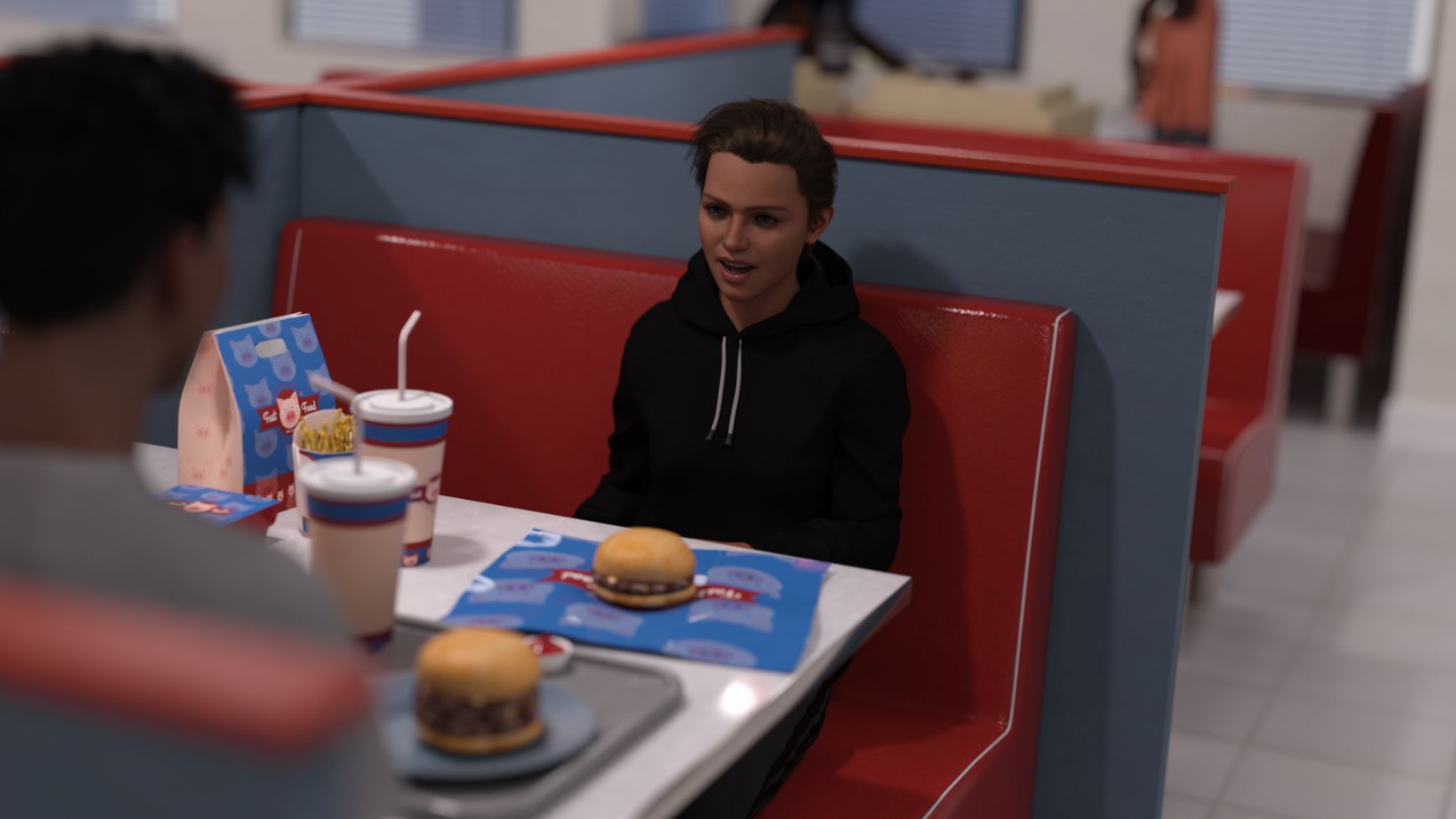
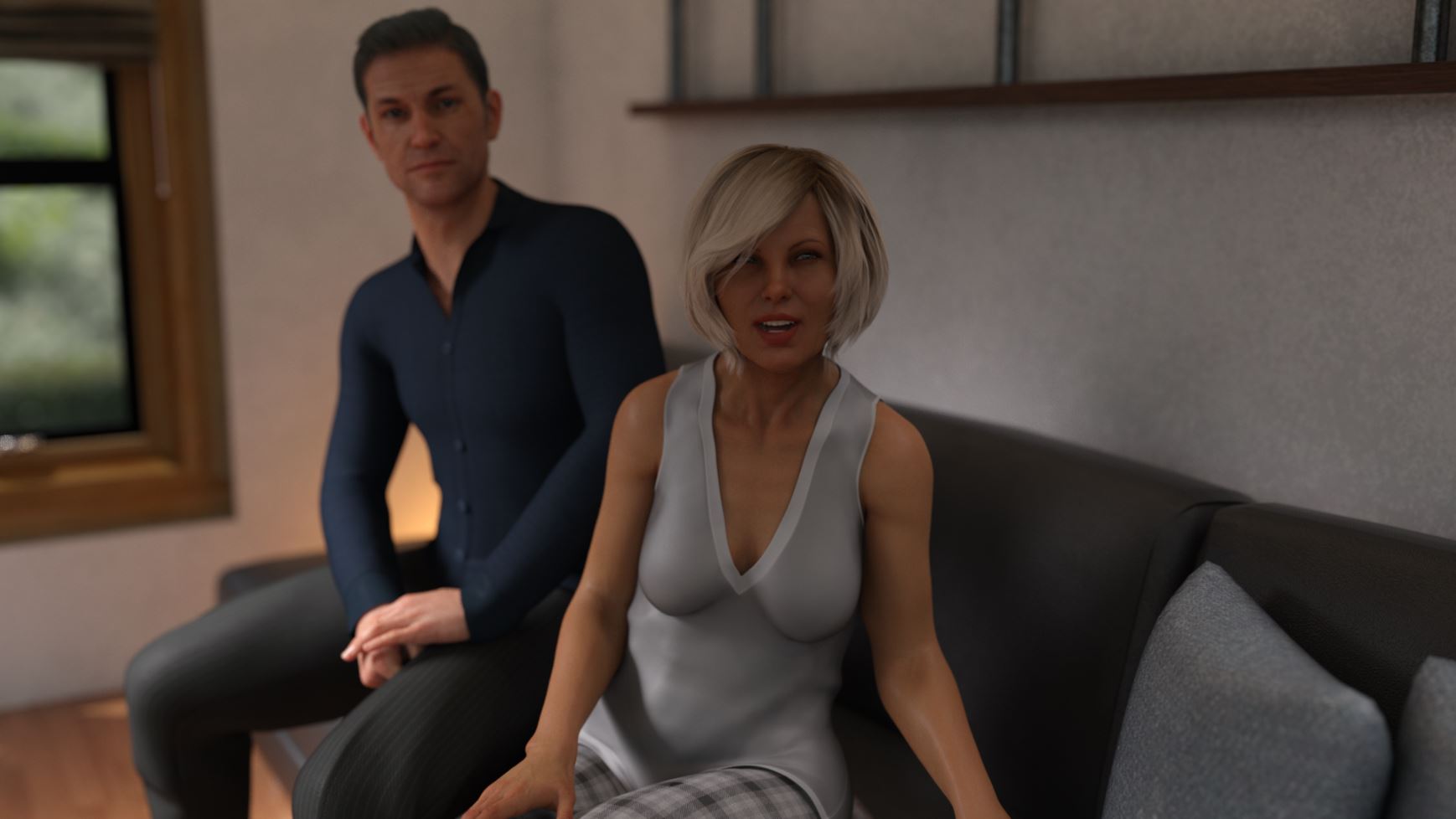
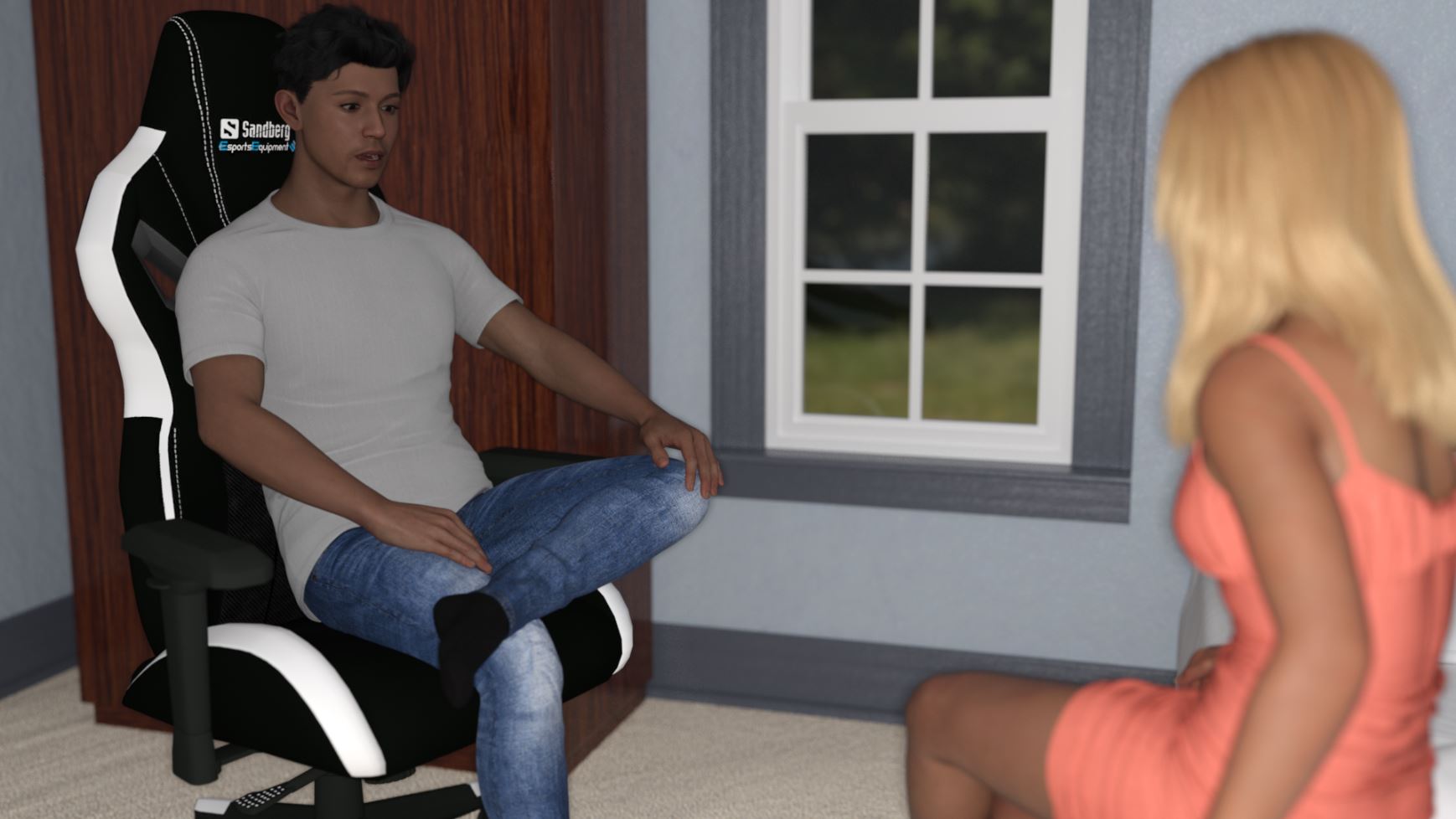
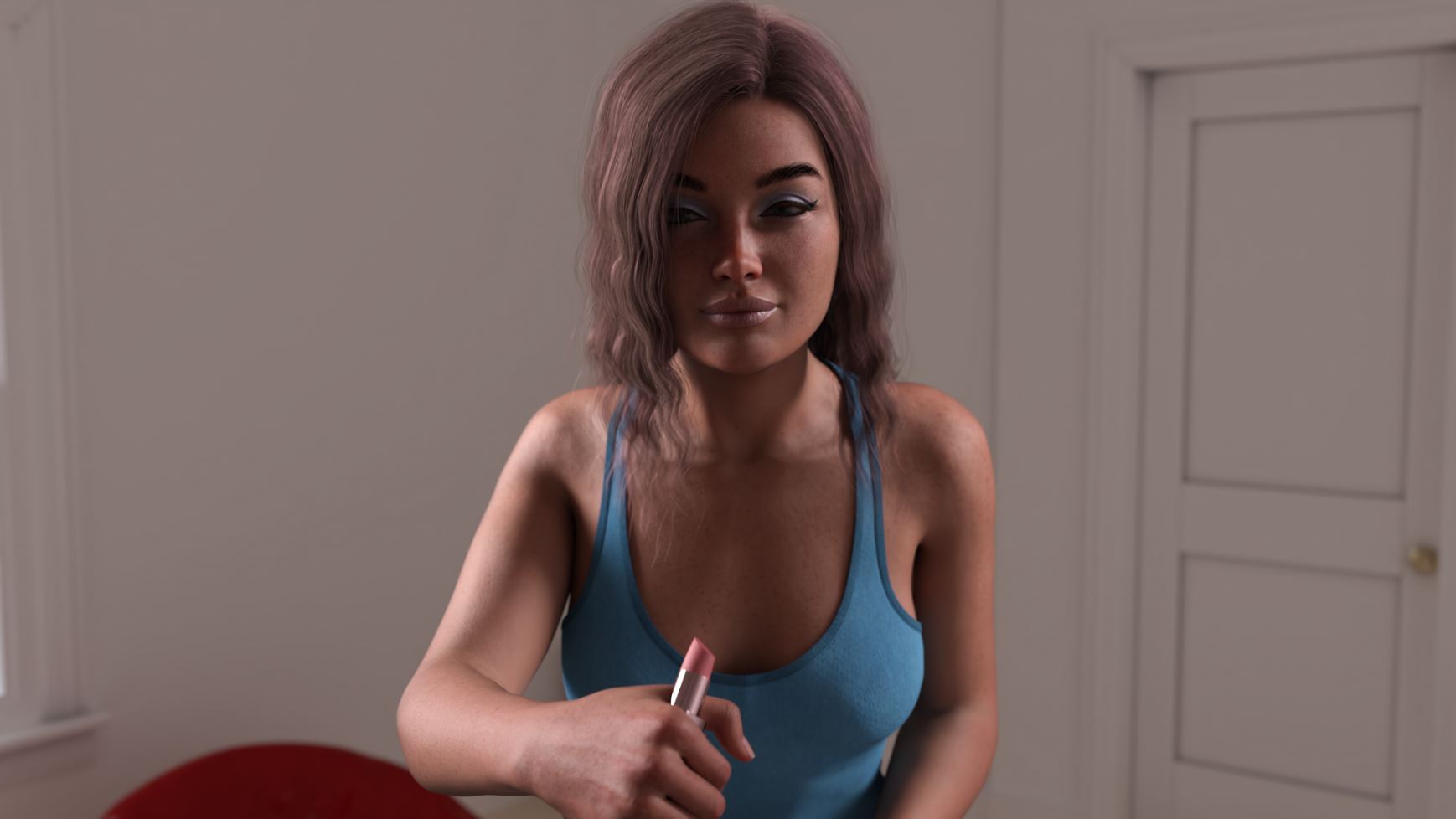
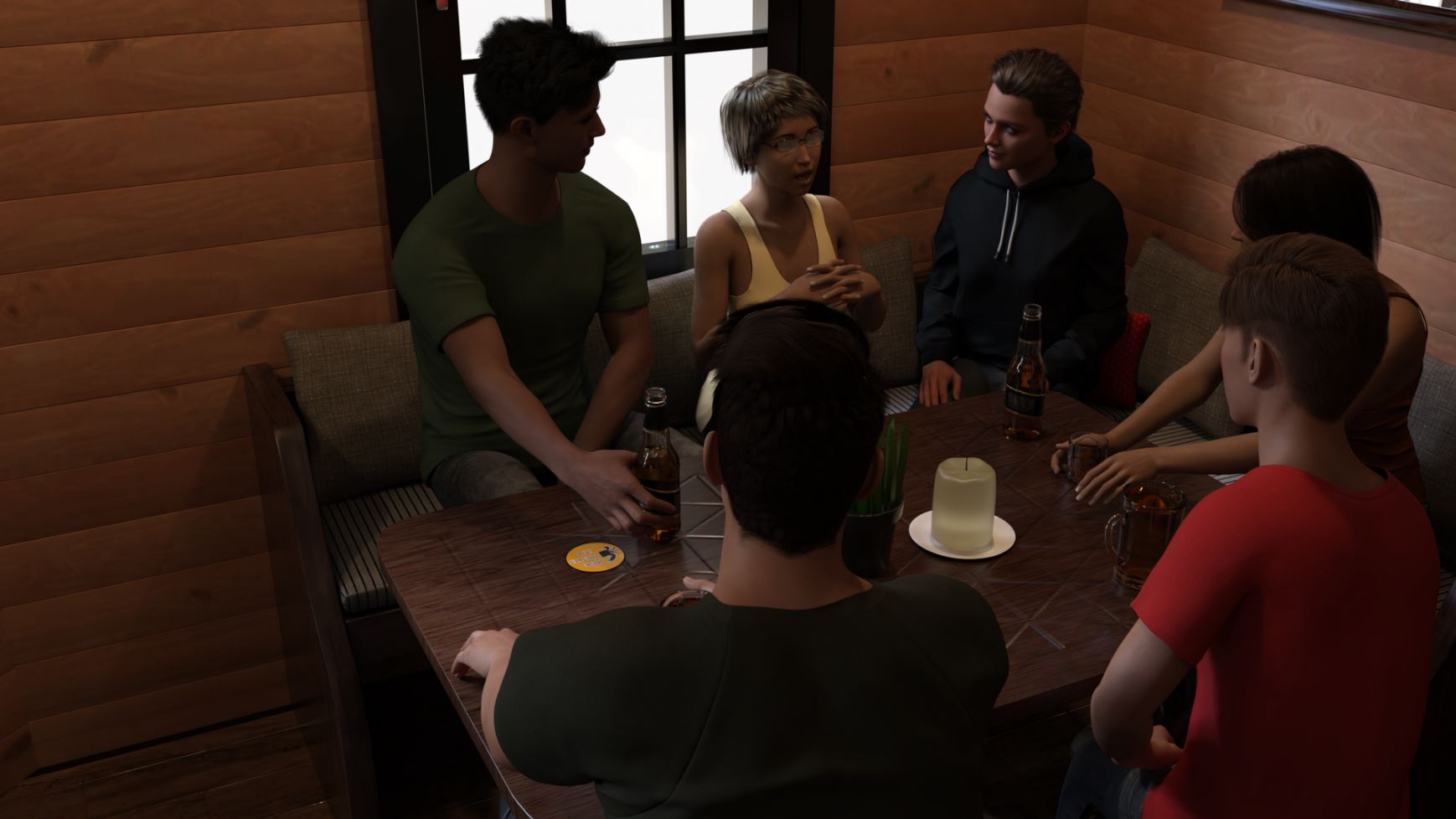
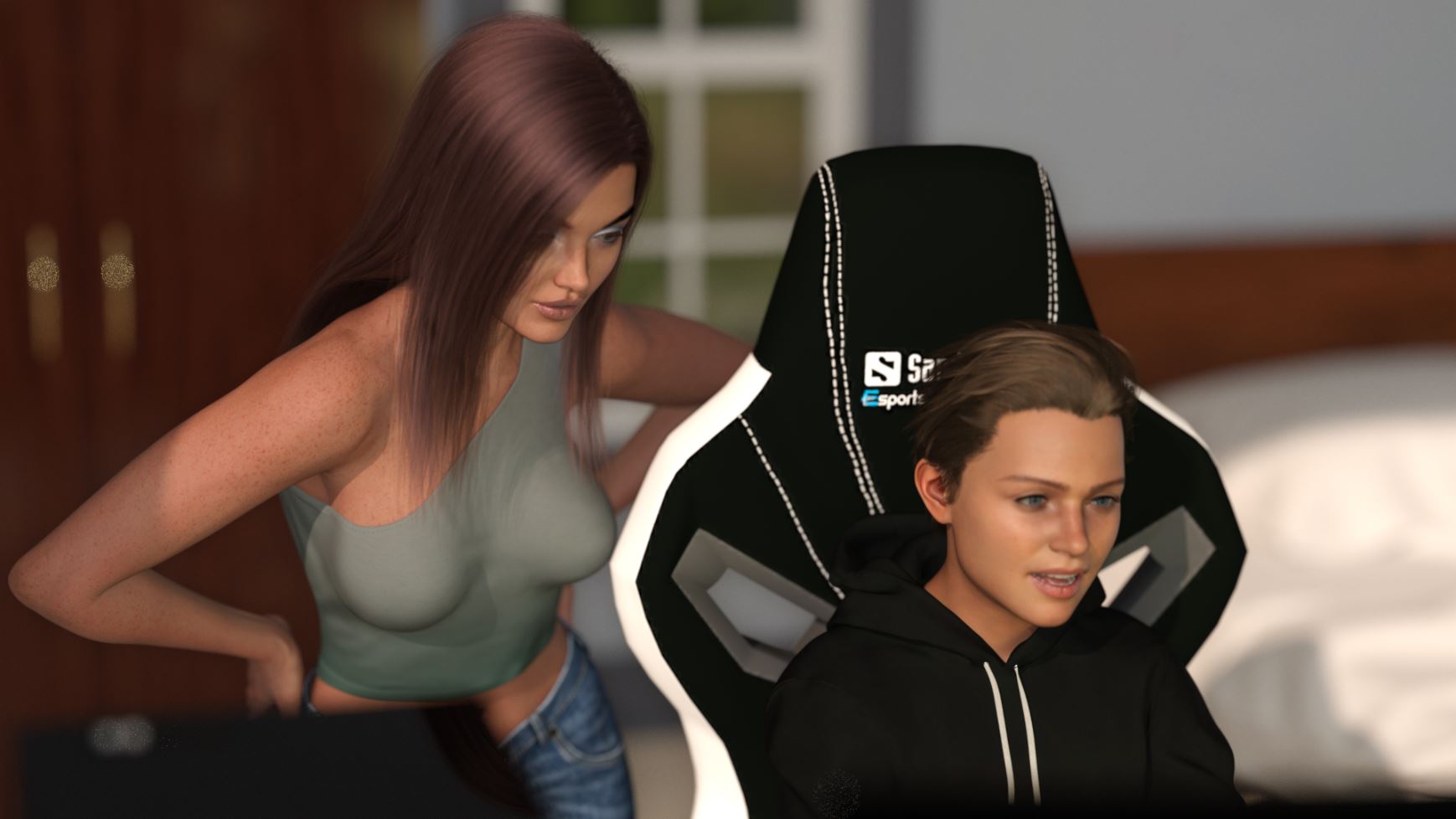
Game Description:
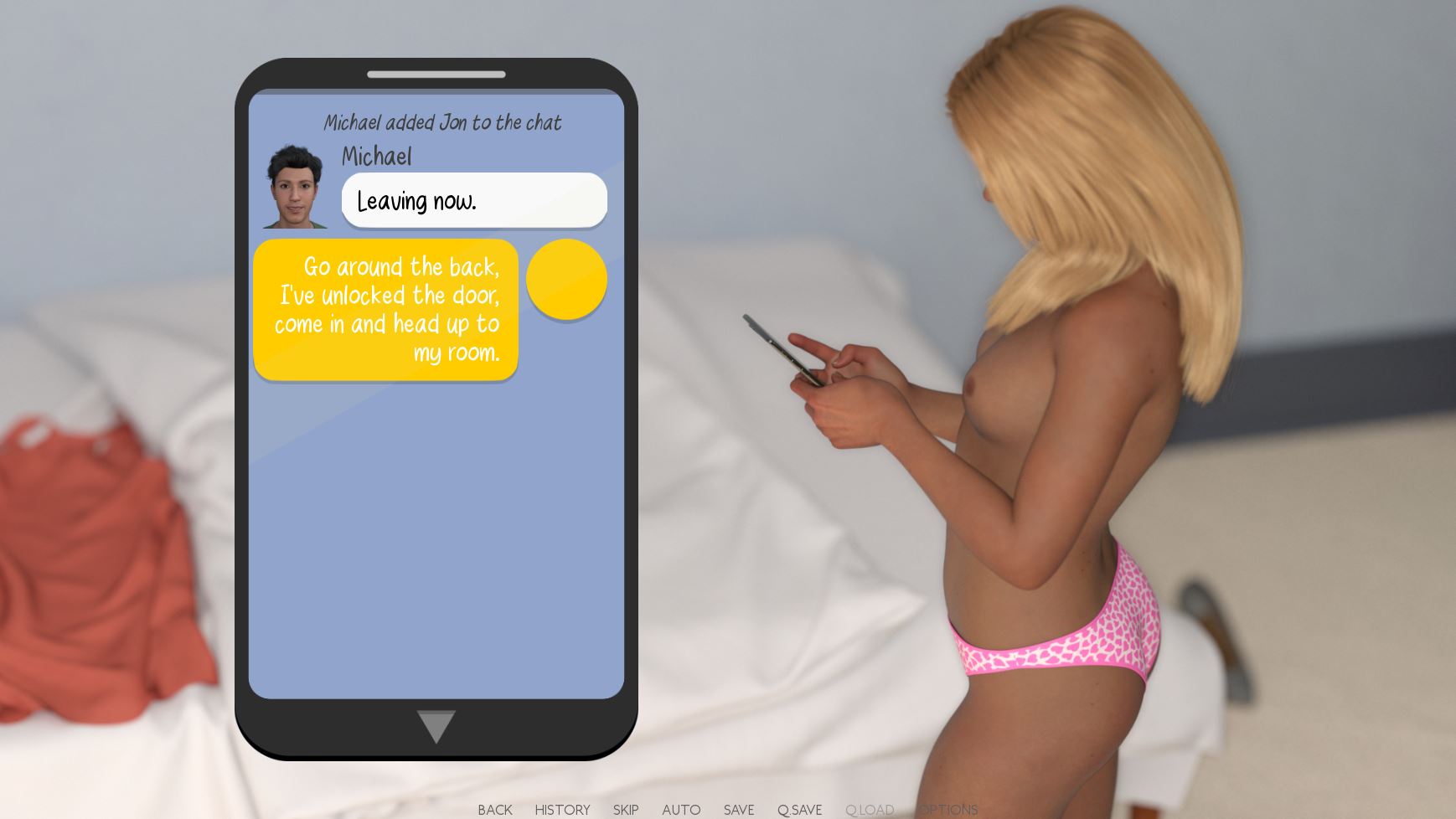
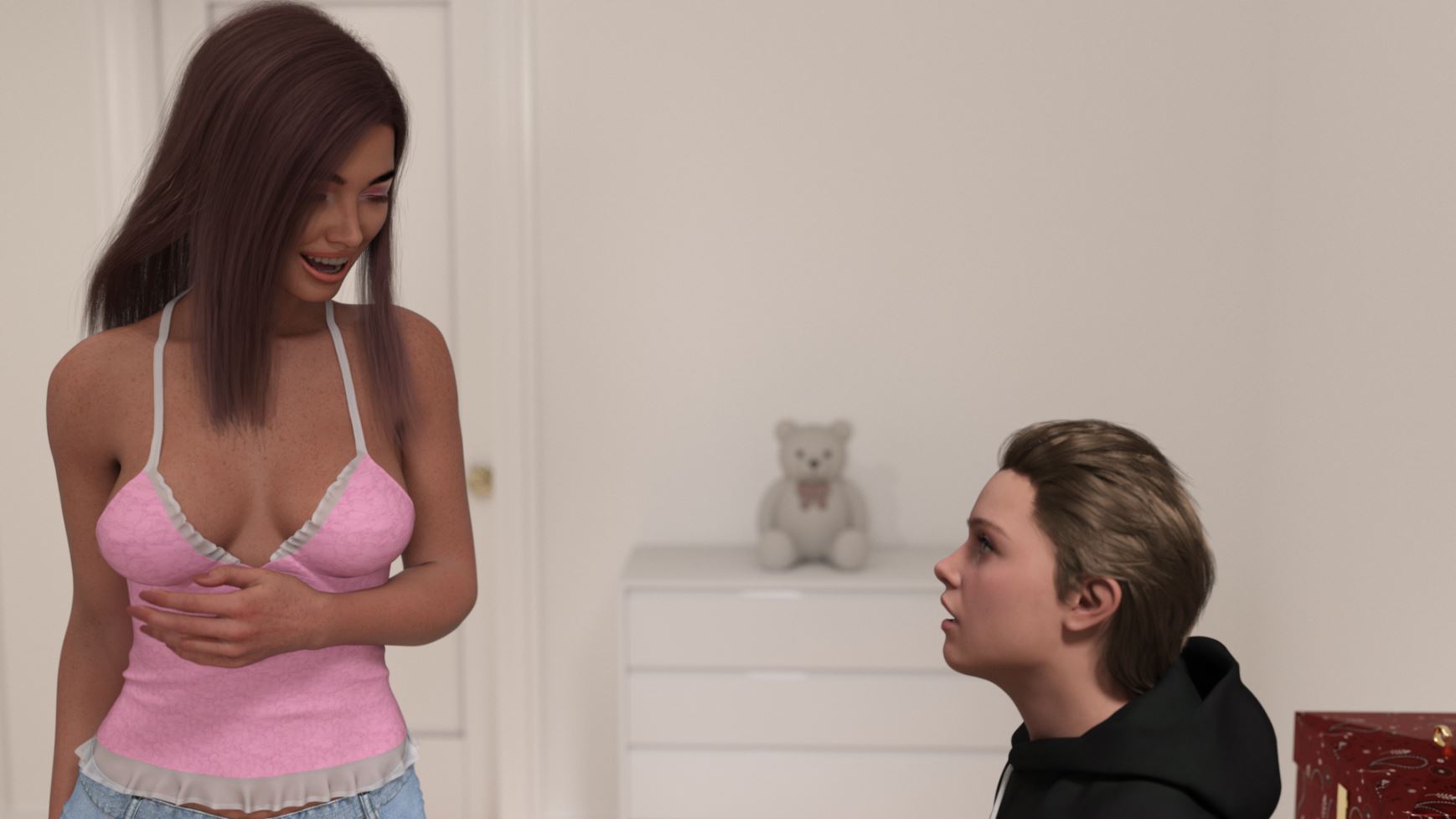
Two Geordie lads prepare for the next chapter of life as they finish school,
and head to university but one has been keeping a big secret from his best mate.
Will their friendship be tested when the secret is uncovered?
Watch the story unfold through the eyes of either friend in this adult visual novel that may be light on game play but is heavy on story.
Play through the first 2 chapters for free here on itch, chapter 3 is available now on my Patreon page.
- Extract and run.
- Dual Core Pentium or equivalent Processor.
- Intel HD 2000 or equivalent Graphics.
- 2.63 GB of free disk space (Recommended to have twice as much free disk space than this).
Best Friends - Ongoing - v.Ch.11.1 Links And Mirrors
About The Game: Best Friends is a porn game made on Ren'Py game engine. This game is rated M and meant for adults with explicit contents and strong language. It is advised to read the tags to get an idea about the game. The current available version is v.Best Friends. THe contents of the game is Uncensored. Best Friends is developed and distributed by Faenon, Please support Faenon if want the development of Best Friends game going or want to see more new games from them in future. The download links are crawled and gathered from various public sites. We do not host/modify or alter the contents. The uploader is responsible for the DMCA.
Best Friends's latest build v.Ch.11.1 is available in Windows, Linux, MacOS, Android platforms and currently Ongoing. We last updated this game in May 12, 2026.
Best Friends's latest build v.Ch.11.1 is available in Windows, Linux, MacOS, Android platforms and currently Ongoing. We last updated this game in May 12, 2026.
Walkthrough and Guide
Gallery Mod v0.8.1: FILEKNOT - ANONZIP
Gallery Mod v 0.10.1: FILEKNOT - ANONZIP
Gallery Mod v 0.10.2: FILEKNOT - ANONZIP
Gallery Mod Installation:
1. Unzip file
2. Copy contents to /game folder in the game install directory
Gallery Mod Features:
Names and Relationships can be changed from defaults.
Filter gallery by multiple tags.
There is also an optional Unlock/Relock Unseen button. Due to Renpy limitation viewing a scene unlocked through the button will unlock it permanently.
During replay, right-click and choose "End Replay" to stop replay and return to gallery.
When viewing images can toggle between actual size or fit to screen if applicable. If actual size is larger than screen, image can be scrolled around.
Keyboard Navigation:
G - From main menu, opens gallery
Left/Right Arrow - Prev/Next Page
Ctrl + Left/Right Arrow - First/Last Page
#1-9: Jump to 1st through 9th Page respectively
#0: Jump to Last Page
F - Open Filter screen
N - Open Rename screen
U - Unlock/Relock button
X - Exit filter screen, rename screen, image viewer or replay if applicable
Z - In image viewer - toggle actual size or fit to screen
H - In image viewer - hide buttons for UI free viewing
C - In Filter screen - Clear all filters
S - In Rename screen - Set the name changes
NOTE:
The mod does not change any game files
Gallery Mod v 0.10.1: FILEKNOT - ANONZIP
Gallery Mod v 0.10.2: FILEKNOT - ANONZIP
Gallery Mod Installation:
1. Unzip file
2. Copy contents to /game folder in the game install directory
Gallery Mod Features:
Names and Relationships can be changed from defaults.
Filter gallery by multiple tags.
There is also an optional Unlock/Relock Unseen button. Due to Renpy limitation viewing a scene unlocked through the button will unlock it permanently.
During replay, right-click and choose "End Replay" to stop replay and return to gallery.
When viewing images can toggle between actual size or fit to screen if applicable. If actual size is larger than screen, image can be scrolled around.
Keyboard Navigation:
G - From main menu, opens gallery
Left/Right Arrow - Prev/Next Page
Ctrl + Left/Right Arrow - First/Last Page
#1-9: Jump to 1st through 9th Page respectively
#0: Jump to Last Page
F - Open Filter screen
N - Open Rename screen
U - Unlock/Relock button
X - Exit filter screen, rename screen, image viewer or replay if applicable
Z - In image viewer - toggle actual size or fit to screen
H - In image viewer - hide buttons for UI free viewing
C - In Filter screen - Clear all filters
S - In Rename screen - Set the name changes
NOTE:
The mod does not change any game files