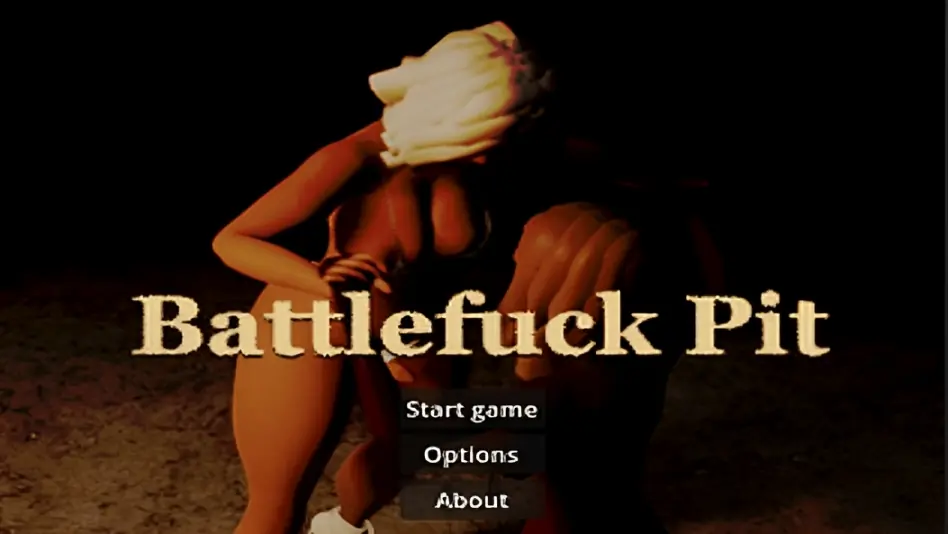
Battlefuck Pit
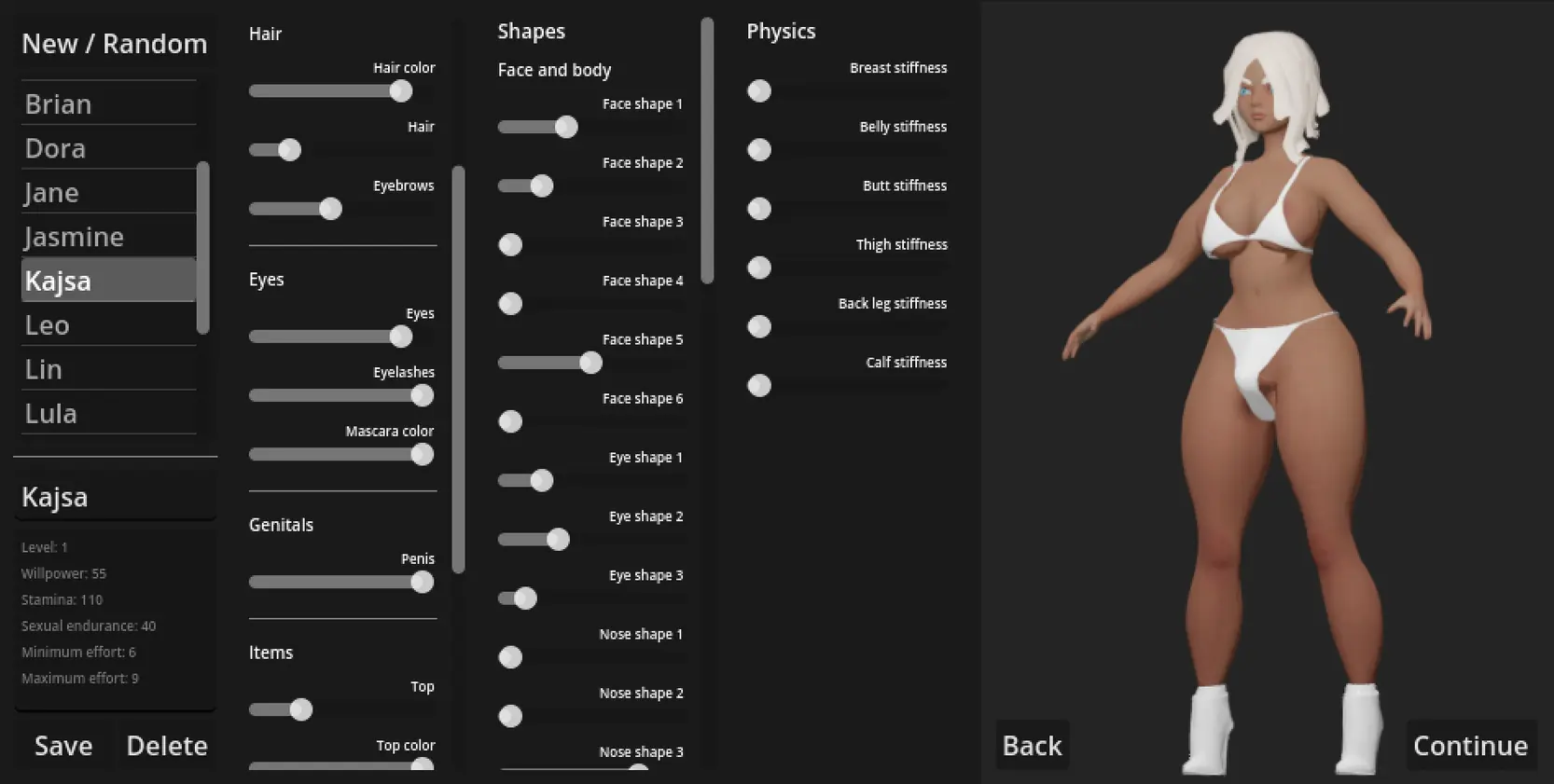
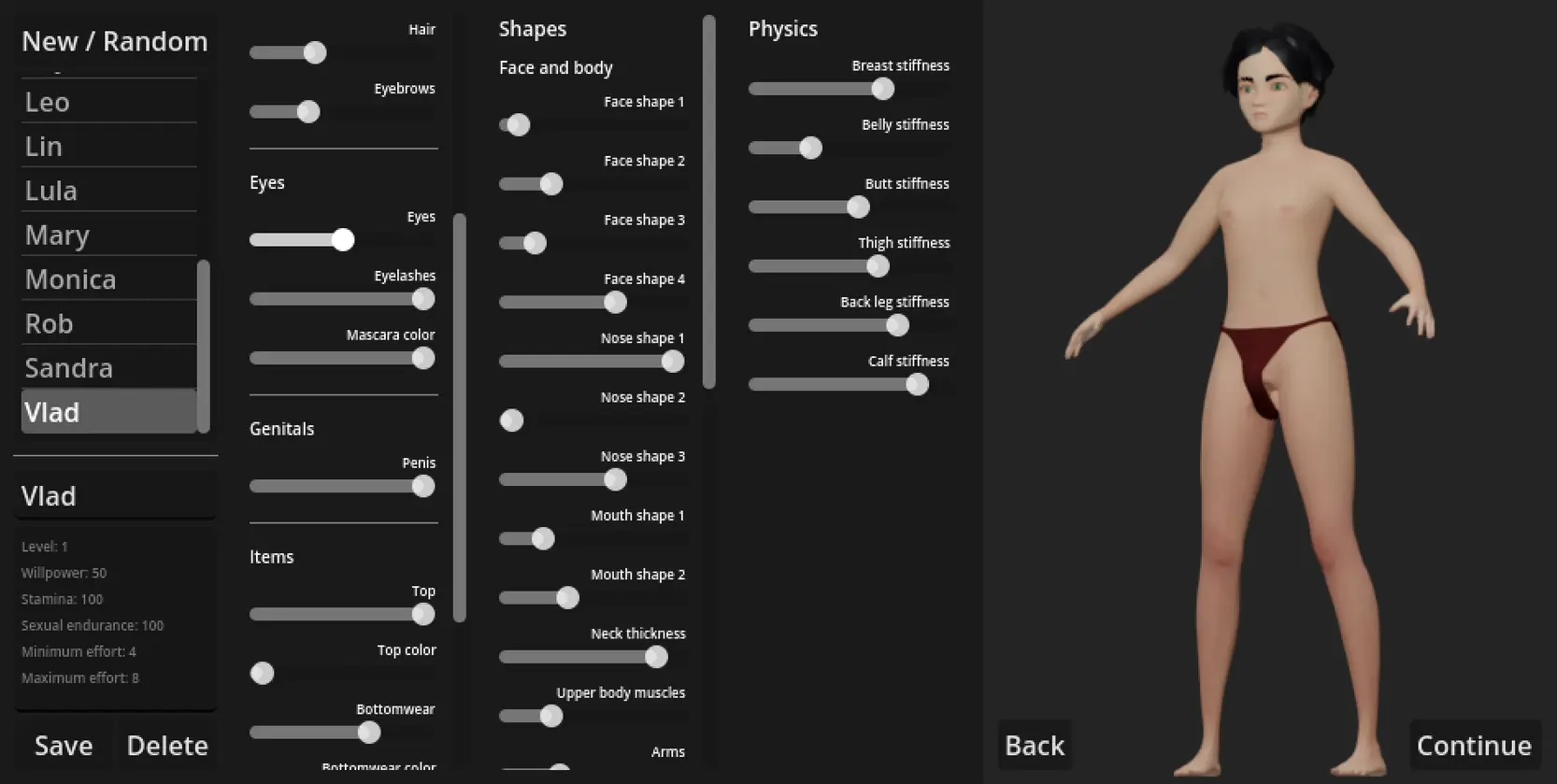
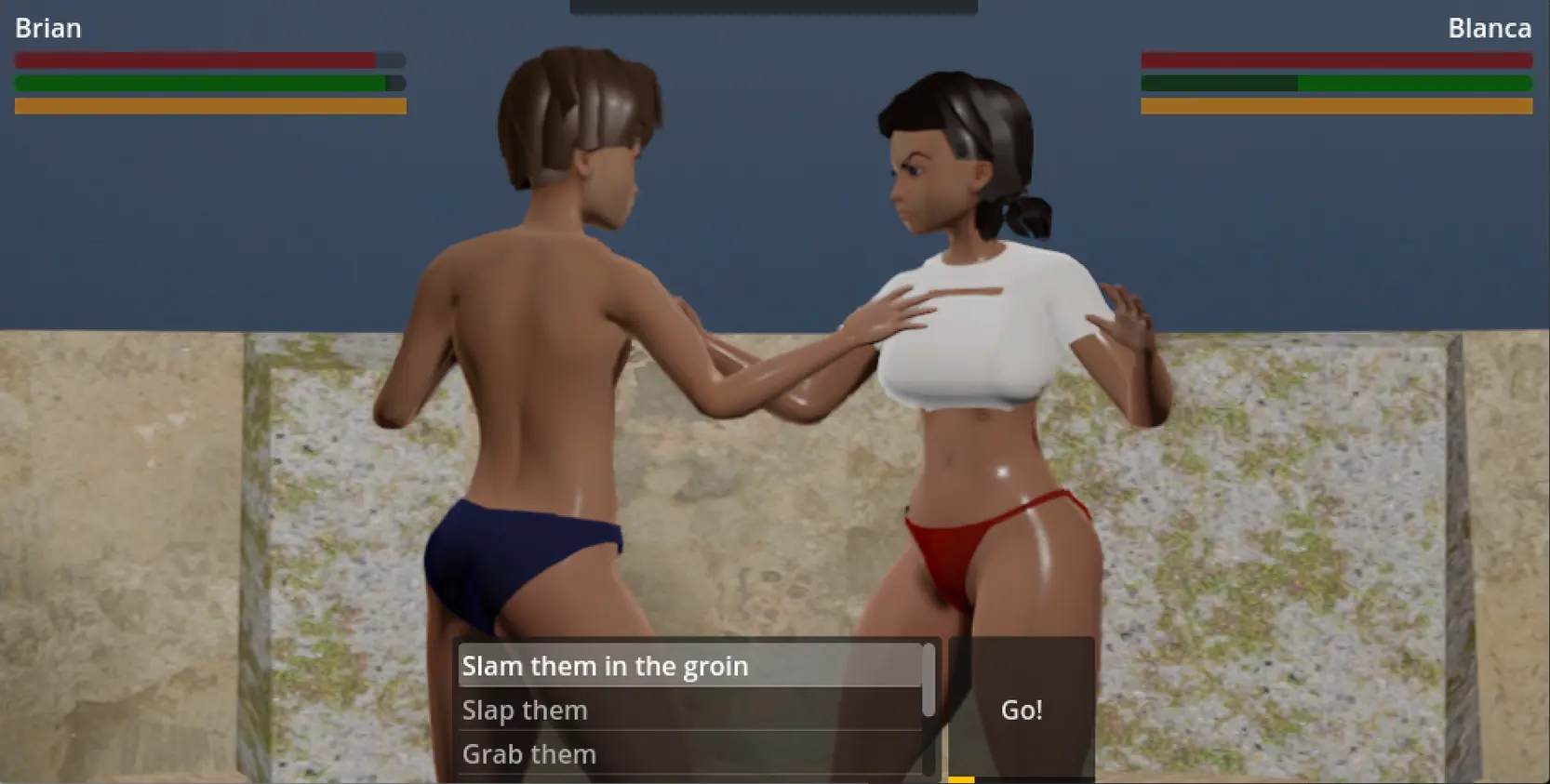
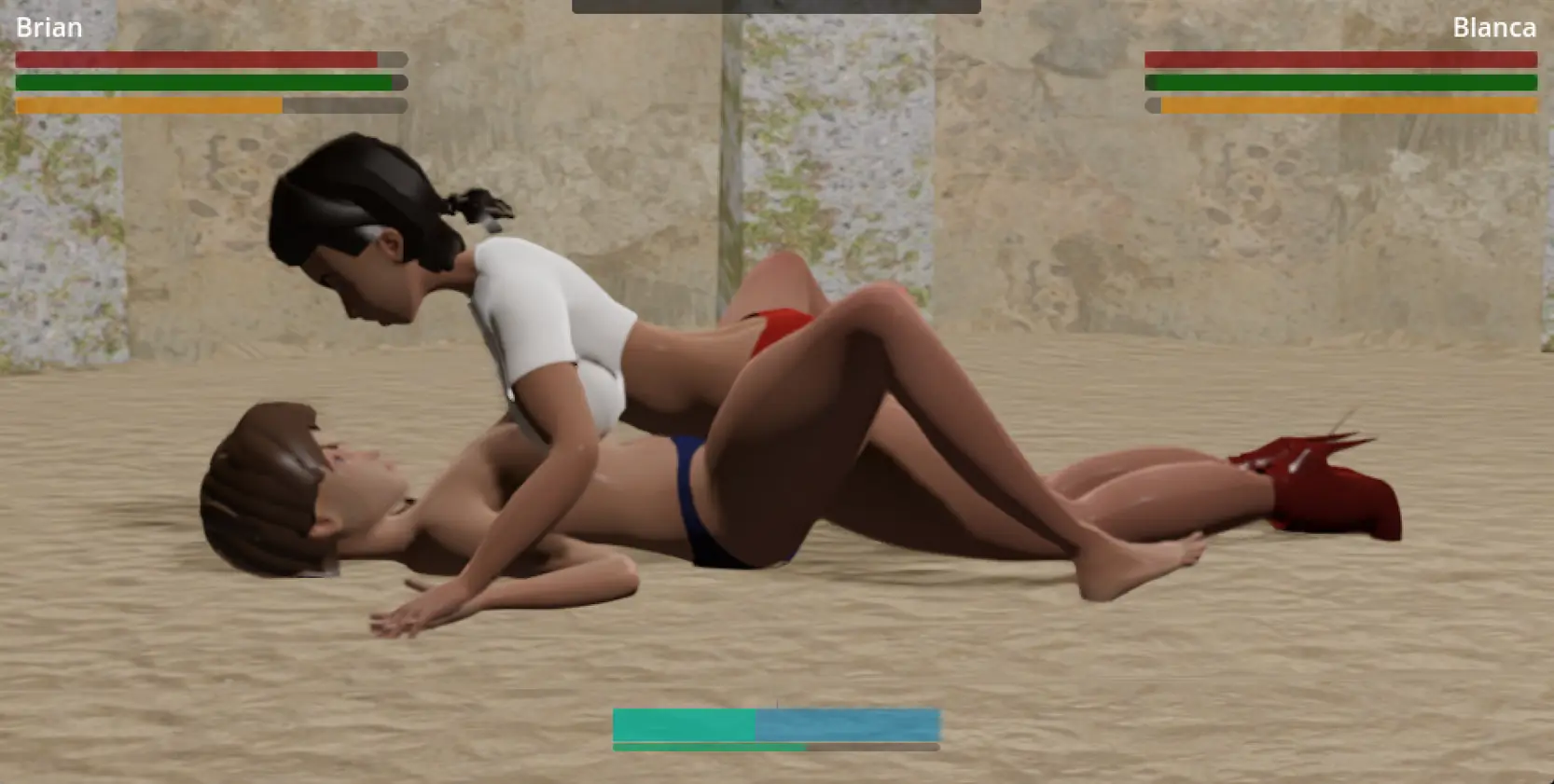
Game Description:
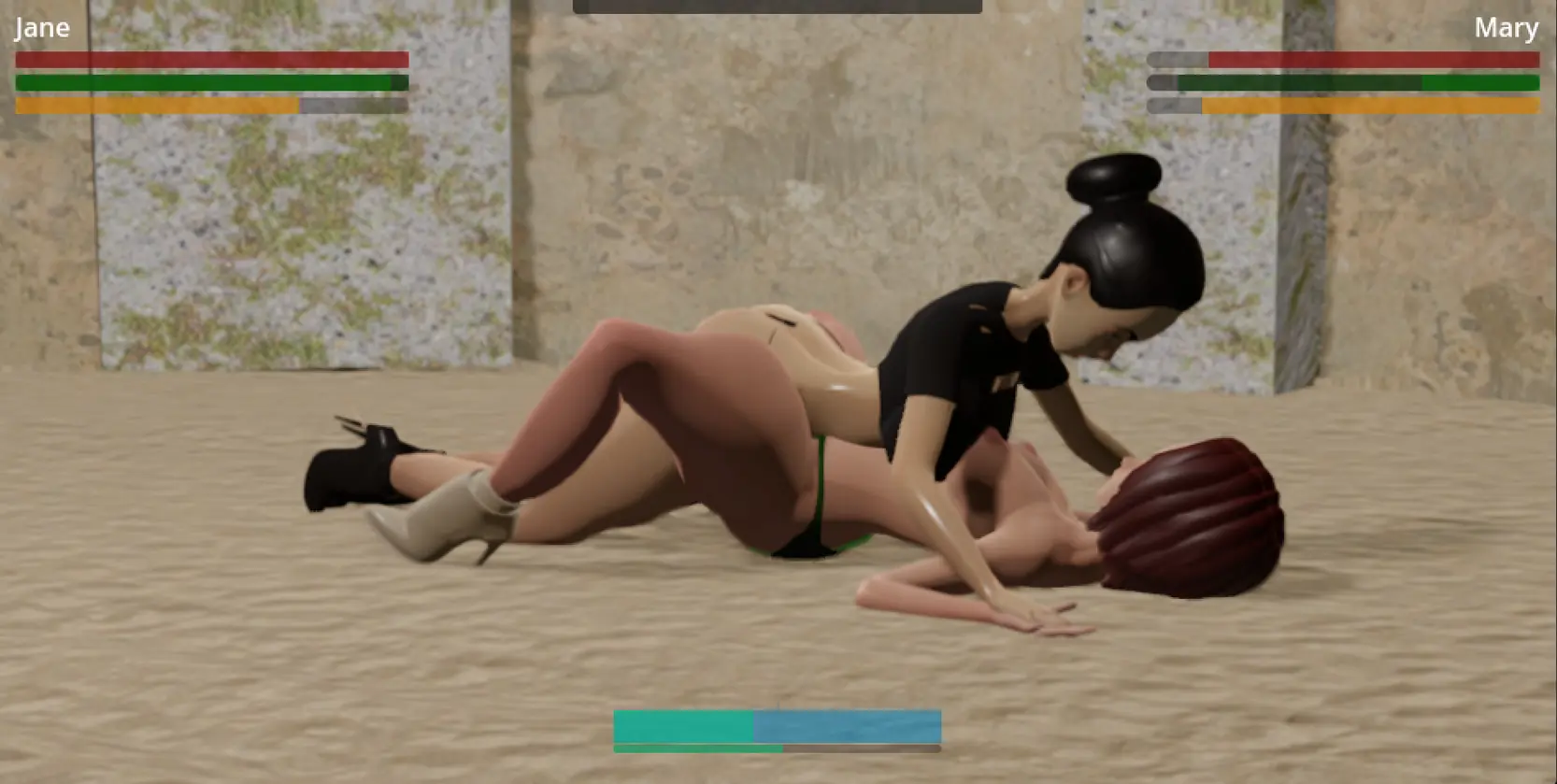
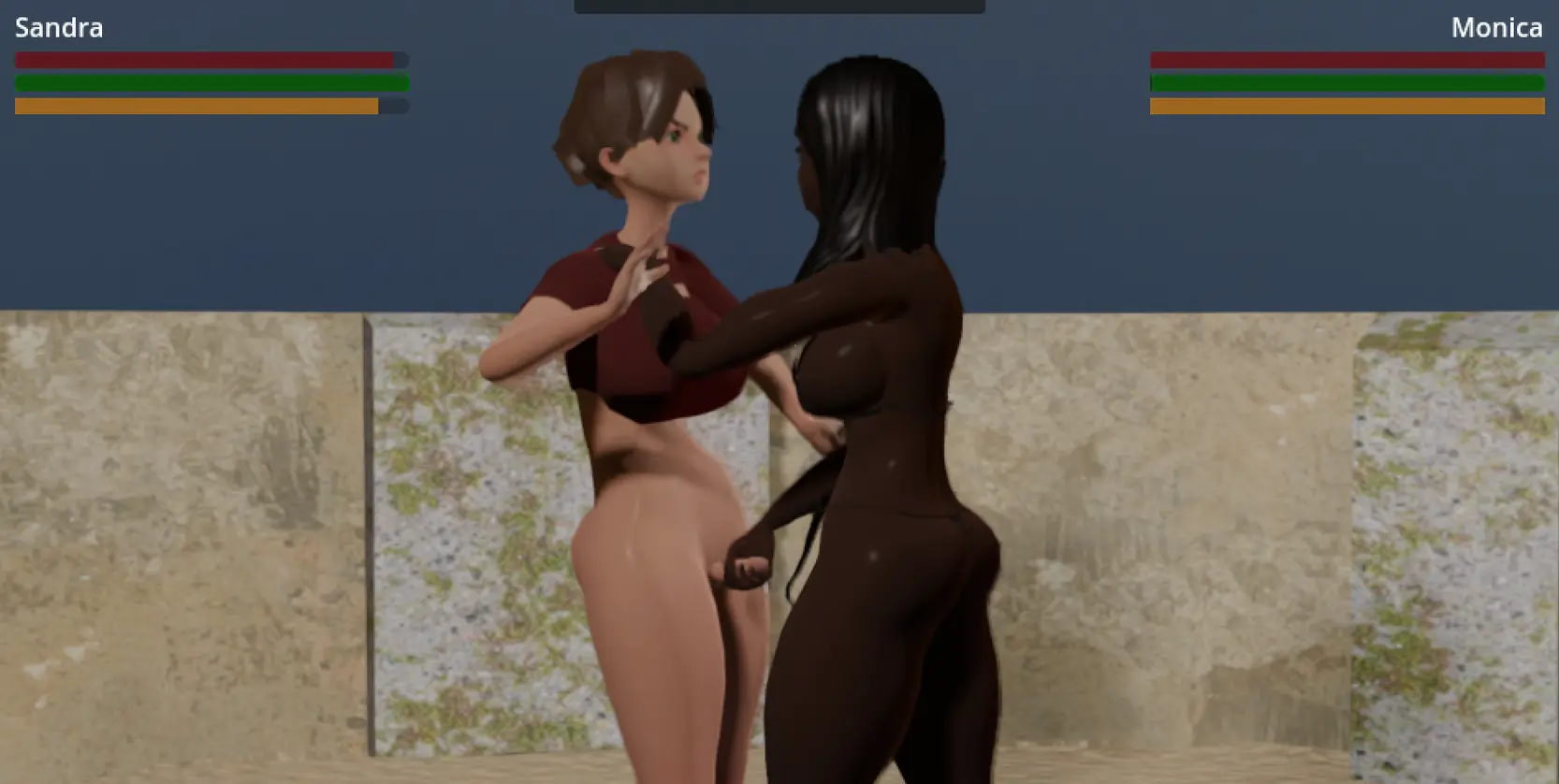
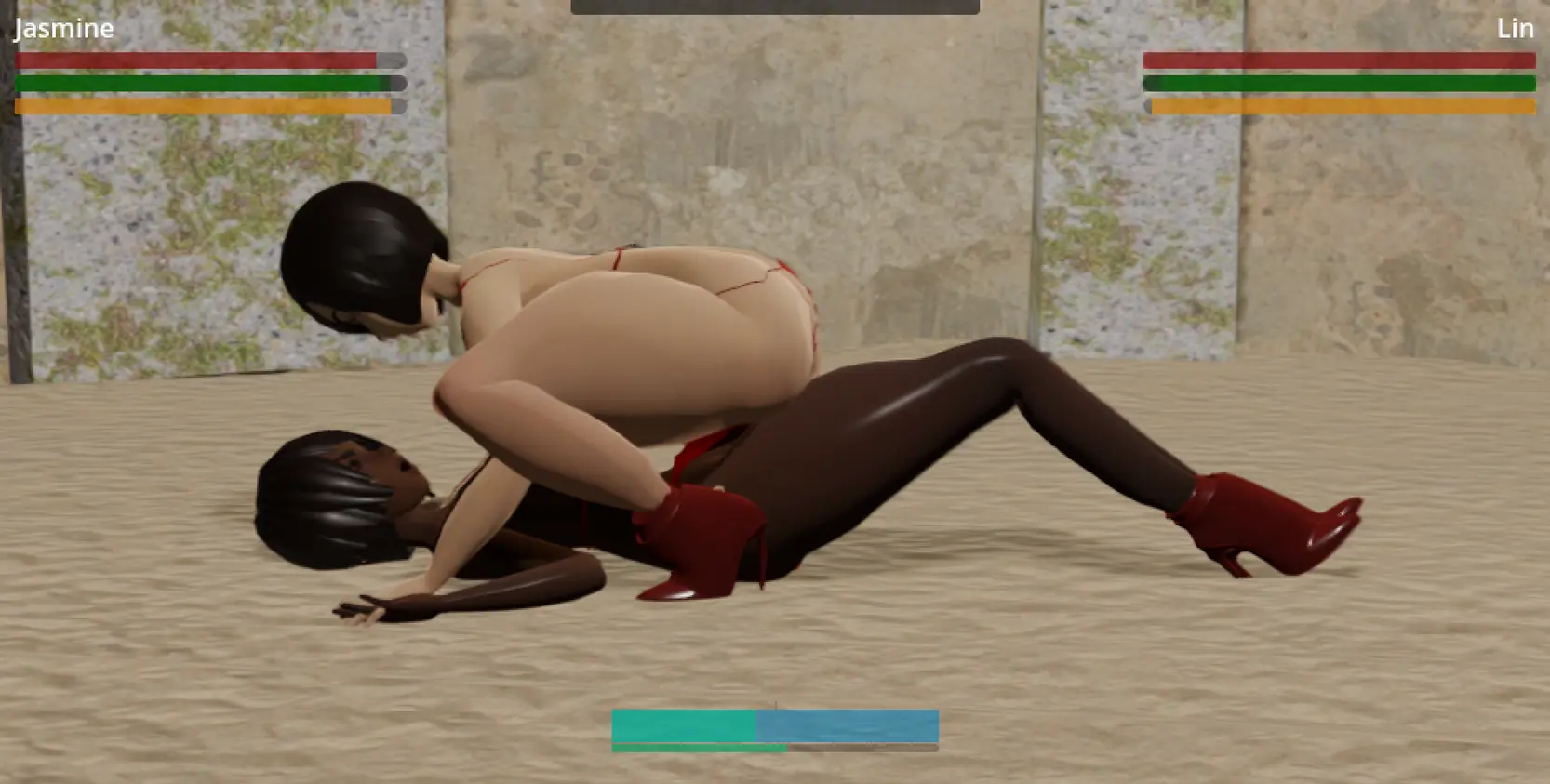
An easy to control battlefuck / sexfight / catfight game that is very much a work in progress
- Extract and run.
This release brings in improvements, fixes and QoL updates from the Patreon version. It started as a bugfix release for a bunch of issues, but some fixes required newer versions of several resources, so I'm happy to say this is more than just a pure maintenance release  Changes:Wearables and appearance:
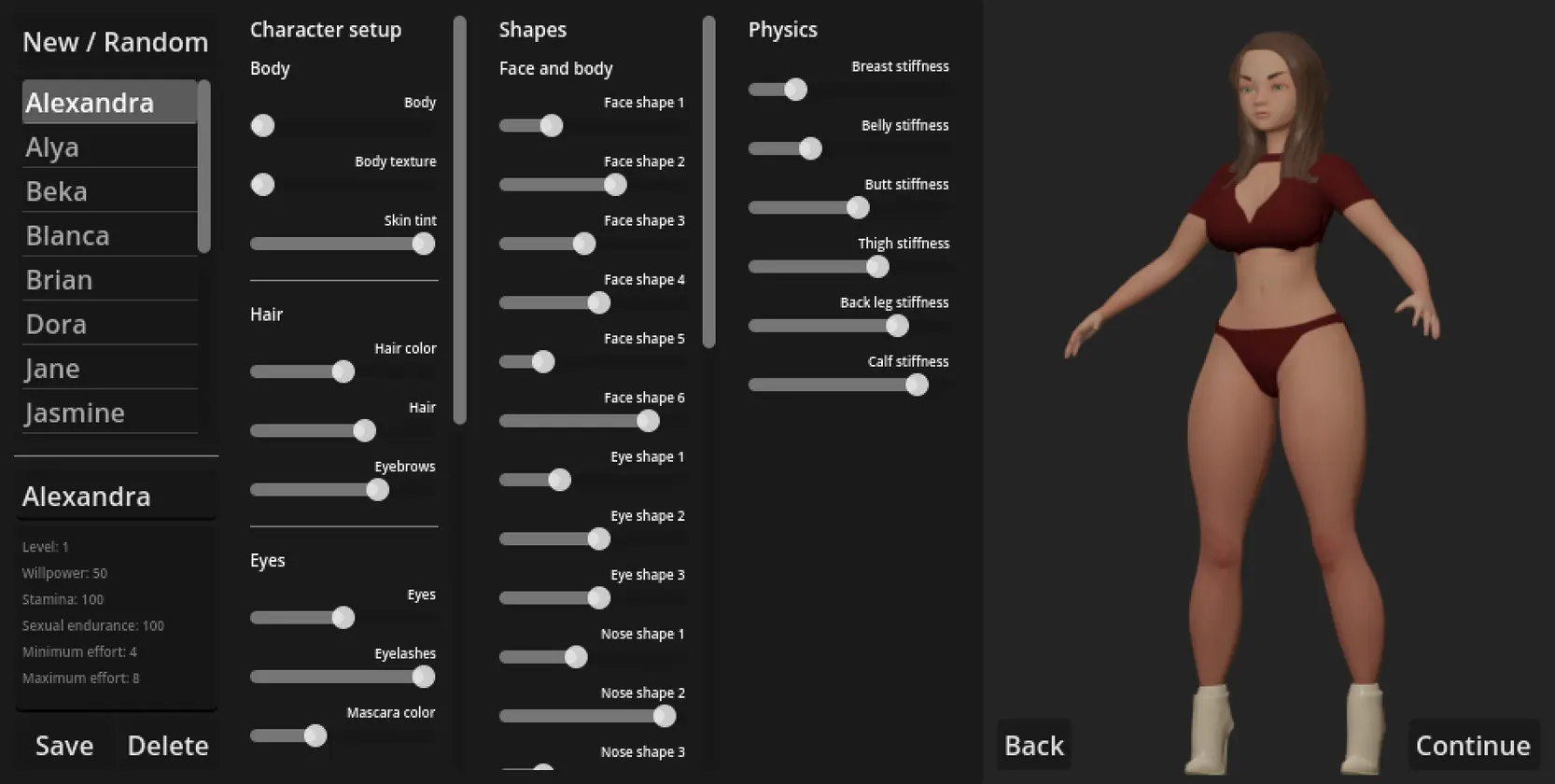
Changes:Wearables and appearance:- In depth overhaul of a lot of morphs ranges and values in order to improve random character generation and the default body type
- The new morph ranges will be enforced on existing characters. Saved morphs that are outside their current ranges will be capped to their respective range min/max. Note this might change certain morphs on your saved characters and slightly alter their appearance. This is necessary in order to eliminate certain wearable clipping / deformation legacy issues, and simplify development going forward
- Finalized hair adjustment ranges to eliminate clipping and disproportionate values, and allow for better and more diverse randomization
- Added navel position morph
- Completely remade the Neck morph
- Completely remade the Trapezius morph
- Improved the armpit area of the Thicc morph
- Resculpted the eye area to give definition for eyelids
- Adjusted several shapes for the existing eyelashes
- Refined the mouth area and lip morphs. Removed lip changes present in the Thicc and Curvy morphs, which were causing weird shape stacking
- Reworked the Lip height, Pronounced lips, Upper lip, Lower lip morphs
- Added Heart shaped mouth, Puffy lips, Lower lip curve morphs
- Fixed clipping on the Collar (wide, simple) for high Neck morph values
- Improved the Shirt weight painting and fixed clipping in tights spots (e.g. armpits) occurring during certain animations (some clipping might still happen when wearing the Shirt over other wearables such as the Bathing suits)
- Improved compatibilities between various wearables, and updated the wearable incompatibility list. Equipping a new wearable will look for worn incompatibilities and remove them from the body (this was already happening but the list of incompatibilities has been extended)
- Cleaned up virtually empty shape keys on all objects on the default body, resulting in file size reduction
- Updated default characters' appearance to reflect the new morph ranges. Use "Update existing characters' appearance" under Options to get the changes (note that any custom outfits you might have added to the default characters will be overwritten)
- Optimized character selection in the editor (this makes switching to another character a bit quicker if certain conditions are met - which is most of the time after saving and not modifying the character)
- Fixed camera abnormal see-saw movement on low fps in certain conditions. Improved camera smoothness
- Fixed switch_actions happening during a choice state in a npc vs npc context causing the switch action to execute twice
- Fixed post defeat bearhug fuck action genital conditions. The action should become available in more cases if 'Disable strict genital requirements' is selected
- Fixed skinning for loaded .gltf mod files, where bindings could get applied to the wrong bone (due to mismatched bone indices)
- Correctly pause suspended CharacterViews (previously they kept playing in the background, even when suspended) and resume as needed
- Fixed several standing punch / slap / bust animations defined as loopable, causing jumps during e.g. the hit contest
- Dual Core Pentium or equivalent Processor.
- Intel HD 2000 or equivalent Graphics.
- 588.12 MB of free disk space (Recommended to have twice as much free disk space than this).
Battlefuck Pit - Ongoing - v.1.10.20 Links And Mirrors
About The Game: Battlefuck Pit is a porn game made on Others game engine. This game is rated M and meant for adults with explicit contents and strong language. It is advised to read the tags to get an idea about the game. The current available version is v.Battlefuck Pit. THe contents of the game is Uncensored. Battlefuck Pit is developed and distributed by DNA, Please support DNA if want the development of Battlefuck Pit game going or want to see more new games from them in future. The download links are crawled and gathered from various public sites. We do not host/modify or alter the contents. The uploader is responsible for the DMCA.
Battlefuck Pit's latest build v.1.10.20 is available in Windows, Android platforms and currently Ongoing. We last updated this game in August 5, 2026.
Battlefuck Pit's latest build v.1.10.20 is available in Windows, Android platforms and currently Ongoing. We last updated this game in August 5, 2026.
Walkthrough and Guide
Example Action Mod: FILEKNOT - MEGA
Example Stage/Arena Mod: FILEKNOT - MEGA
Mod installation:
For actions, the folder you are targeting (TARGET_FOLDER ) is .mods/actions. For arenas/stages, the folder is .mods/stages
On Windows, extract the zip contents under .mods/TARGET_FOLDER in the game folder, or c:UsersYOUR_USERAppDataRoamingGodotapp_userdataBattlefuck Pit.modsTARGET_FOLDER , depending on your preference. Make sure to not have copies in both locations, as it can get confusing (the game works, but if you later end up updating one and not the other, you might get the older version in game).
On Android:
Example Stage/Arena Mod: FILEKNOT - MEGA
Mod installation:
For actions, the folder you are targeting (TARGET_FOLDER ) is .mods/actions. For arenas/stages, the folder is .mods/stages
On Windows, extract the zip contents under .mods/TARGET_FOLDER in the game folder, or c:UsersYOUR_USERAppDataRoamingGodotapp_userdataBattlefuck Pit.modsTARGET_FOLDER , depending on your preference. Make sure to not have copies in both locations, as it can get confusing (the game works, but if you later end up updating one and not the other, you might get the older version in game).
On Android:
- Download the file, and use the File manager under Options to import the zip file into the game user folder.
- Extract the contents (use the Extract option), then do this:
- Go into the newly created folder (example_mod), select the folder inside and press [Cut]. Go outside (use the [^] button) to the user:// folder, and make sure you have a folder called .mods, inside which there should be the required TARGET_FOLDER folder. If either or both of these folders are missing, create them manually (using the [New folder] button at the top)
- Go inside .mods/TARGET_FOLDER and select [Paste]
- Remember to delete the empty folder left behind from extracting the zip file
- Restart the game