
Toriel’s Embrace

Game Description:
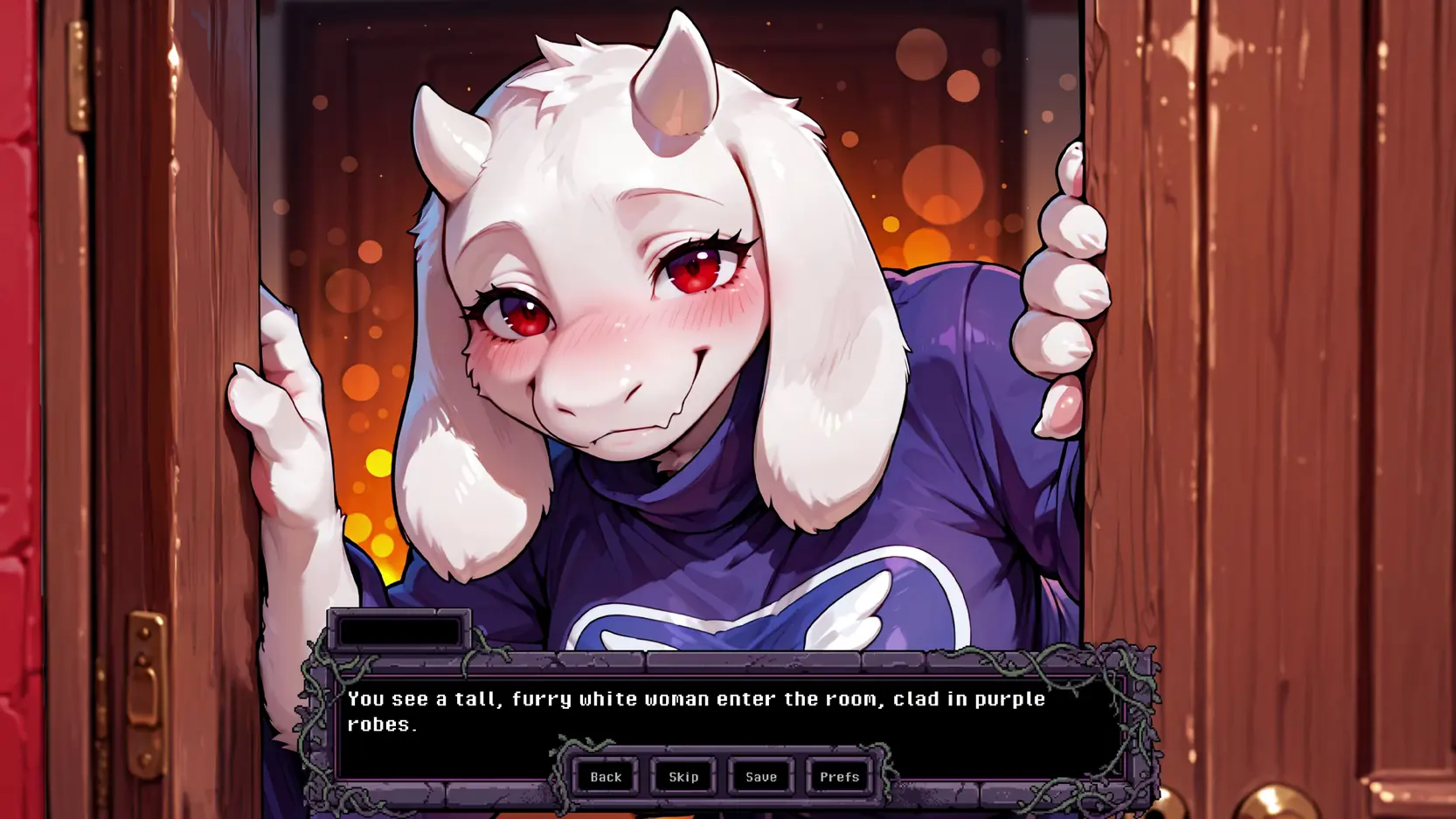
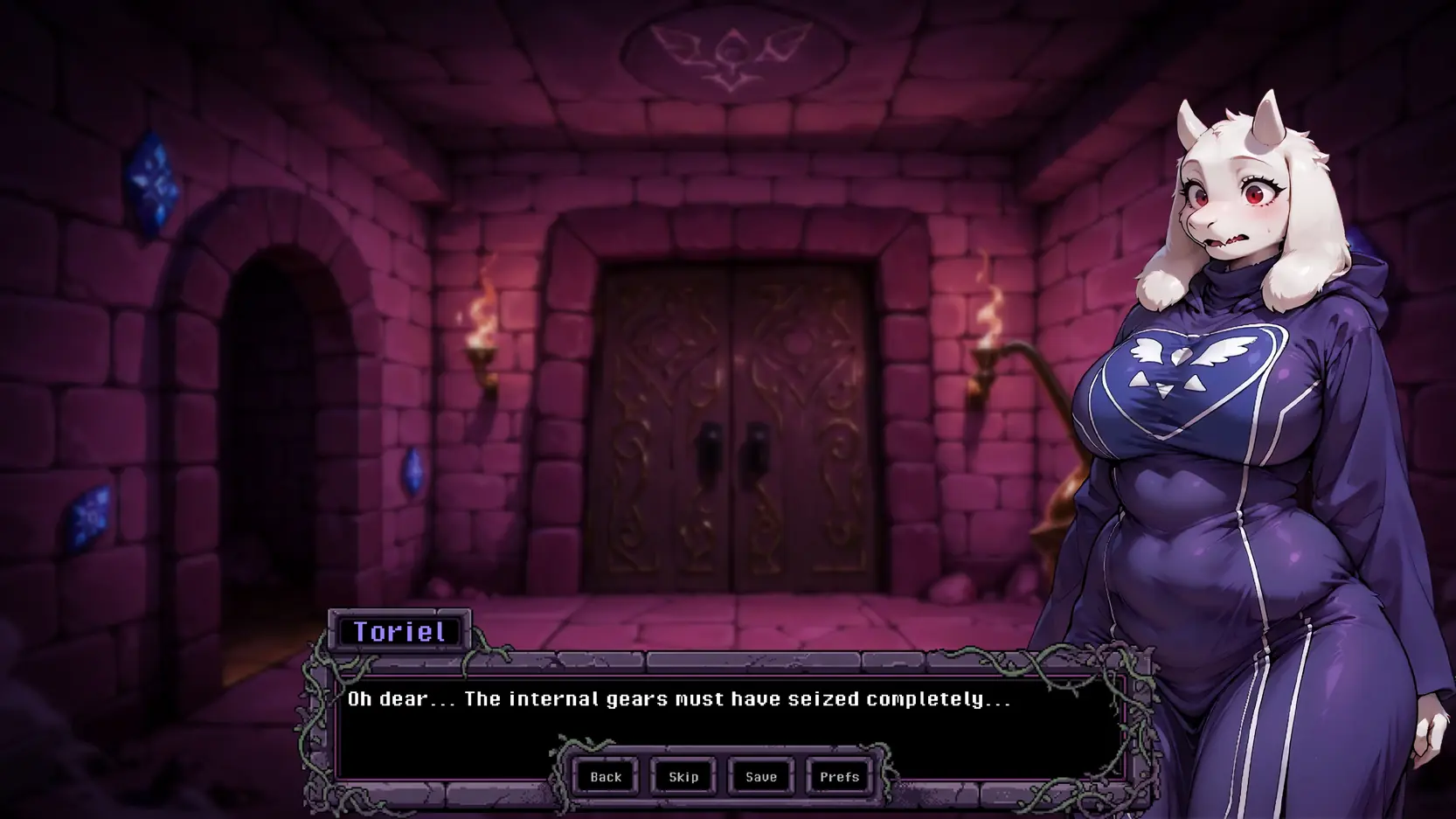
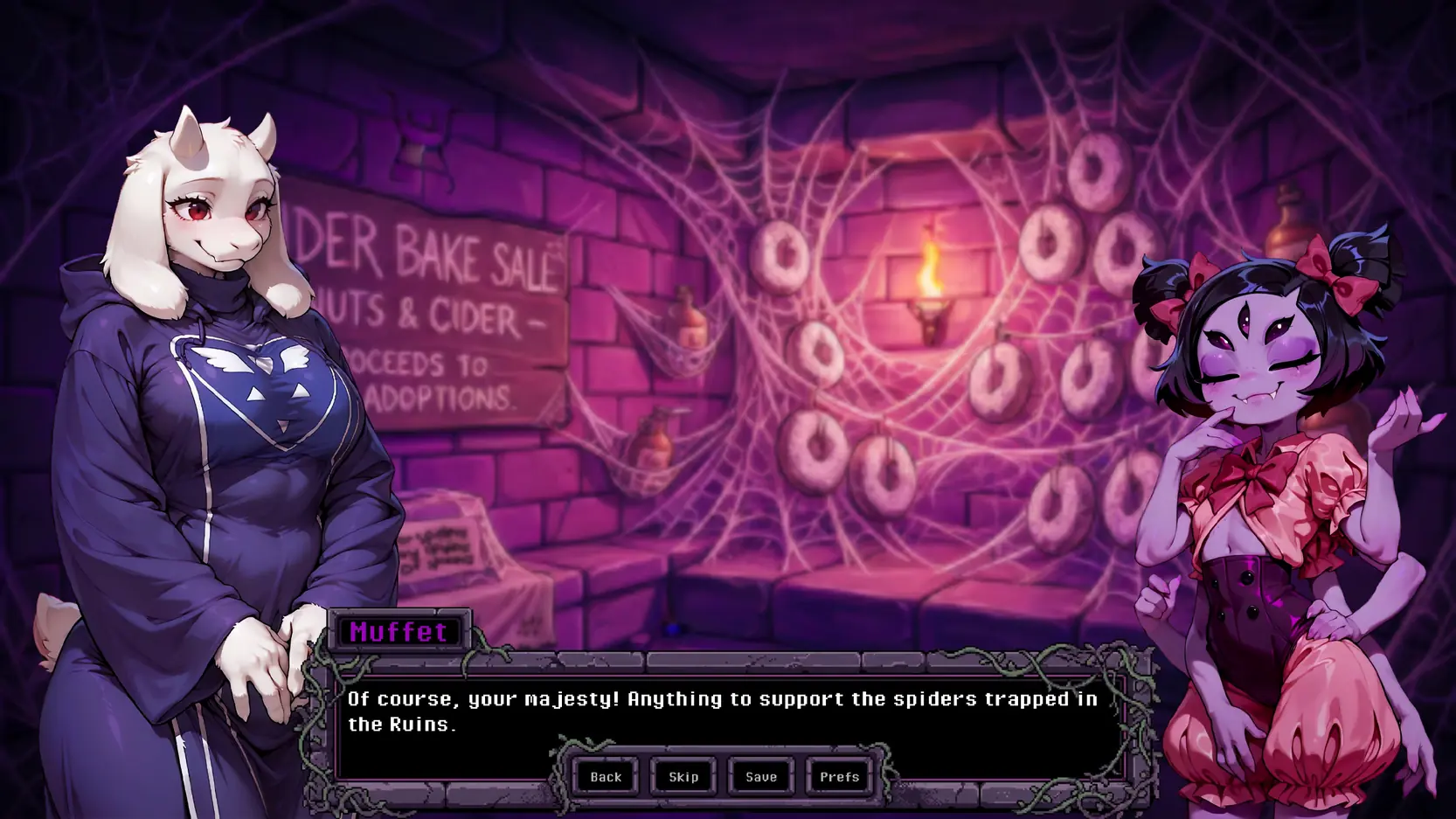
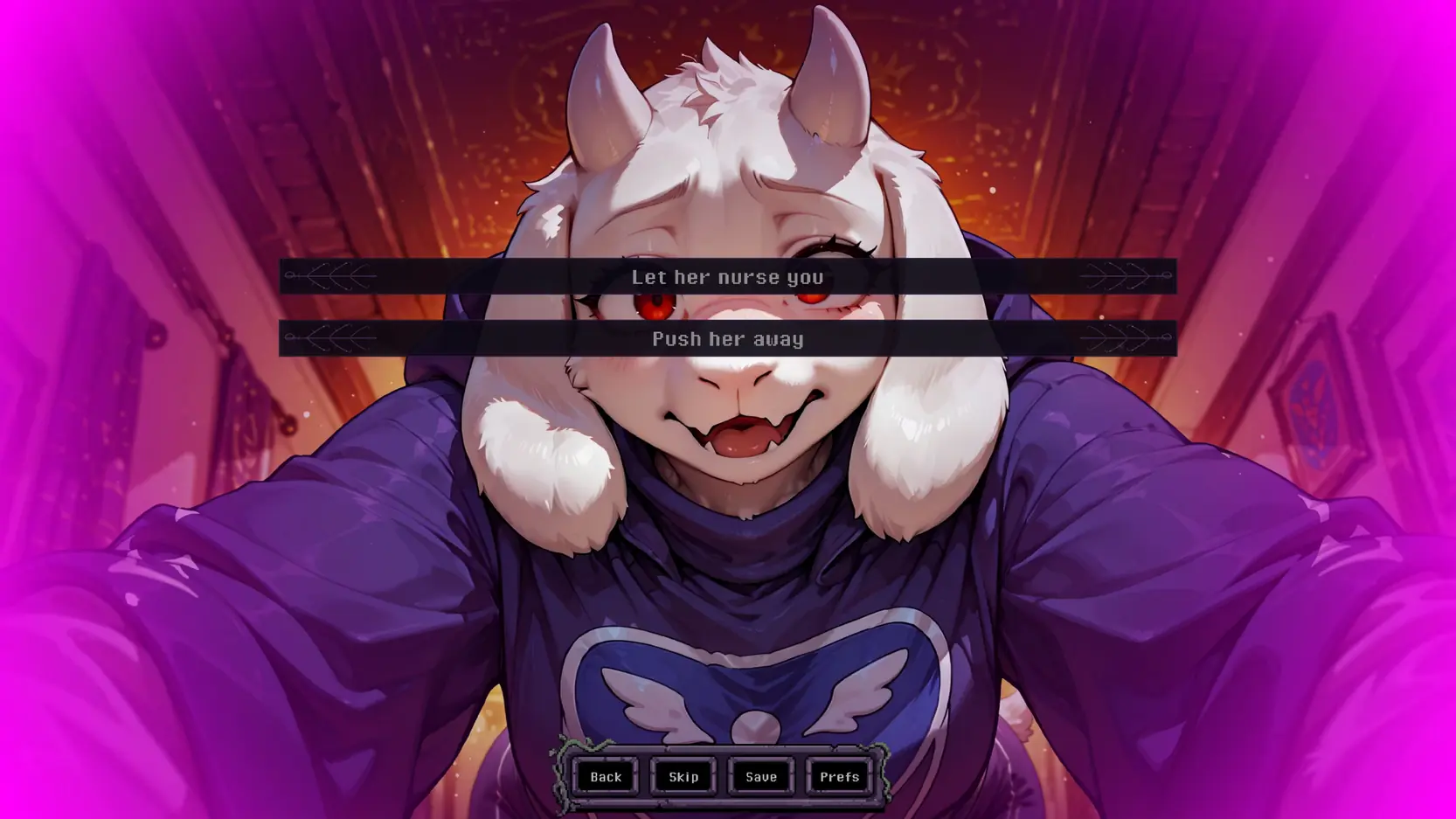
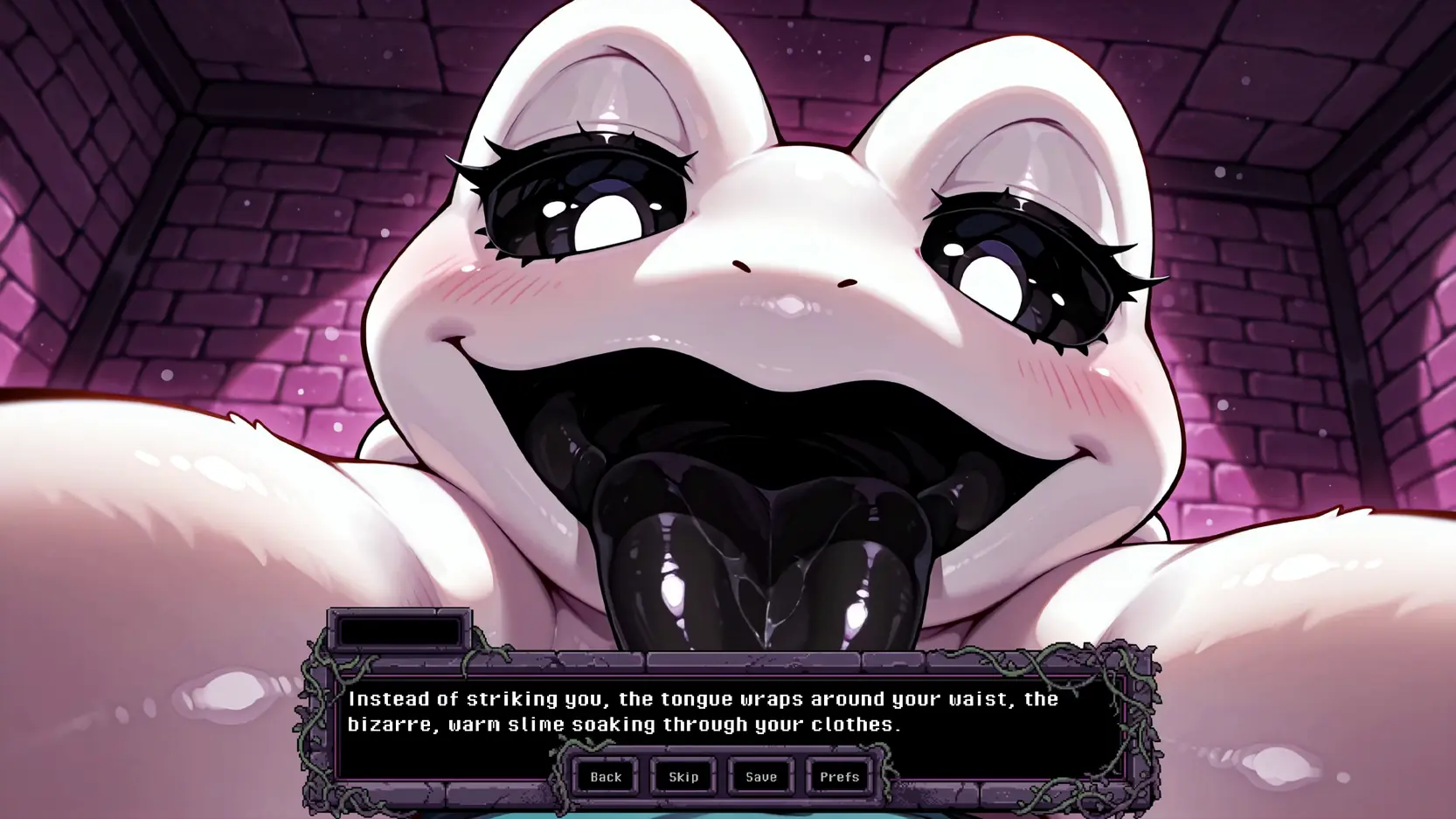
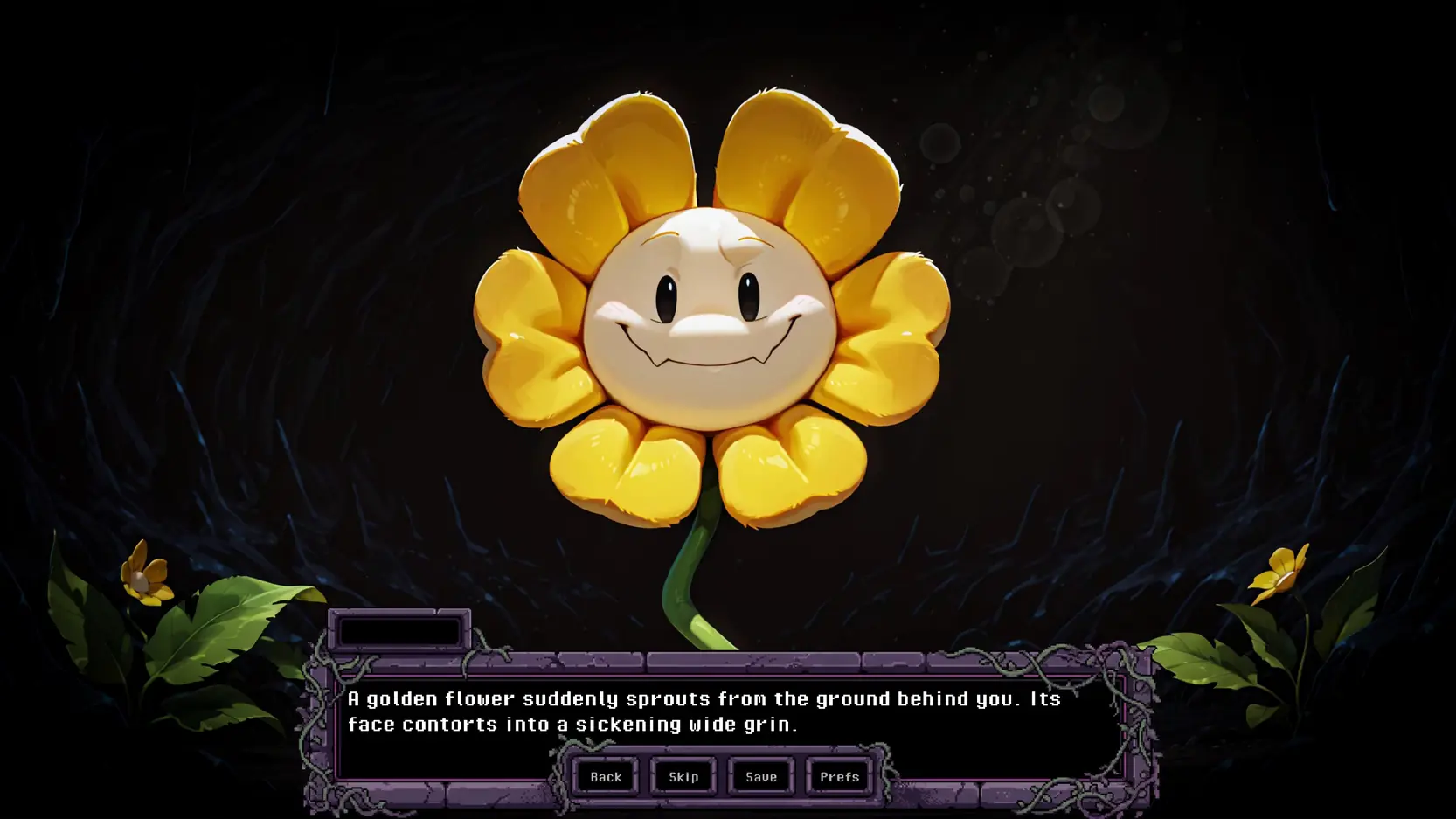
After a devastating breakup, you seek a moment of peace, only to fall deep into the Underground. Battered and broken, you are rescued by Toriel, who nurses you back to health in the Ruins. As you recover in her care, you begin to explore the Underground. The choices you make from then on are up to you.
- Windows Installation
- Extract the Game: Unzip the TorielsEmbrace-0.1-pc.zip archive into a folder of your choice.
- Launch: Open the extracted folder and run TorielsEmbrace.exe to start the game.
- (Optional) Desktop Shortcut: Right-click TorielsEmbrace.exe → Send to → Desktop (create shortcut) for easier access.
- Linux Installation
- Extract the Game: Unzip TorielsEmbrace-0.1-pc.zip to your desired directory.
- Set Permissions: Ensure the game executable has permission to run. You can do this via terminal: chmod +x TorielsEmbrace.sh
- (Or right-click TorielsEmbrace.sh → Properties → Permissions → Check "Allow executing file as program".)
- Launch: Run TorielsEmbrace.sh to start the game.
- macOS Installation
- Extract the Game: Double-click TorielsEmbrace-0.1-mac.zip to extract the app bundle.
- Move to Applications: Drag TorielsEmbrace.app into your Applications folder.
- Launch: Double-click the app to run
- ⚠ Note for macOS users: If you get an "Unidentified Developer" or damage warning block upon launching, right-click (or Control-click) the app, select Open, and click Open again in the confirmation dialog to bypass Gatekeeper.
- Android Installation
- Download the APK: Download the toriels-embrace-0.1.apk file to your device.
- Enable Unknown Sources: Open your File Manager or Browser, tap the APK, and if prompted, allow the app permission to "Install unknown apps".
- Install & Launch: Confirm the installation, then open the game.
- ⚠ Note for Samsung users: If your phone blocks the installation with a security warning, Samsung's Auto Blocker is stopping it. You can temporarily turn it off to install the game:
- Open your phone's Settings → Security and Privacy.
- Scroll down, tap on Auto Blocker, and toggle it Off (you'll need to enter your lock screen PIN/password).
- Go back and install the APK. (You can safely turn Auto Blocker back on immediately after the game is installed).
* Expanded the Story with 2 Storylines
* Added a Notification for Updates
* Improved Mobile UI
* Made the Snake Minigame Easier
* Minor Tweaks, Fixes and Performance Improvements
- Dual Core Pentium or equivalent Processor.
- Intel HD 2000 or equivalent Graphics.
- 508.32 MB of free disk space (Recommended to have twice as much free disk space than this).
Toriel’s Embrace - Ongoing - v.0.2 Links And Mirrors
About The Game: Toriel’s Embrace is a porn game made on Ren'Py game engine. This game is rated M and meant for adults with explicit contents and strong language. It is advised to read the tags to get an idea about the game. The current available version is v.Toriel’s Embrace. THe contents of the game is Uncensored. Toriel’s Embrace is developed and distributed by OhDeer!, Please support OhDeer! if want the development of Toriel’s Embrace game going or want to see more new games from them in future. The download links are crawled and gathered from various public sites. We do not host/modify or alter the contents. The uploader is responsible for the DMCA.
Toriel’s Embrace's latest build v.0.2 is available in Windows, MacOS, Linux, Android platforms and currently Ongoing. We last updated this game in June 28, 2026.
Toriel’s Embrace's latest build v.0.2 is available in Windows, MacOS, Linux, Android platforms and currently Ongoing. We last updated this game in June 28, 2026.