Sorcerer 2
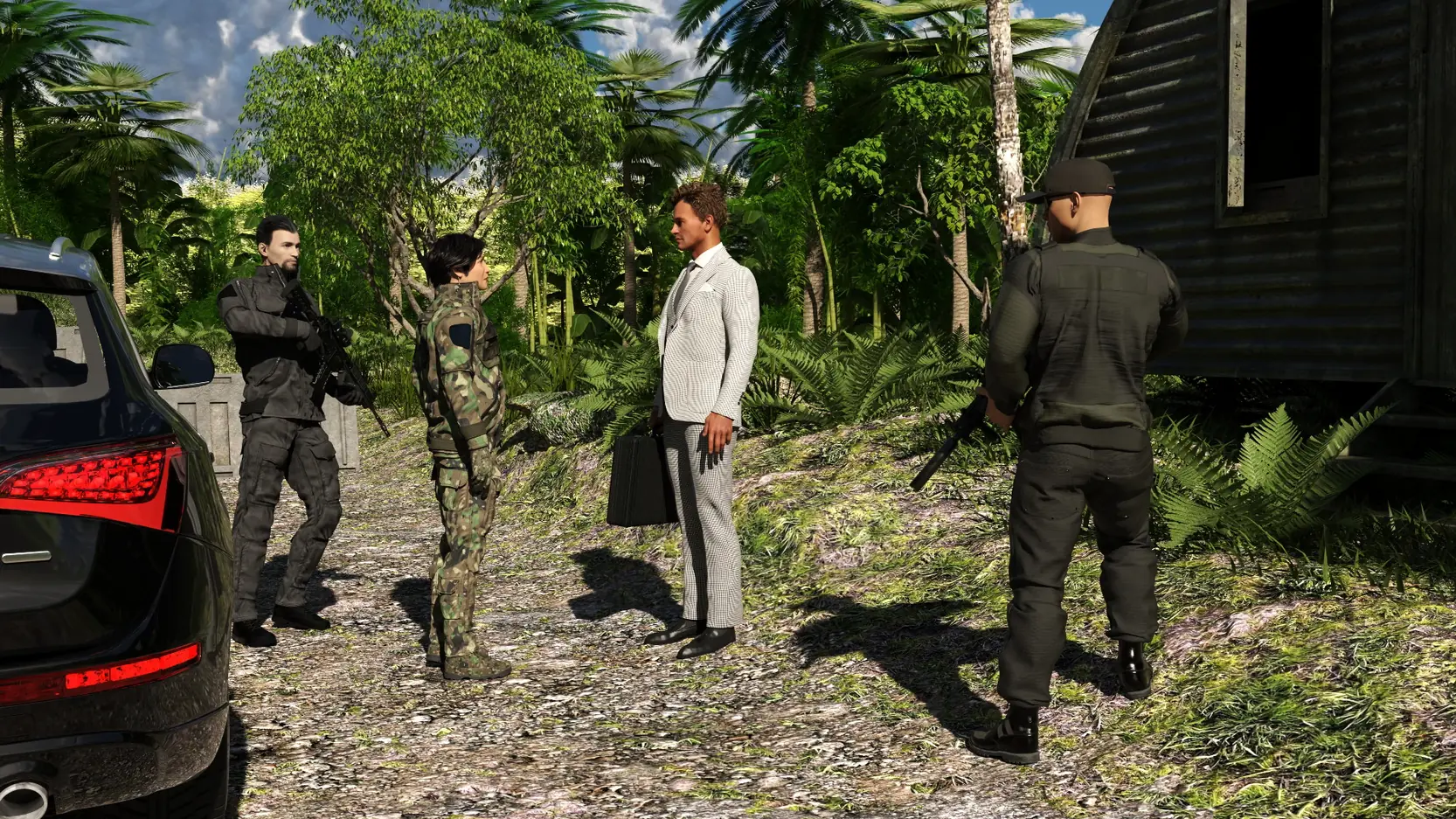
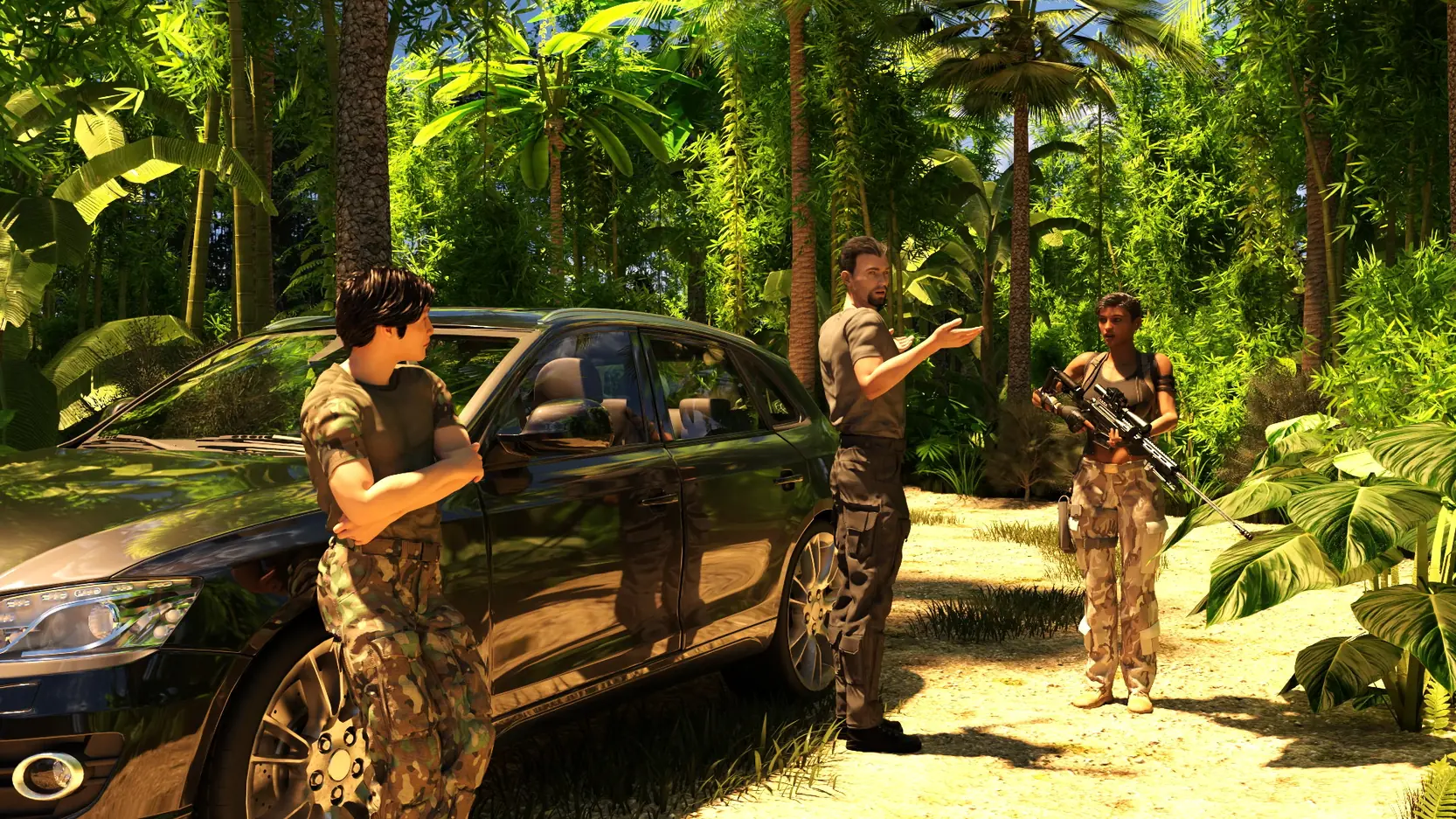
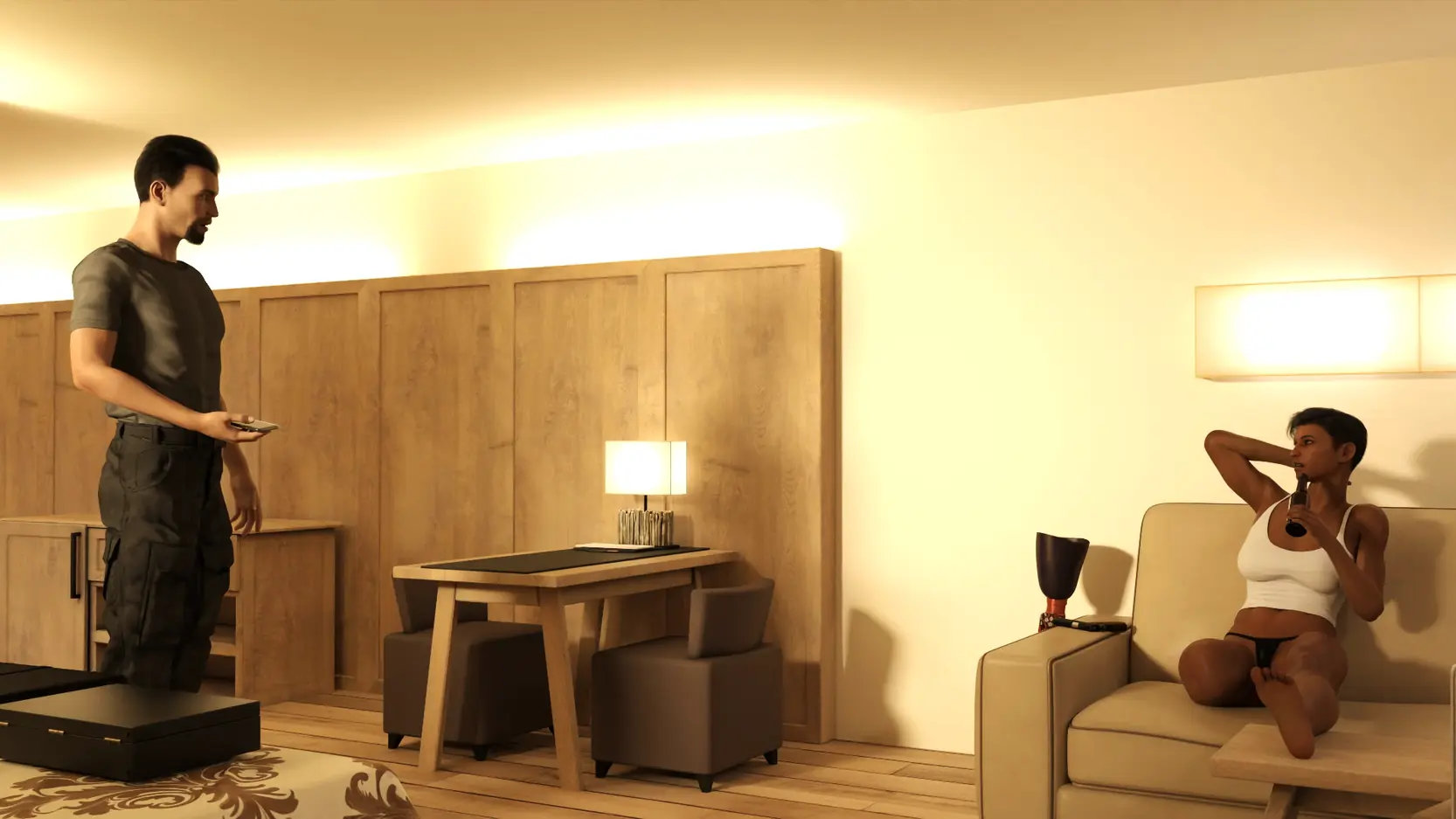
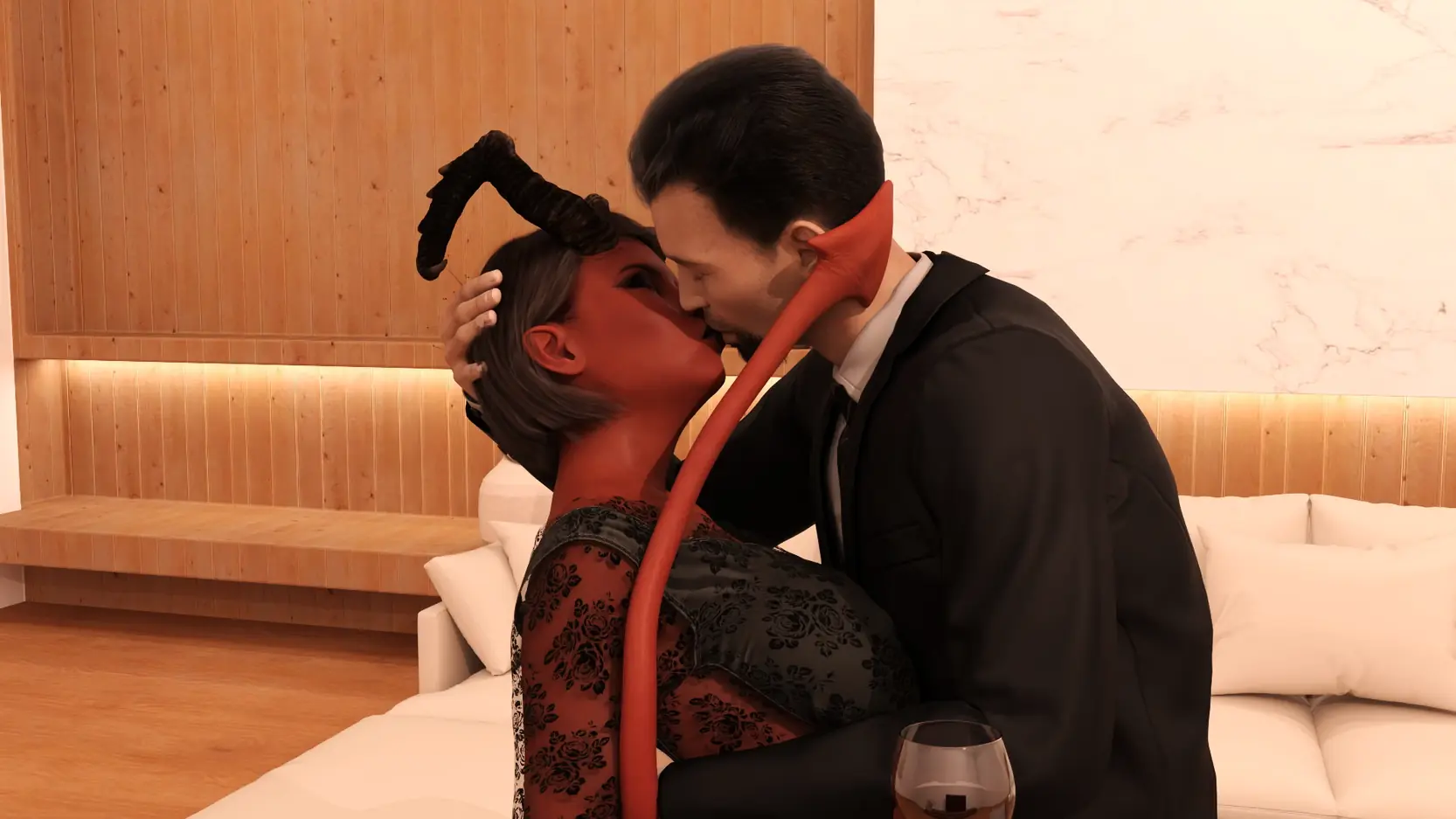
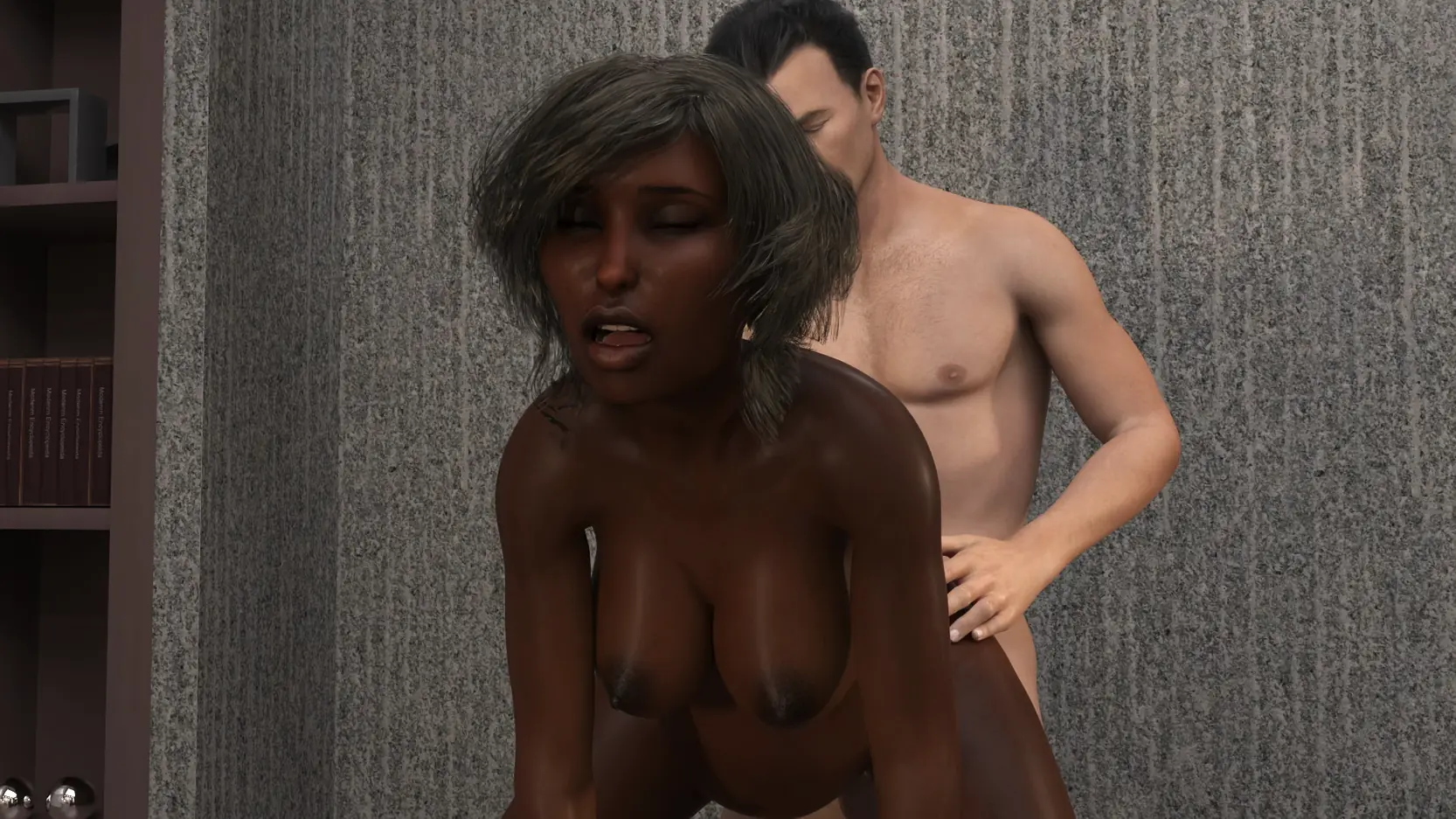
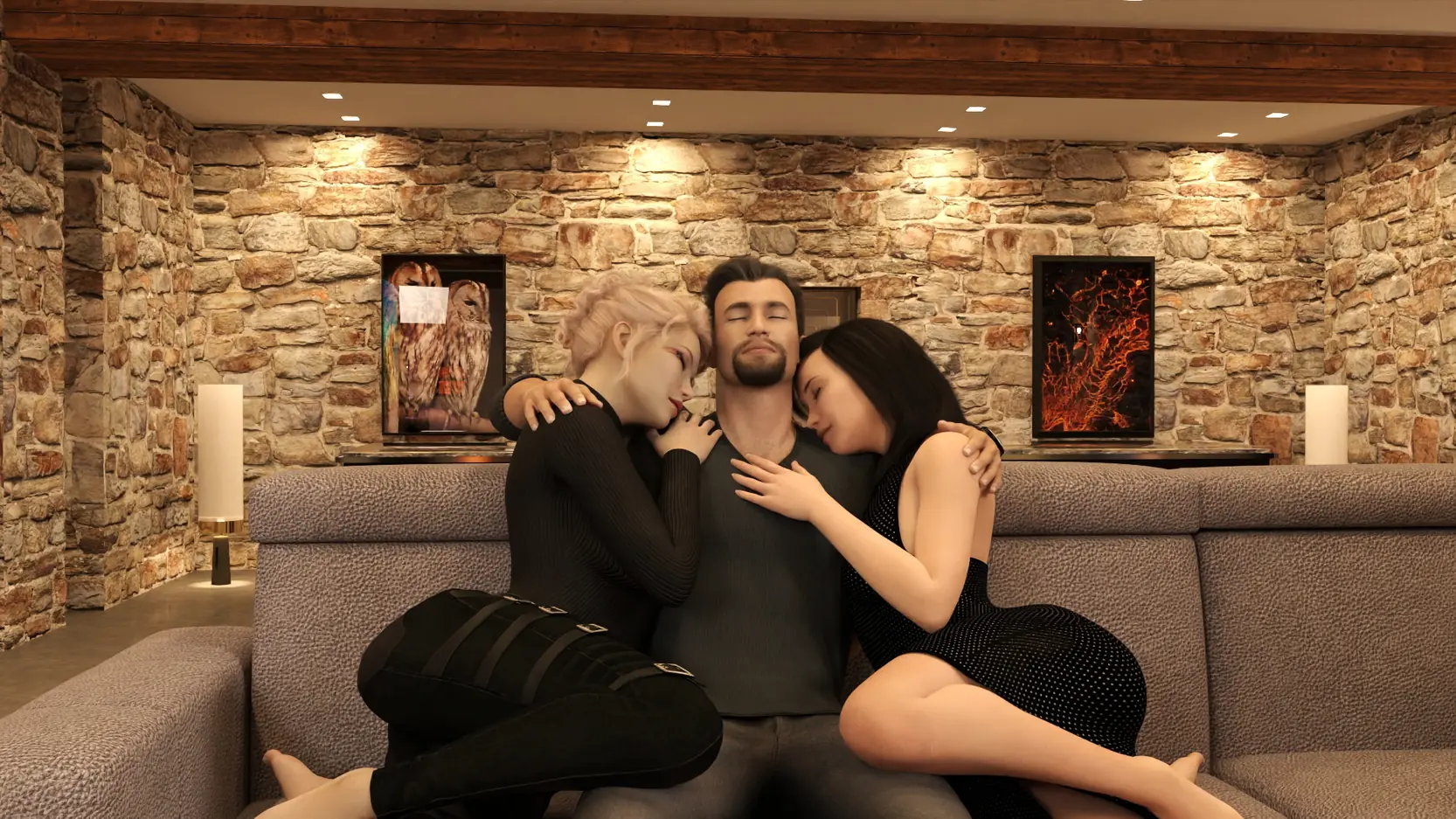
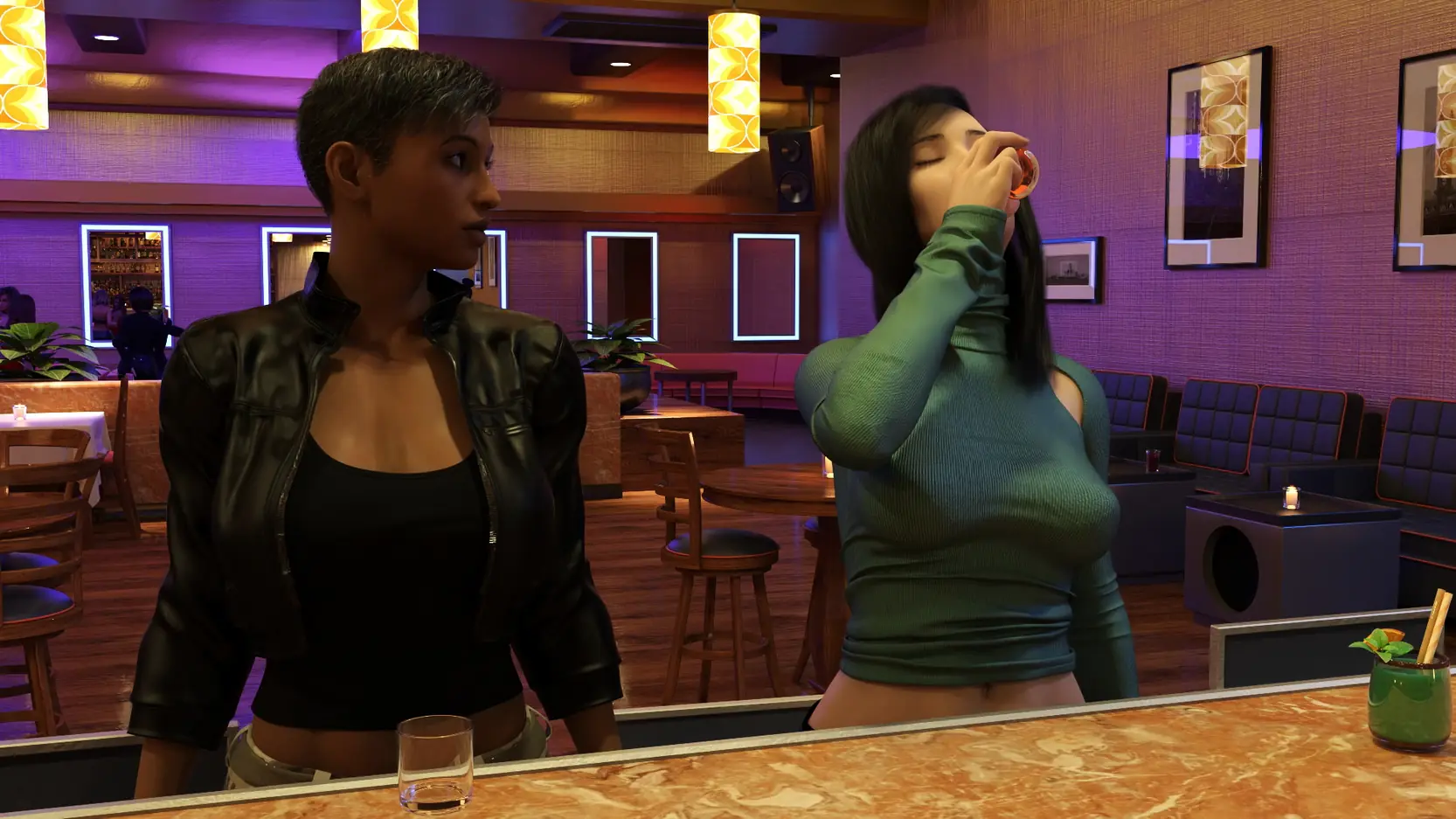
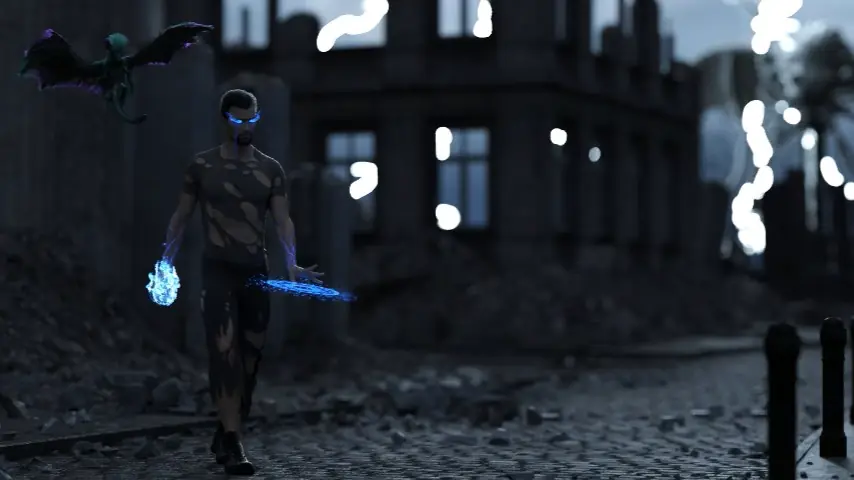
Game Description:
Sequel to Sorcerer.
…Sorcerer 2: The Sorcering….2 magical 2 sorcery….
- Extract and run.
- 463 Renders
- One hidden image
- Grammar, spelling, and other fixes (Thanks to Adry, Shaddy, BryonSmothers3DX, Horny Toad, Oaiki, Soterius, Digitalzig, OBE, Jaike, DocWhoJ, eddie5)
- Dual Core Pentium or equivalent Processor.
- Intel HD 2000 or equivalent Graphics.
- 2.18 GB of free disk space (Recommended to have twice as much free disk space than this).
Sorcerer 2 - Ongoing - v.0.11.0 Links And Mirrors
About The Game: Sorcerer 2 is a porn game made on Ren'Py game engine. This game is rated M and meant for adults with explicit contents and strong language. It is advised to read the tags to get an idea about the game. The current available version is v.Sorcerer 2. THe contents of the game is Uncensored. Sorcerer 2 is developed and distributed by Talothral, Please support Talothral if want the development of Sorcerer 2 game going or want to see more new games from them in future. The download links are crawled and gathered from various public sites. We do not host/modify or alter the contents. The uploader is responsible for the DMCA.
Sorcerer 2's latest build v.0.11.0 is available in Windows, MacOS, Linux, Android platforms and currently Ongoing. We last updated this game in June 28, 2026.
Sorcerer 2's latest build v.0.11.0 is available in Windows, MacOS, Linux, Android platforms and currently Ongoing. We last updated this game in June 28, 2026.
Walkthrough and Guide
Official Multi-Mod: FILEKNOT
Official Multi-Mod Installation:
PC: Unzip the mod and put the folder named "game" from the mod in your "Sorcerer-0.*.0-pc" folder. Overwrite files if required.
MAC: Unzip the mod -> Right-click your "Sorcerer" app -> Click "Show Package Contents" -> Open the "Contents" then "Resources" folders -> Hold the Option key and drag the folder named "game" from the mod to the "autorun" folder -> Click merge
Official Multi-Mod Features:
Official Multi-Mod Installation:
PC: Unzip the mod and put the folder named "game" from the mod in your "Sorcerer-0.*.0-pc" folder. Overwrite files if required.
MAC: Unzip the mod -> Right-click your "Sorcerer" app -> Click "Show Package Contents" -> Open the "Contents" then "Resources" folders -> Hold the Option key and drag the folder named "game" from the mod to the "autorun" folder -> Click merge
Official Multi-Mod Features:
- Adds an in-game walkthrough for the important choices.
- Adds a Scene Replay to the main menu.