
LIVING WITH VICKY
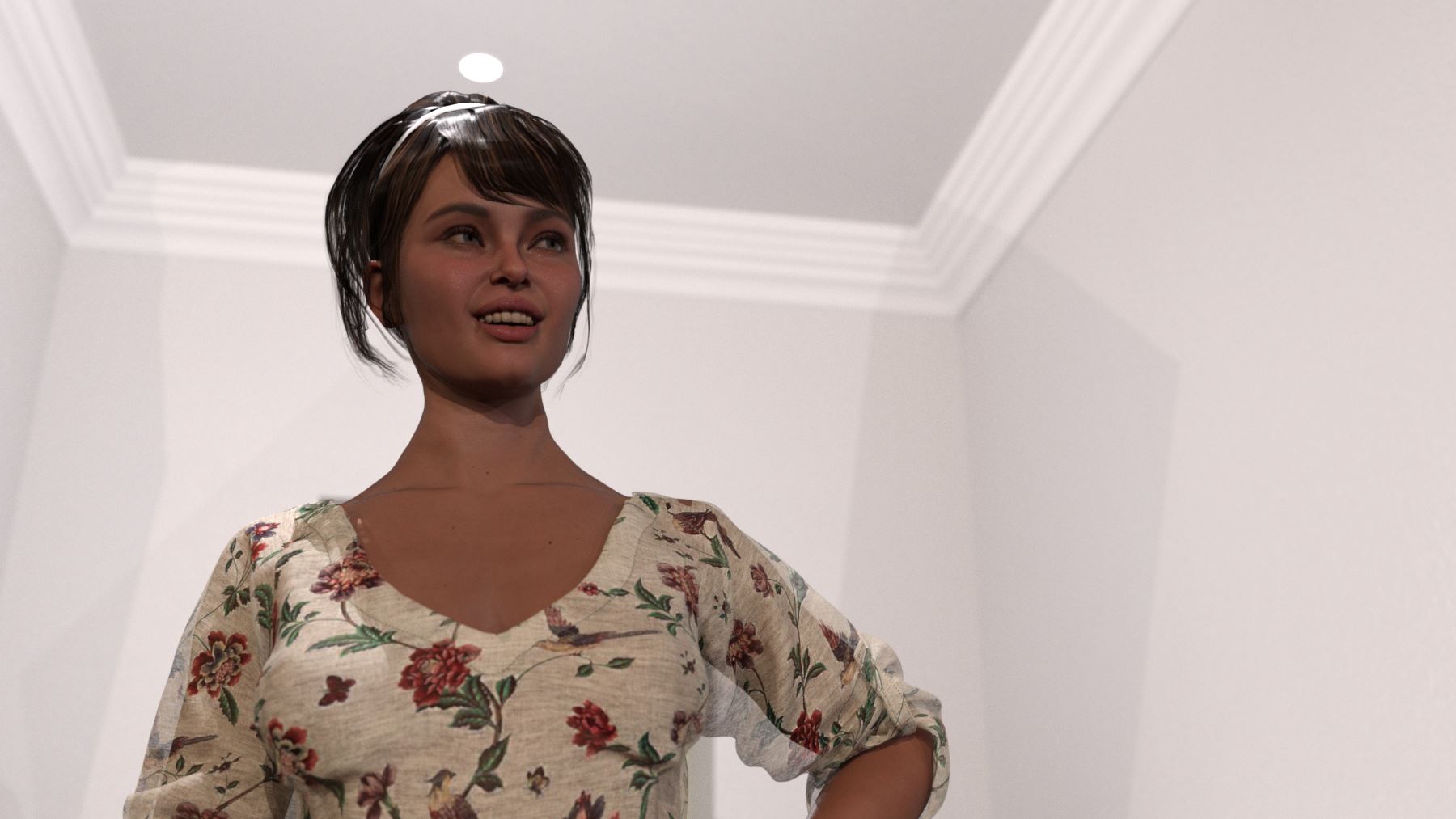

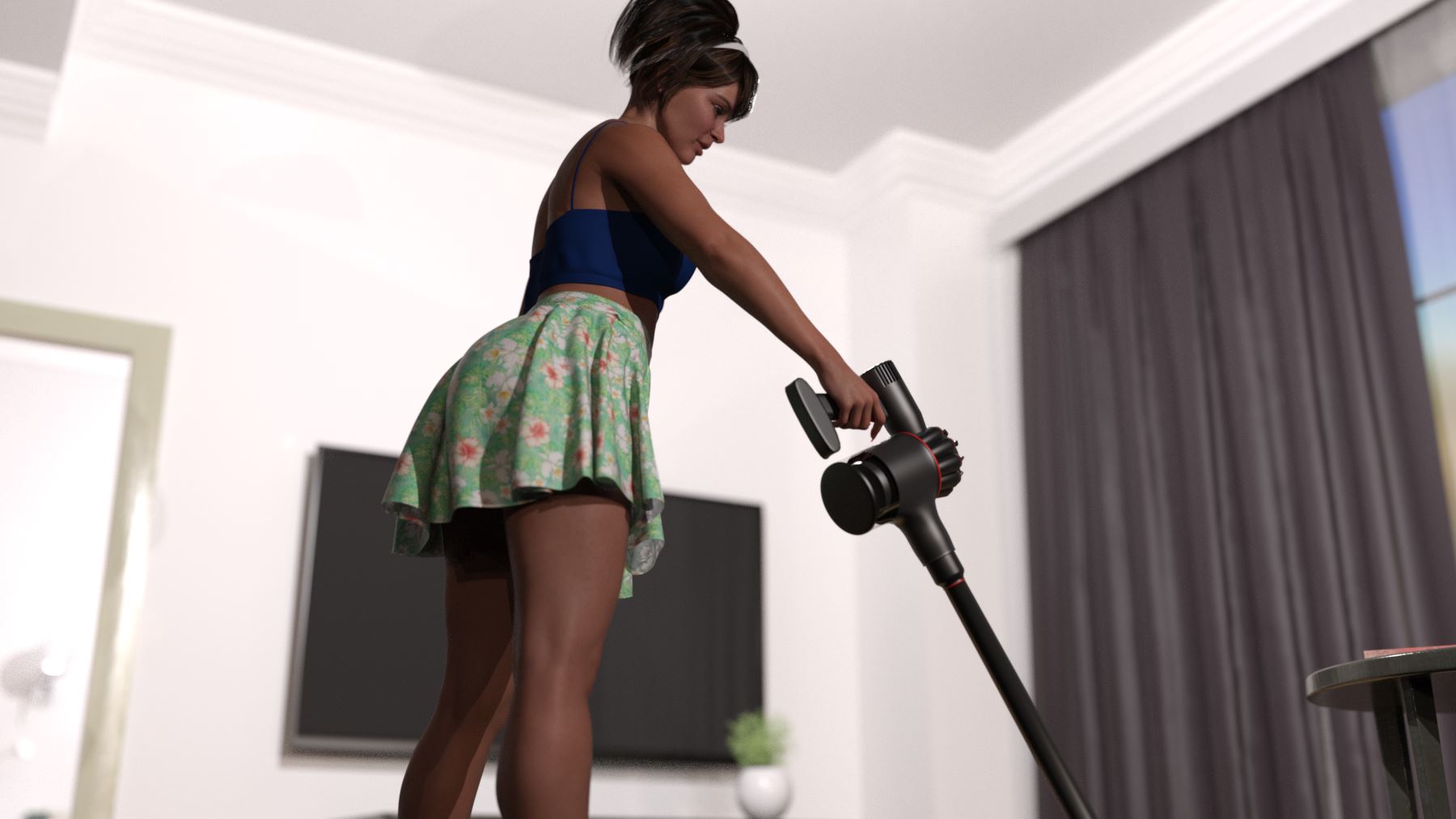
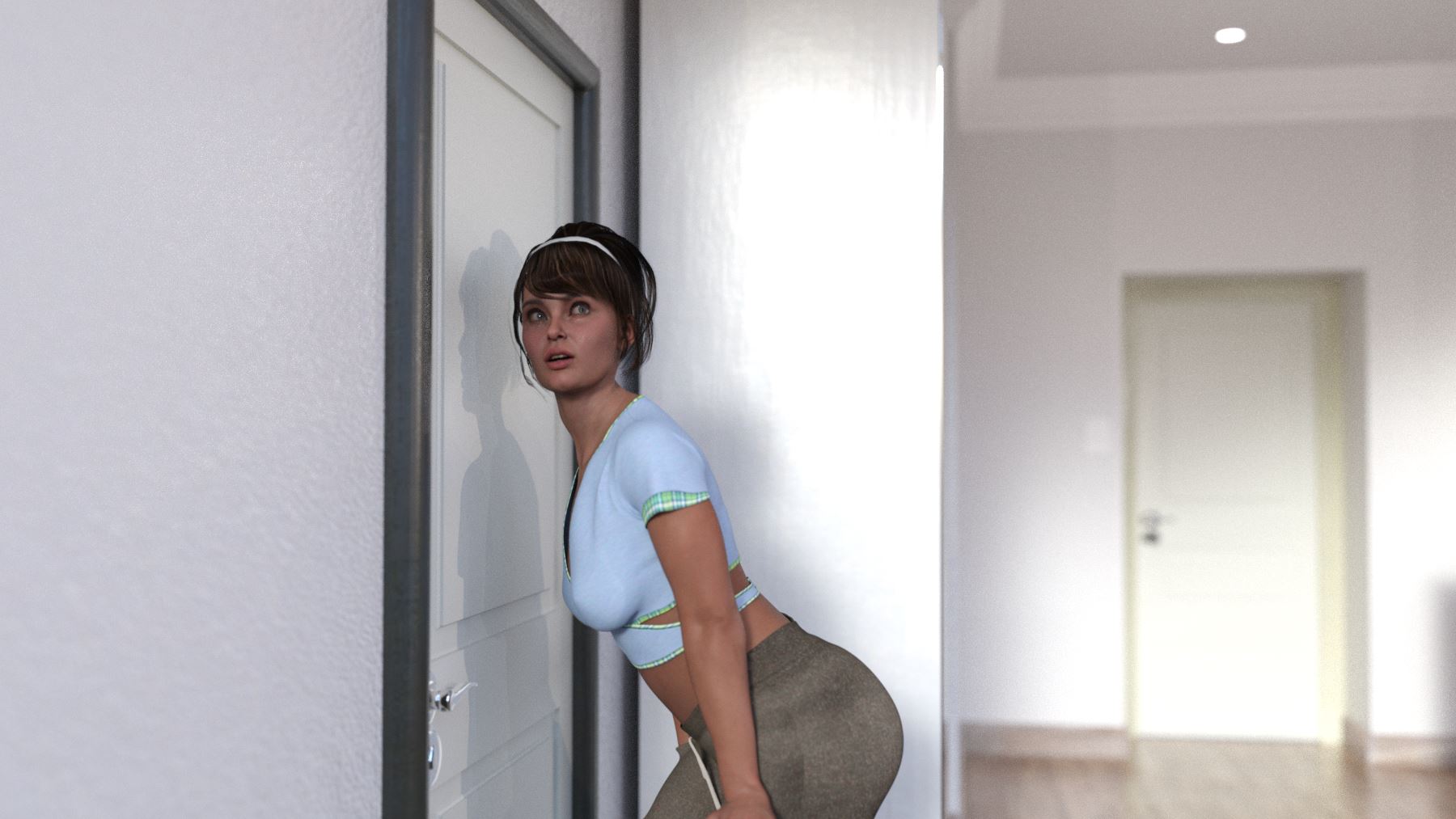
Game Description:
You and your mother settle into a new home left by your father in the divorce. Will you use this new change to bond with your mother or be a complete pervert.
- Extract and run.
- Dual Core Pentium or equivalent Processor.
- Intel HD 2000 or equivalent Graphics.
- 3.63 GB of free disk space (Recommended to have twice as much free disk space than this).
LIVING WITH VICKY - Ongoing - v.7.0 Links And Mirrors
About The Game: LIVING WITH VICKY is a porn game made on Ren'py game engine. This game is rated M and meant for adults with explicit contents and strong language. It is advised to read the tags to get an idea about the game. The current available version is v.LIVING WITH VICKY. THe contents of the game is Uncensored. LIVING WITH VICKY is developed and distributed by StannyStanny, Please support StannyStanny if want the development of LIVING WITH VICKY game going or want to see more new games from them in future. The download links are crawled and gathered from various public sites. We do not host/modify or alter the contents. The uploader is responsible for the DMCA.
LIVING WITH VICKY's latest build v.7.0 is available in Windows, MacOS, Linux platforms and currently Ongoing. We last updated this game in June 12, 2026.
LIVING WITH VICKY's latest build v.7.0 is available in Windows, MacOS, Linux platforms and currently Ongoing. We last updated this game in June 12, 2026.
Walkthrough and Guide
V2 Text Only: FILEKNOT - ANONZIP
Save Slot Fix v3a: FILEKNOT - ANONZIP
Save Slot Fix v4a-CEDRIC: FILEKNOT - ANONZIP
Save Slot Fix & Visual Improvements Installation:
-- Save slot fix v4a (For v4.0 Remake):
- Unzip, Copy : "screens.rpy" & "gui.rpy" into: .LIVINGWITHVICKYREMAKE-4.0-pcgame
- Play!
- Save slot fix v3a (For v2.0 & v3.0 Remake):
Unzip "Saveslotfix_v3a", copy : "screens.rpy" into: .LIVINGWITHVICKYREMAKEgame
-Play!
- Larger text (For v2.0):
unzip "V2_text_only", copy "gui.rpy" into :
.LIVINGWITHVICKYREMAKE-2.0-pcgame
How to apply the translation:
Just copy the "game" folder from the translation and paste it in the same location as the original "game" folder (where the game's .exe is).
How to choose the language:
To choose a language, simply press the shortcut Shift + K and a popup will open giving you the options to choose a language.
Before the Remake v0.6 Enhancement Mod: FILEKNOT - ANONZIP
Enhancement Mod Installation:
Extract to [somewhere on your disk]LivingwithVicky-0.6-pc and overwrite old files. (As usual, modified files have backup provided)
Before the Remake v0.7 Typo Fixes: FILEKNOT - ANONZIP
Typo Fixes Installation:
Extract them in ...LivingWithVicky-pc and overwrite the old files. (The original files are supplied)
Save Slot Fix v3a: FILEKNOT - ANONZIP
Save Slot Fix v4a-CEDRIC: FILEKNOT - ANONZIP
Save Slot Fix & Visual Improvements Installation:
-- Save slot fix v4a (For v4.0 Remake):
- Unzip, Copy : "screens.rpy" & "gui.rpy" into: .LIVINGWITHVICKYREMAKE-4.0-pcgame
- Play!
- Save slot fix v3a (For v2.0 & v3.0 Remake):
Unzip "Saveslotfix_v3a", copy : "screens.rpy" into: .LIVINGWITHVICKYREMAKEgame
-Play!
- Larger text (For v2.0):
unzip "V2_text_only", copy "gui.rpy" into :
.LIVINGWITHVICKYREMAKE-2.0-pcgame
How to apply the translation:
Just copy the "game" folder from the translation and paste it in the same location as the original "game" folder (where the game's .exe is).
How to choose the language:
To choose a language, simply press the shortcut Shift + K and a popup will open giving you the options to choose a language.
Before the Remake v0.6 Enhancement Mod: FILEKNOT - ANONZIP
Enhancement Mod Installation:
Extract to [somewhere on your disk]LivingwithVicky-0.6-pc and overwrite old files. (As usual, modified files have backup provided)
Before the Remake v0.7 Typo Fixes: FILEKNOT - ANONZIP
Typo Fixes Installation:
Extract them in ...LivingWithVicky-pc and overwrite the old files. (The original files are supplied)