Yuri University





Game Description:
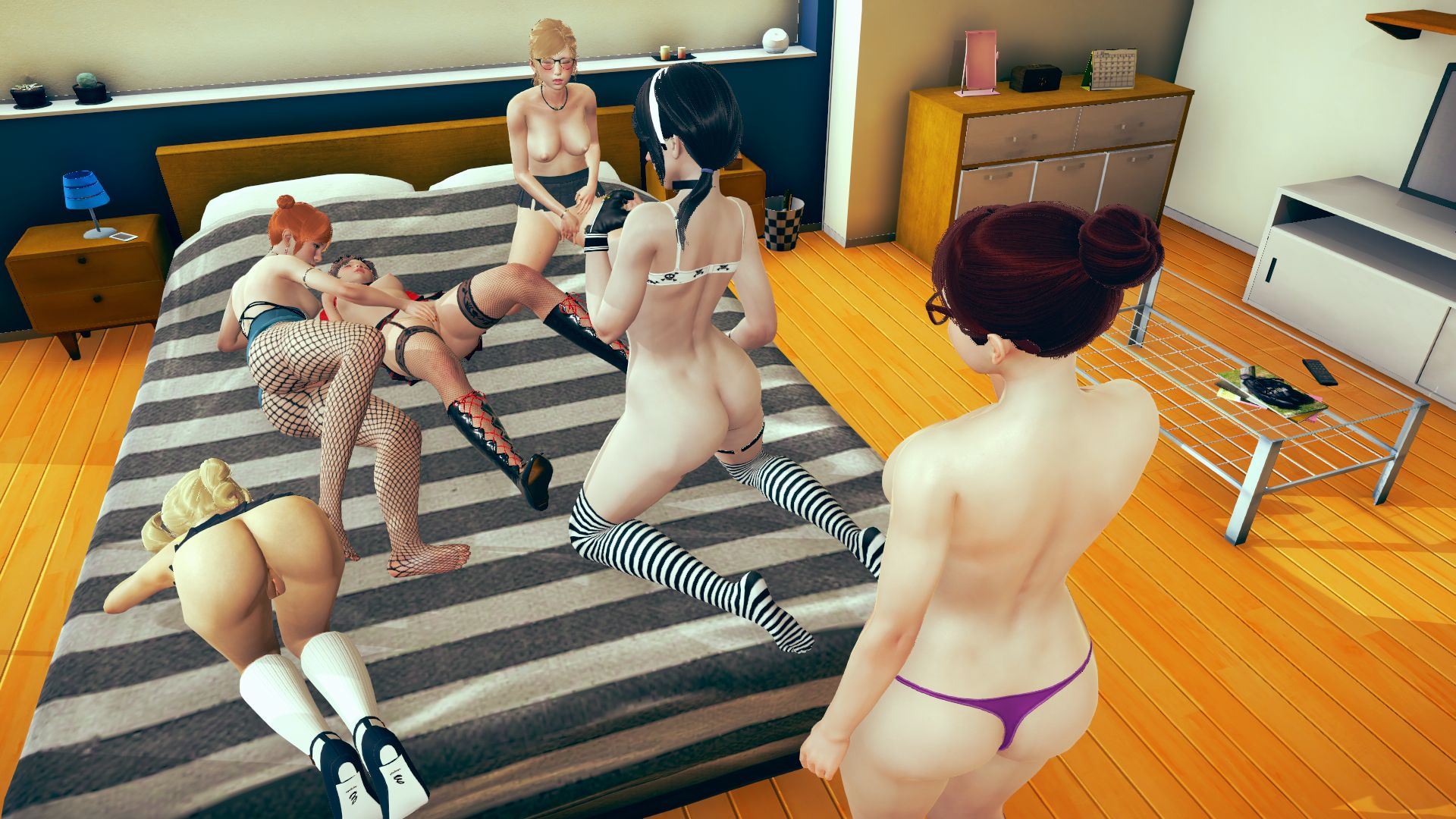
Yuri University is a sandbox, stat-managing style visual novel, with 5 main girls for you to get to know however you’d like, plus several side characters that you can seek out or encounter through random events.
- PC:
Unzip YuriUniversity-0.63-pc.zip.
Run YuriUniversity.exe. - Mac:
Unzip YuriUniversity-0.63-mac.zip.
Run YuriUniversity.app. - Android:
Install com.patreon.chekkingames-release.apk.
Run.
New content:
- Hannah scene 6 added.
- After reaching 100 affection, talk to her in her room when not in PJ’s.
- 196 images, 48 animations.
- If she’s not already your girlfriend, you’ll have another opportunity to make her so if you’d like.
- Once completed, you can unlock an animated bonus phone background from the objectives section of the phone guide.
- The librarian, Katie, has been added as a proper side character, with two new scenes available.
- After being offered a job in the library you can progress her story.
- The first new scene can be encountered in the library at any time.
- 18 images, 1 animation.
- After seeing the first new scene, the second can be seen in the library on an evening when no other character is there.
- 53 images, 4 animations.
- Added a new random event: the pop-up market.
- This can be encountered around campus on Sundays.
- A random category of items is chosen, and you can buy them at around a 50% discount.
- As this event is more focused on gameplay than content, it cannot be replayed from the replay gallery.
- Added mini buttons under each image in the phone background gallery to quickly make that pic your background or add it to your favourites.
- Added a favourites category to the background gallery, showing all the backgrounds you’ve added to favourites.
- Added next and previous buttons to the phone background viewing screen, allowing you to quickly scroll between unlocked pictures in that category.
- You can also use the keyboard left and right buttons to switch pictures.
- Added a slide-show button to the phone background viewing screen.
- This will start a slide-show of all unlocked pictures in the current category.
- The speed at which the next picture is shown can be adjusted in the preferences menu.
- Combine this with the new favourites category to view a slide-show of your favourite pics!
- Added a “reset random event encountered” convenience cheat.
- Updated Madeline’s replay gallery image with her correct hair and spelling of her name.
- Android only: recompressed all media files to reduce file size.
- Dual Core Pentium or equivalent Processor.
- Intel HD 2000 or equivalent Graphics.
- 6.21 GB of free disk space (Recommended to have twice as much free disk space than this).
Yuri University - Ongoing - v.0.68 Links And Mirrors
About The Game: Yuri University is a porn game made on Ren'Py game engine. This game is rated M and meant for adults with explicit contents and strong language. It is advised to read the tags to get an idea about the game. The current available version is v.Yuri University. THe contents of the game is Uncensored. Yuri University is developed and distributed by chekkin games, Please support chekkin games if want the development of Yuri University game going or want to see more new games from them in future. The download links are crawled and gathered from various public sites. We do not host/modify or alter the contents. The uploader is responsible for the DMCA.
Yuri University's latest build v.0.68 is available in Windows, MacOS, Linux, Android platforms and currently Ongoing. We last updated this game in May 12, 2026.
Yuri University's latest build v.0.68 is available in Windows, MacOS, Linux, Android platforms and currently Ongoing. We last updated this game in May 12, 2026.
Walkthrough and Guide
Gallery unlock: FILEKNOT - ANONZIP
Gallery unlock Installation:
Gallery unlock, to use download the file as a .rpy into the game's `game` folder (right click on the attachment, and select the save option)
Gallery unlock Installation:
Gallery unlock, to use download the file as a .rpy into the game's `game` folder (right click on the attachment, and select the save option)